CinePrint Studio
Film emulation PowerGrades and LUTs for Davinci Resolve, Adobe Premiere, Final Cut Pro, and more
Photometrically profiled from real 35mm motion picture film stock

Available as
Complete Collection:
All PowerGrades & LUTs
Davinci YRGB
PowerGrades
Davinci Color Managed
PowerGrades
LUTs
Create timeless, Unforgettable Visuals Using the organic color science of Classic Cinema

About
CinePrint Studio is a collection of film emulation PowerGrades & LUTs that allows filmmakers and colorists to accurately recreate authentic celluloid film looks.
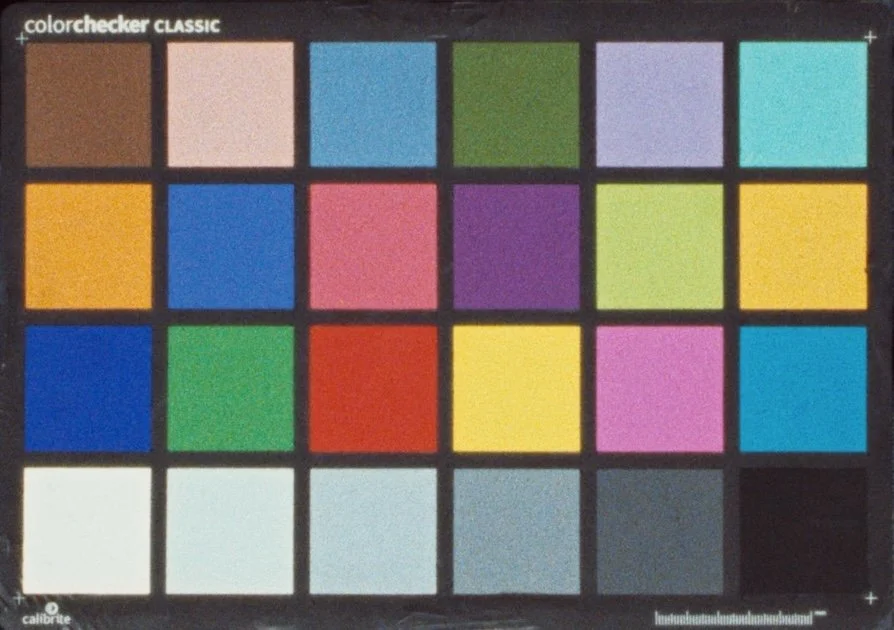
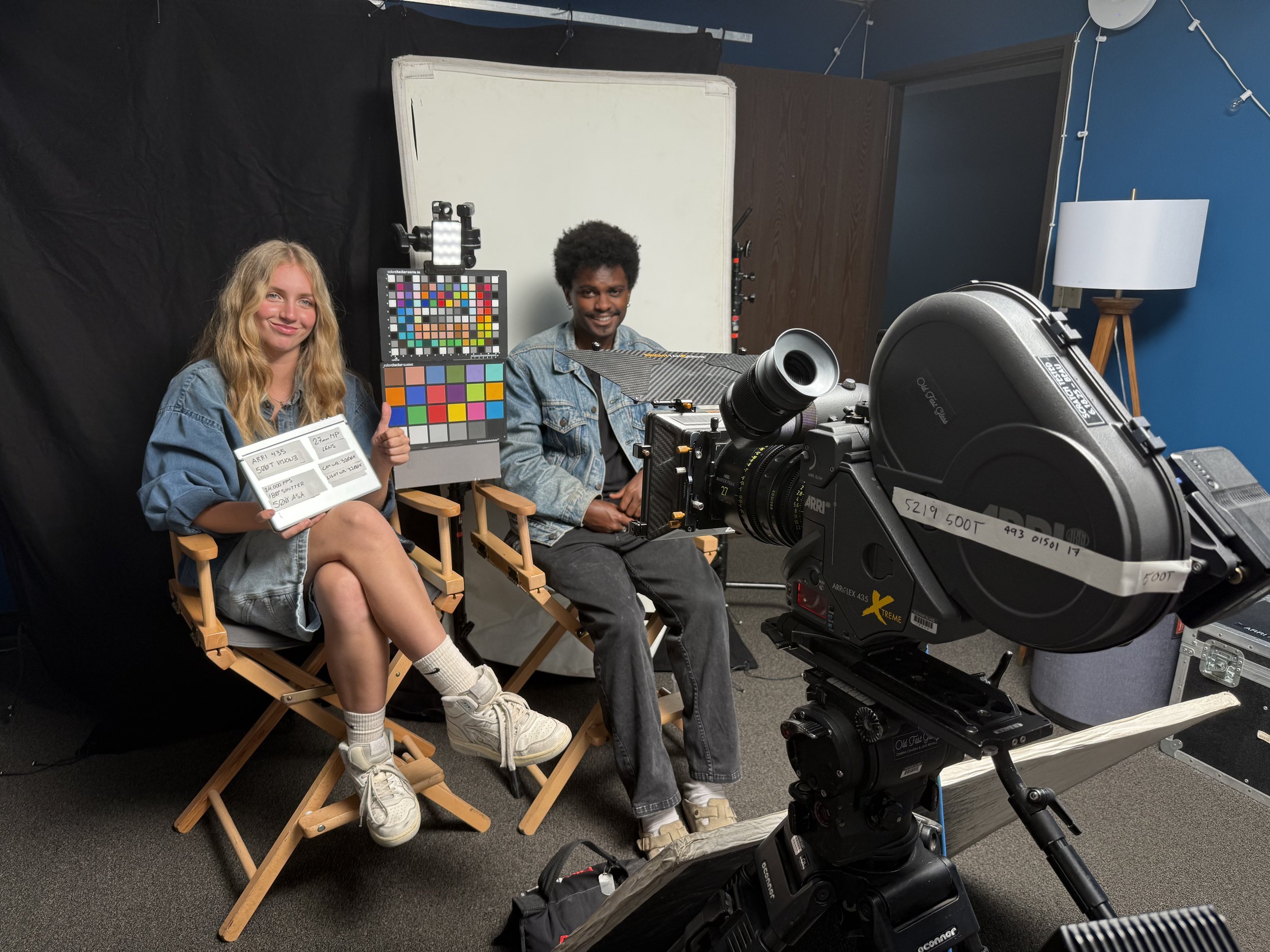
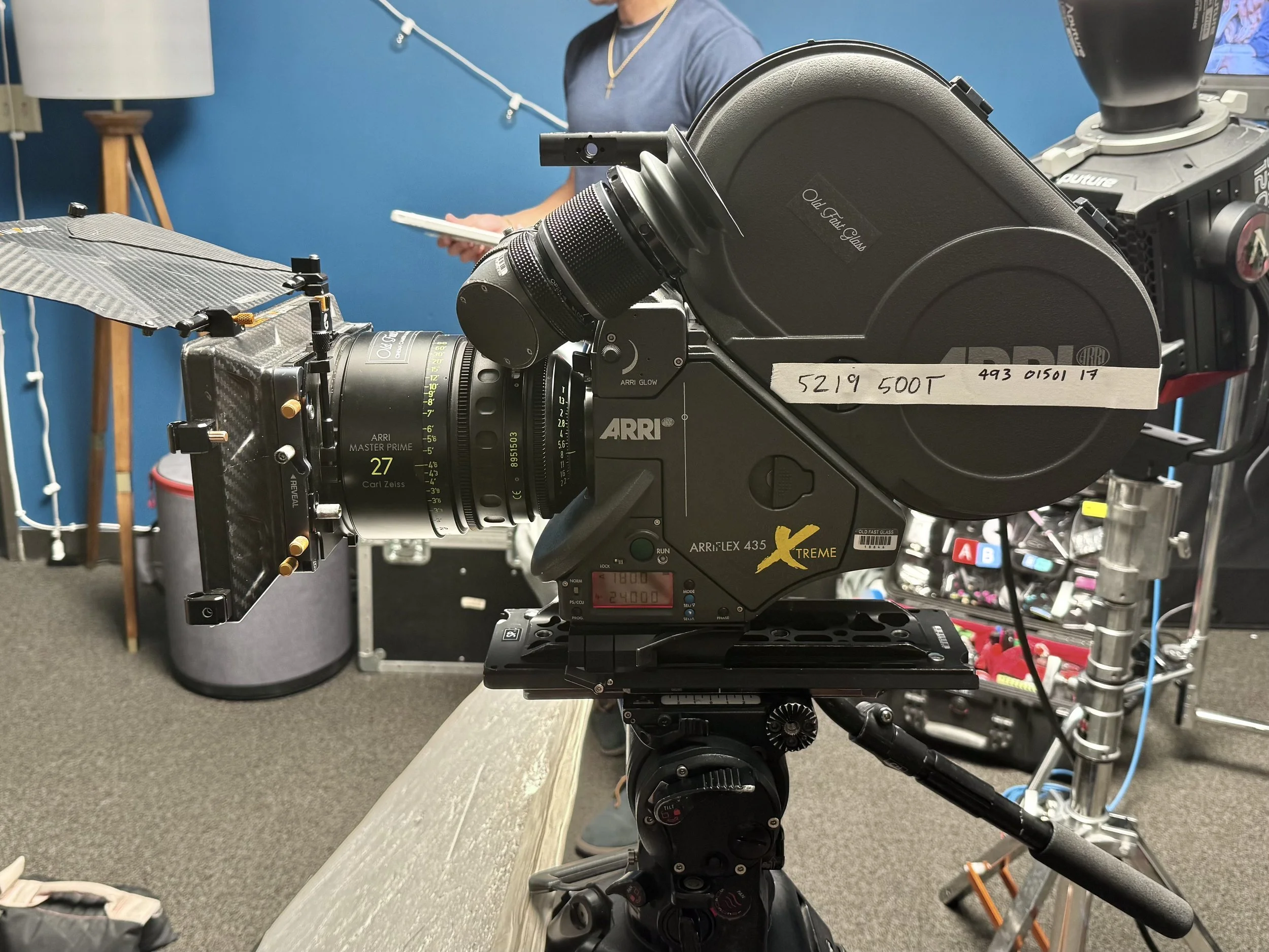
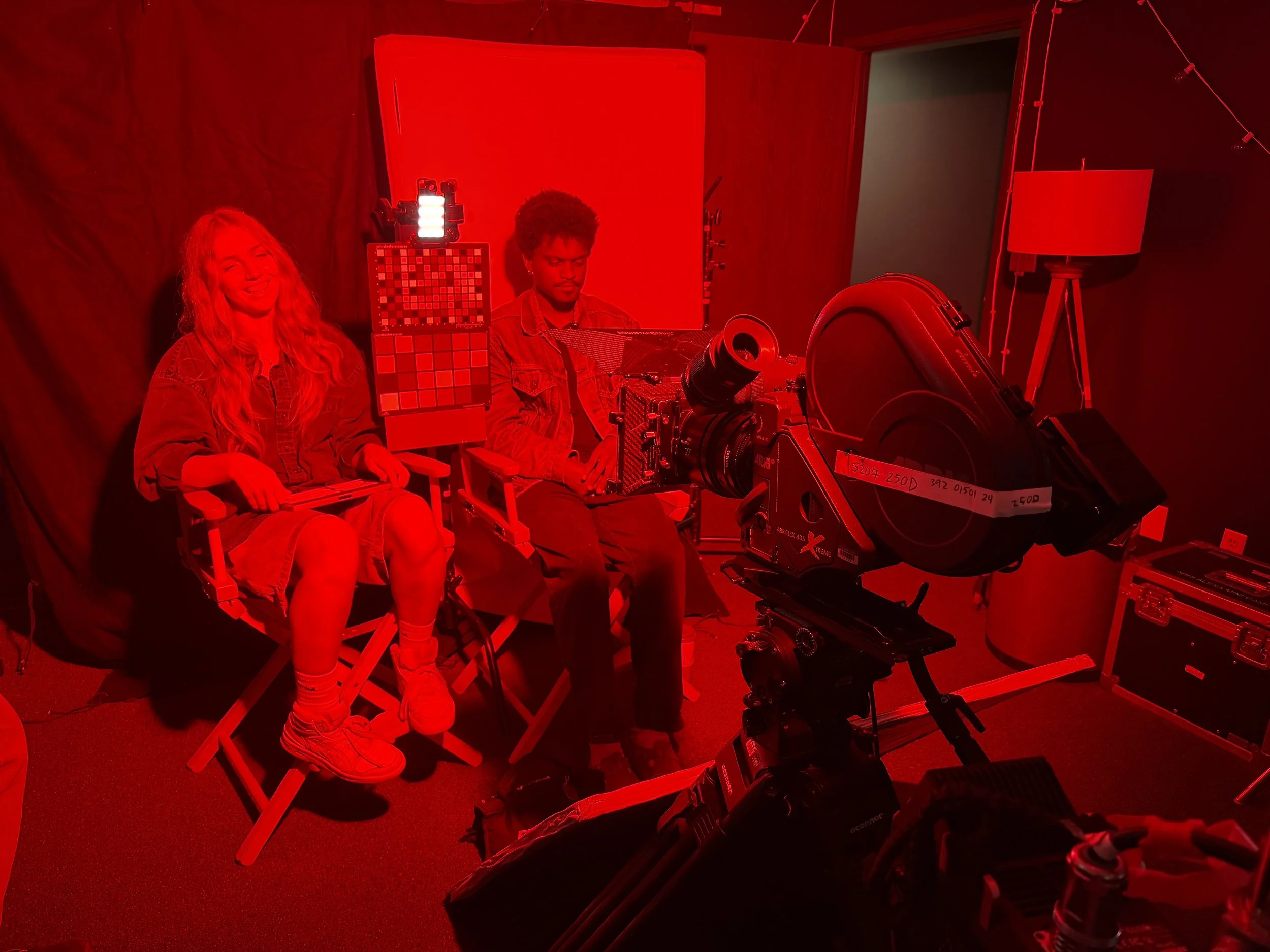
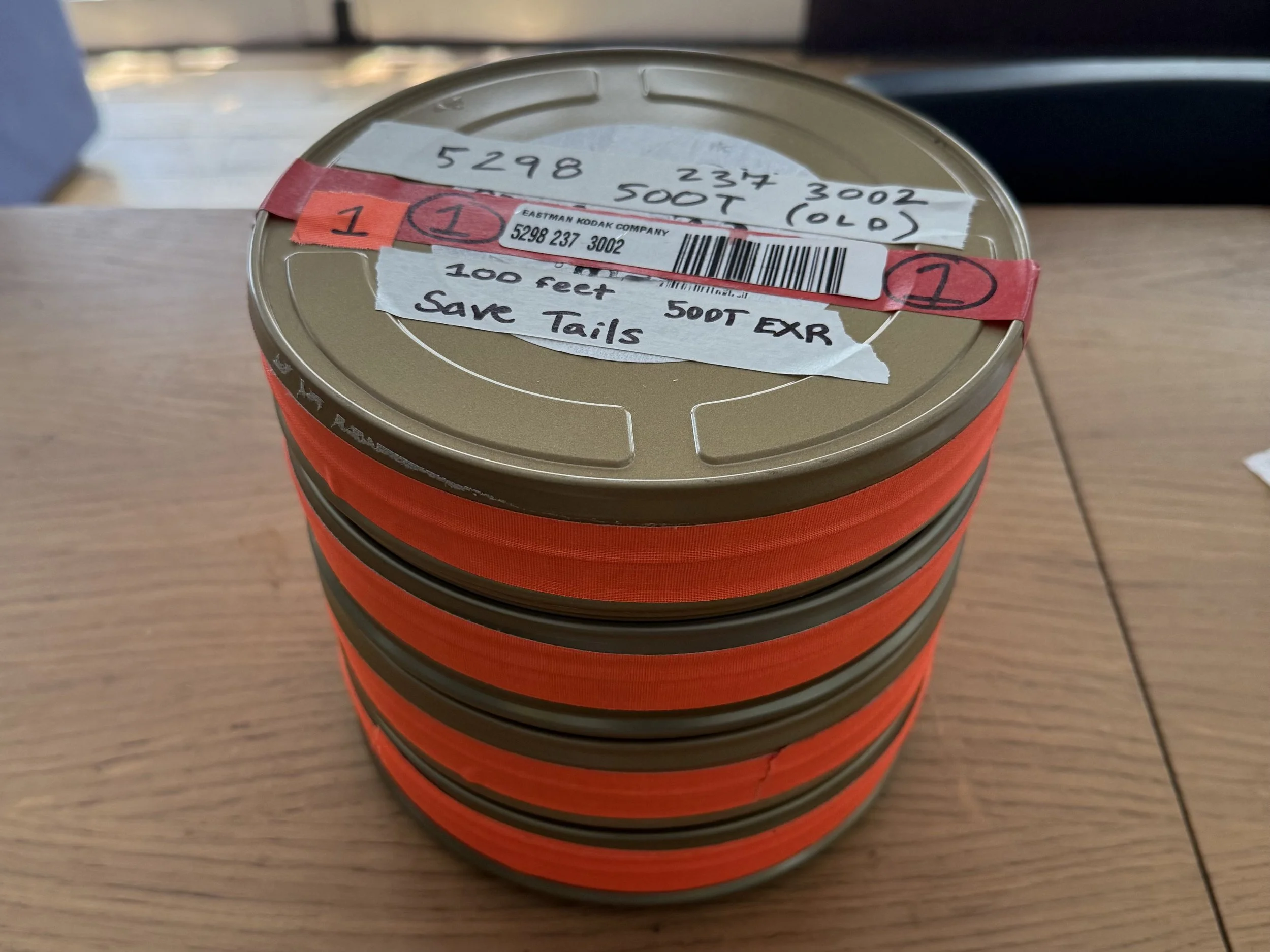
The film emulations were developed by Los Angeles based cinematographer Tom Bolles in an extensive camera test of various film stocks and digital cameras shot in August, 2025.
The PowerGrades come in .drx format for use in Davinci Resolve, while the LUTs are compatible with any software that supports the standard .cube LUT format, such as Adobe Premiere, Final Cut Pro X, Avid Media Composer, Davinci Resolve, and more.
Professional Film Emulation — Built by Filmmakers, For Filmmakers
Supported Cameras
Included are custom-tuned preset PowerGrades & LUTs for the following cameras & log profiles:
ARRI LogC3 cameras
ARRI LogC4 cameras
iPhone Apple Log
iPhone Apple Log 2
Sony S-Log3 cameras
Blackmagic Design Film Gen5 cameras
RED IPP2 Log3G10 cameras
Fuji F-Log cameras
Fuji F-Log2 cameras
Fuji F-Log2C cameras
Nikon N-Log cameras
Canon C-Log cameras
Canon C-Log 2 cameras
Canon C-Log 3 cameras
Panasonic V-Log cameras
DJI D-Log cameras
Also included are PowerGrades designed for:
Rec.709, non-log footage
Cameras not listed above are supported by the ‘OTHER CAMERA’ preset using Resolve’s Color Space Transform OFX.
Examples include: Sony S-Log2 with Sony S-Gamut and legacy Blackmagic color science
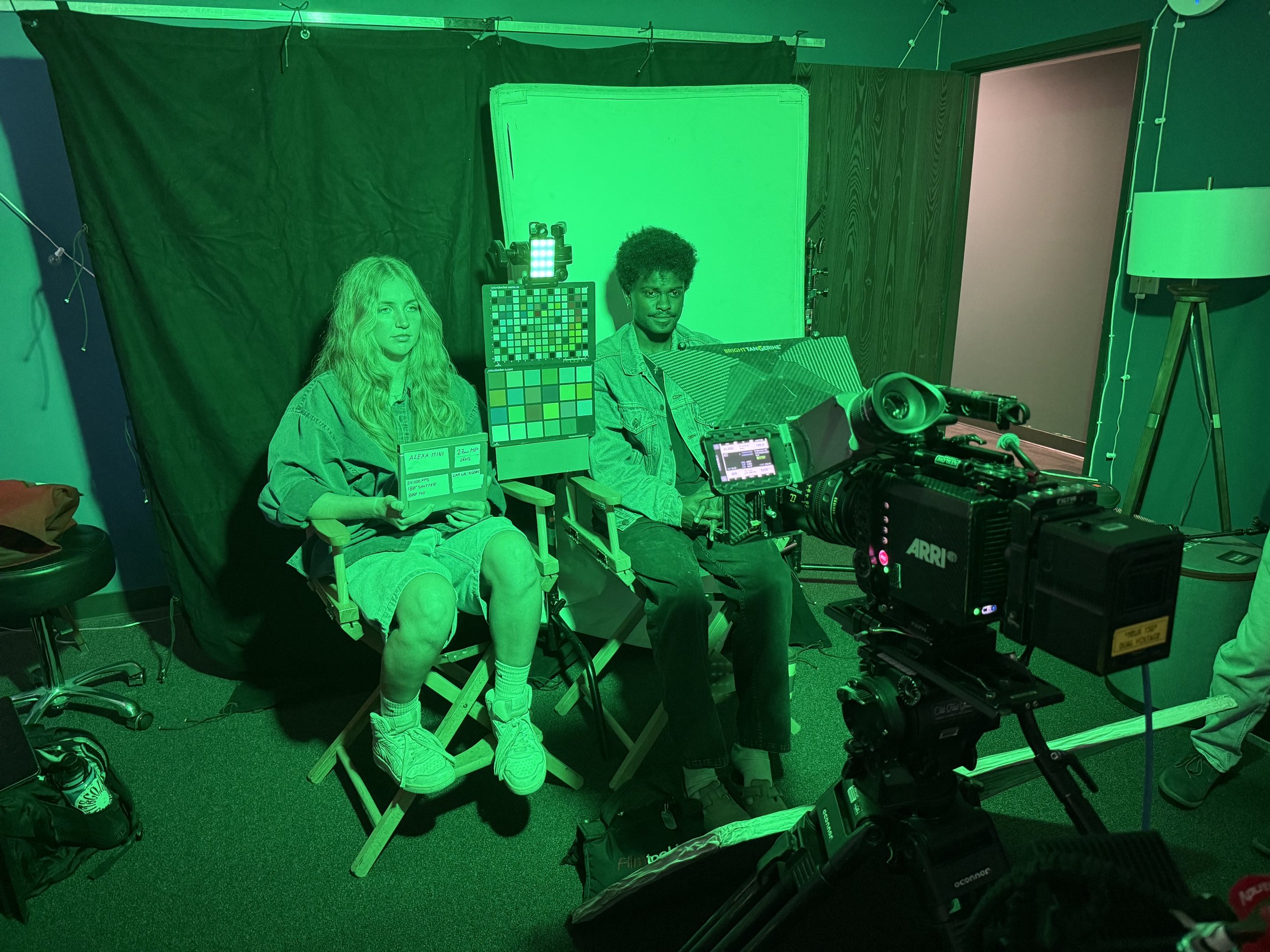
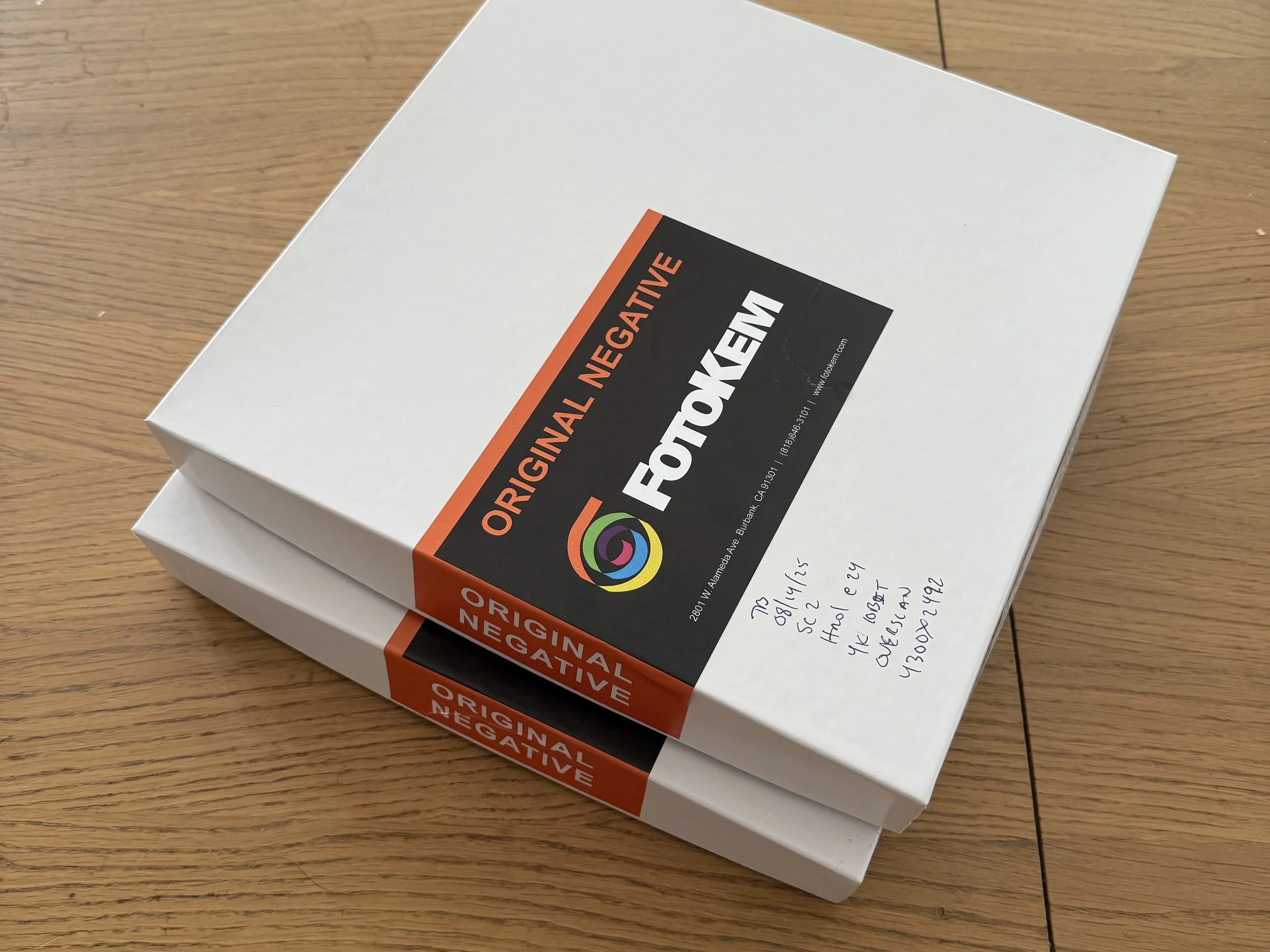
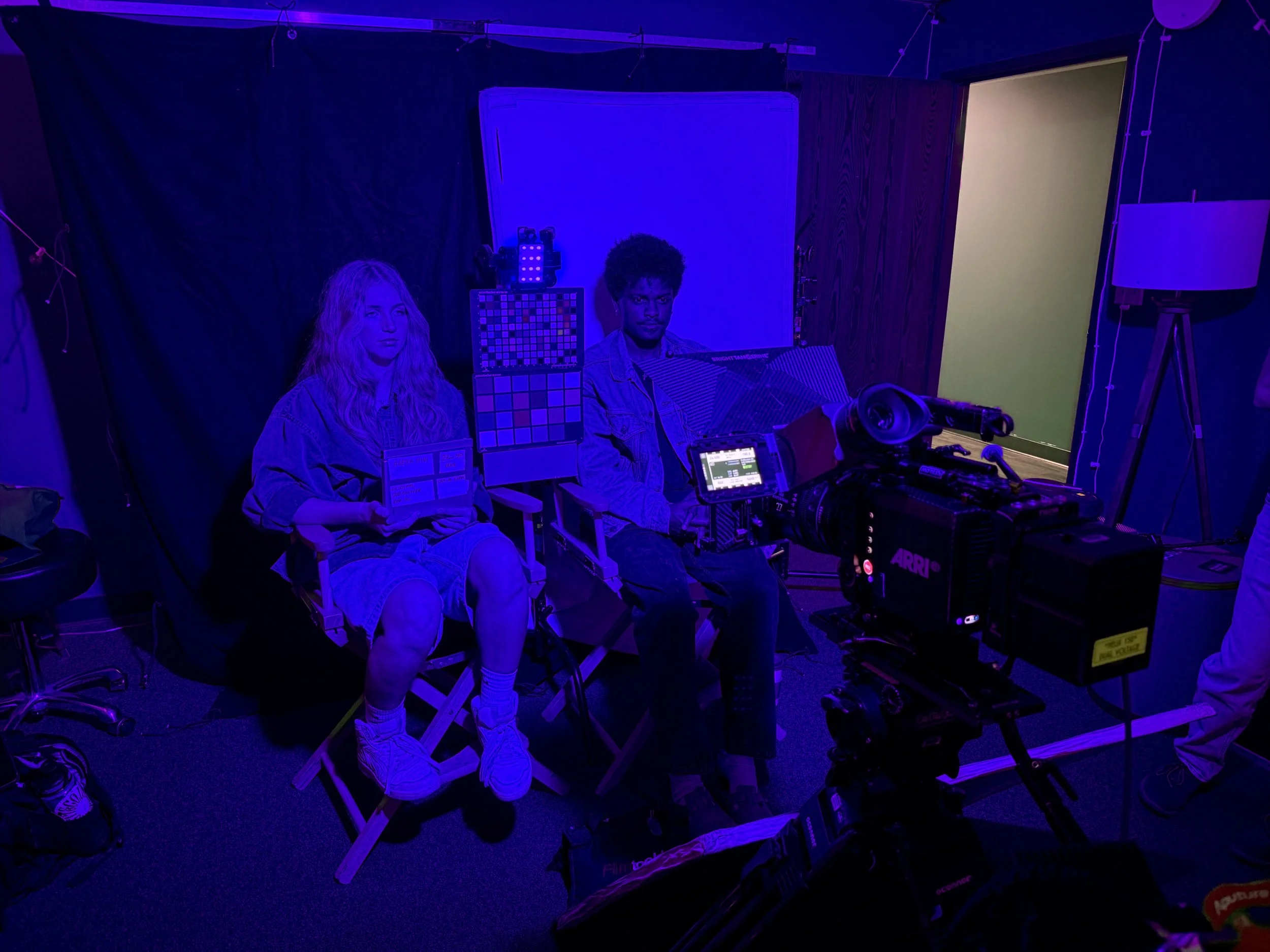
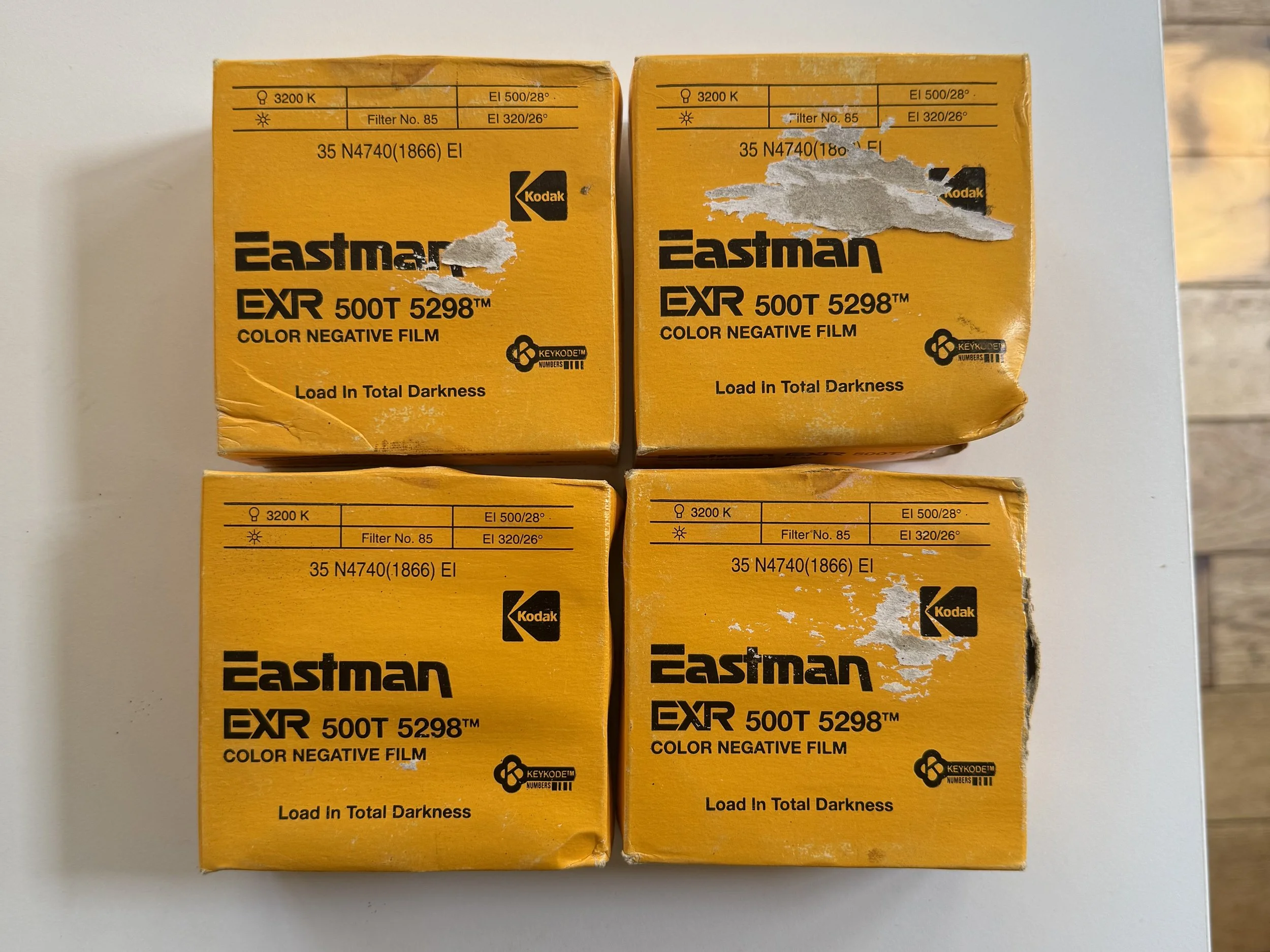
All of the film for CinePrint Studio was developed and scanned at Fotokem, the very same film lab that all major productions shooting on film in Hollywood go to. Fotokem is the film lab used by many iconic movies still shooting on film such as: The Odyssey, One Battle After Another, Sinners, Oppenheimer, The Hateful Eight, Anora, Licorice Pizza, Once Upon a Time in Hollywood, Interstellar, and more. Using Fotokem as the film lab for CinePrint Studio ensures the photochemical & scanning color science of the emulations are of the highest, industry standard quality.
Compatibility
The PowerGrades are 100% native to Davinci Resolve. No additional plug-ins or resources required. They are compatible with the MacOS, Windows, and iPad versions of Davinci Resolve.
The LUT version is compatible with editing software like Adobe Premiere, FCPX, Avid, and more.
The YRGB PowerGrades are designed for standard Rec.709 workflows.
The Color Managed PowerGrades enable use with HDR displays and workflows.
All the PowerGrades use DaVinci Wide Gamut / Intermediate timeline color space.
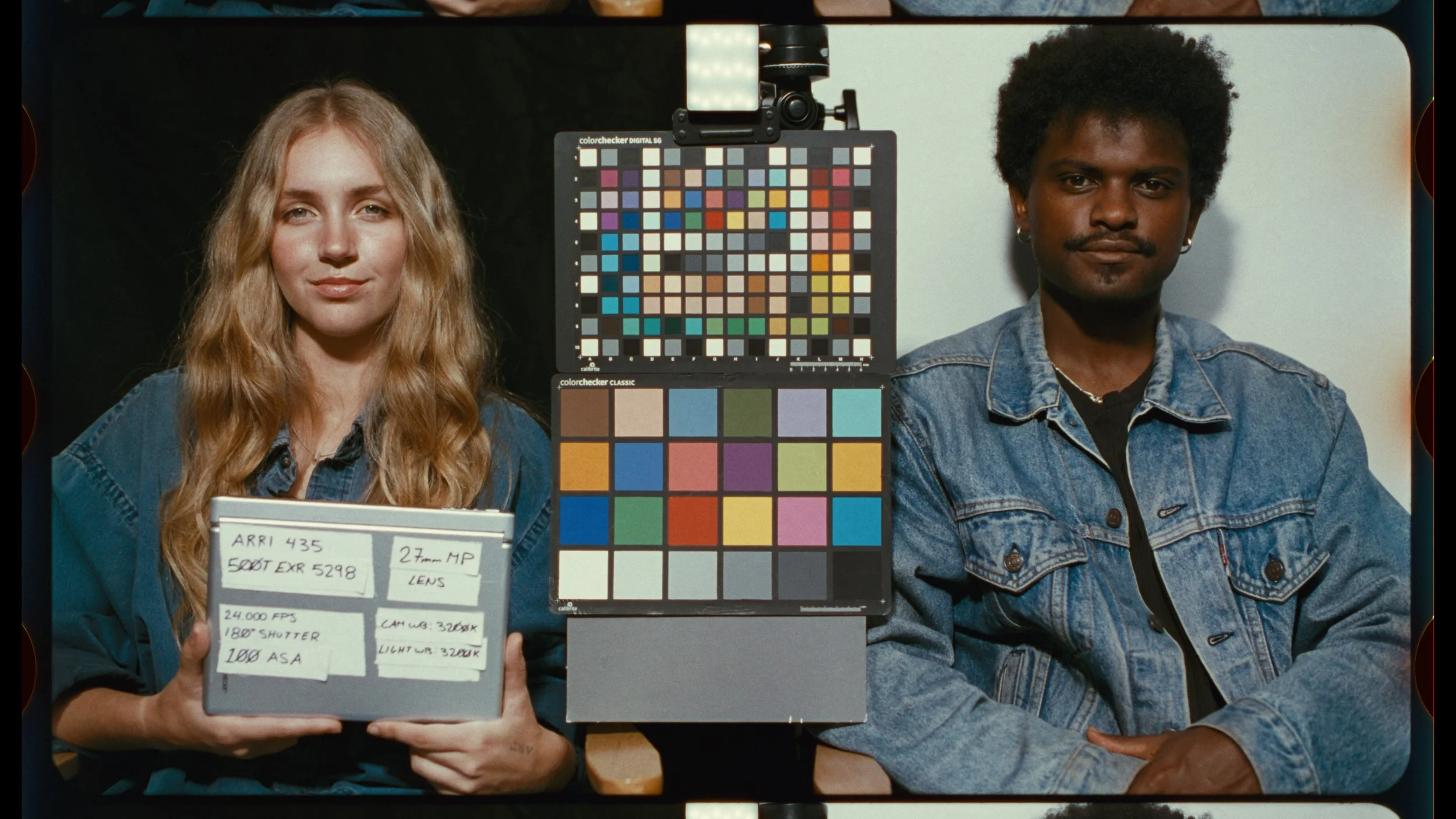
FILM STOCKS
CinePrint Studio comes with 12 main looks that were made from scans of 4 unique film stocks
The film stocks profiled were:
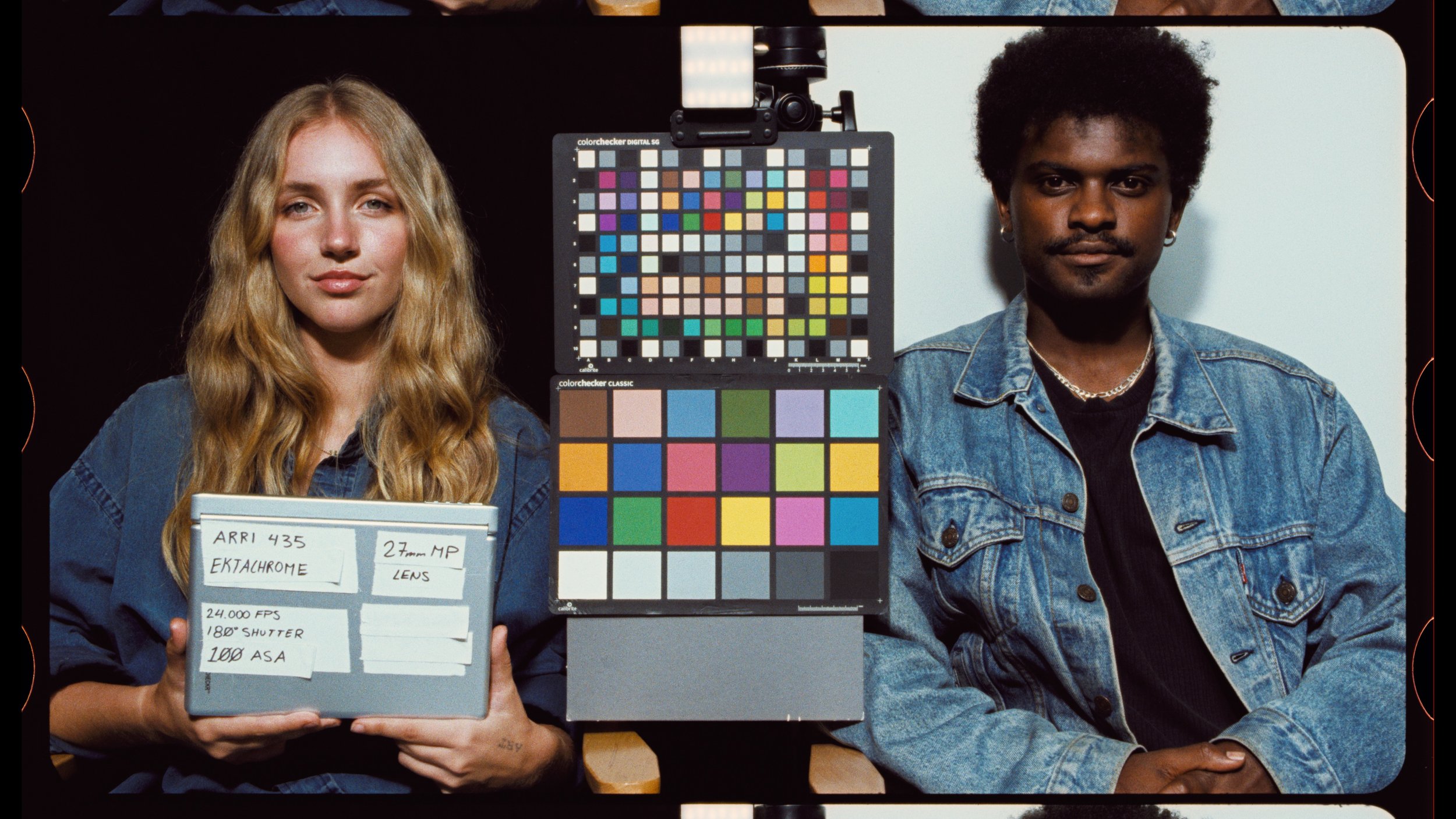
Kodak Ektachrome 100D 5294 35mm
Kodak EXR 500T 5298 35mm
Kodak Vision3 500T 5219 35mm
Kodak Vision3 250D 5207 35mm
Ektachrome was first released in 1946 and EXR 500T in 1994. These classic films have vintage looks:
What You Get
The YRGB PowerGrade download comes with:
Ektachrome, EXR, 500T, and 250D film emulation PowerGrades for 16+ supported cameras & log profiles
Designed for standard Rec.709 viewing & display
Implements textural features like halation and grain. The node tree is fully customizable.
On Set Monitoring LUTs + User Guide PDF
The Color Managed PowerGrade download comes with:
Ektachrome, EXR, 500T, and 250D film emulation PowerGrades for 16+ supported cameras & log profiles
Support for HDR viewing & display
Implements textural features like halation and grain. The node tree is fully customizable.
On Set Monitoring LUTs + User Guide PDF
The LUT download comes with:
Ektachrome, EXR, 500T, and 250D film emulations in .cube LUT format for 16+ supported cameras & log profiles
Designed for standard Rec.709 viewing & display
Comes with x65 LUTs for color grading, and x33 LUTs for monitoring on set
LUTs cannot store textural features, so external solutions must be used for grain, etc.
On Set Monitoring LUTs + User Guide PDF
CinePrint Studio Ektachrome
Photometrically profiled from Kodak Ektachrome 100D film stock
After many years of being discontinued, this film stock was famously revived back into production by Kodak for use in the HBO series Euphoria. It is a high contrast reversal stock with a unique, rich color response. Just like the film pipeline used in Euphoria, the Ektachrome emulation in CinePrint Studio was cross processed as a negative in ECN-2 chemistry at Fotokem film lab in Los Angeles. This method of processing Ektachrome was also used on movies like Buffalo ‘66, Clockers, and Domino. CinePrint Studio has 2 Ektachrome profiles, providing distinct highlight rendering options for this high contrast stock.
-
![iphone apple log film emulation in Morocco color graded in Davinci Resolve]()
iPhone Apple Log footage
-
![Old lady sitting near window with cinematic film print LUT]()
Arri Alexa 35 LogC4 footage
-
![Fashion models against desert backdrop, soft cinematic lighting]()
Arri Alexa LogC3 footage
-
![Two boys in a school stairwell reading a book, bleach bypass or cross processed film look]()
(Ektachrome ALT) — Arri LogC3 footage
-
![Medium close up on man surrounded by foliage]()
Panasonic V-Log footage
-
![Man talking on phone in prison visitation with steely blue film color grade]()
Blackmagic Raw Gen 5 footage
-
![Children playing in a clear mountain lake in Germany, color graded with kodak ektachrome film emulation]()
Canon Log footage courtesy of Elise Schatz
-
![Portrait of woman with old Hollywood glamour lighting]()
Blackmagic Raw Gen 5 footage
-
![Beautiful mountain view in the Swiss Alps]()
Sony S-Log3 footage
-
![Tourists on a street in paris]()
Sony S-Log3 footage
-
![Man posing with red house in front of mountain]()
Fuji F-Log2C footage courtesy of Ethan Tran
-
![Man in suit color graded with cinematic Kodak Ektachrome film emulation]()
RED Log3G10 footage courtesy of Jack Grove
-
![Traditional Japanese Geisha woman in kimono color graded with Kodak Ektachrome film LUT]()
(Ektachrome ALT) — Blackmagic Gen 5 footage
-
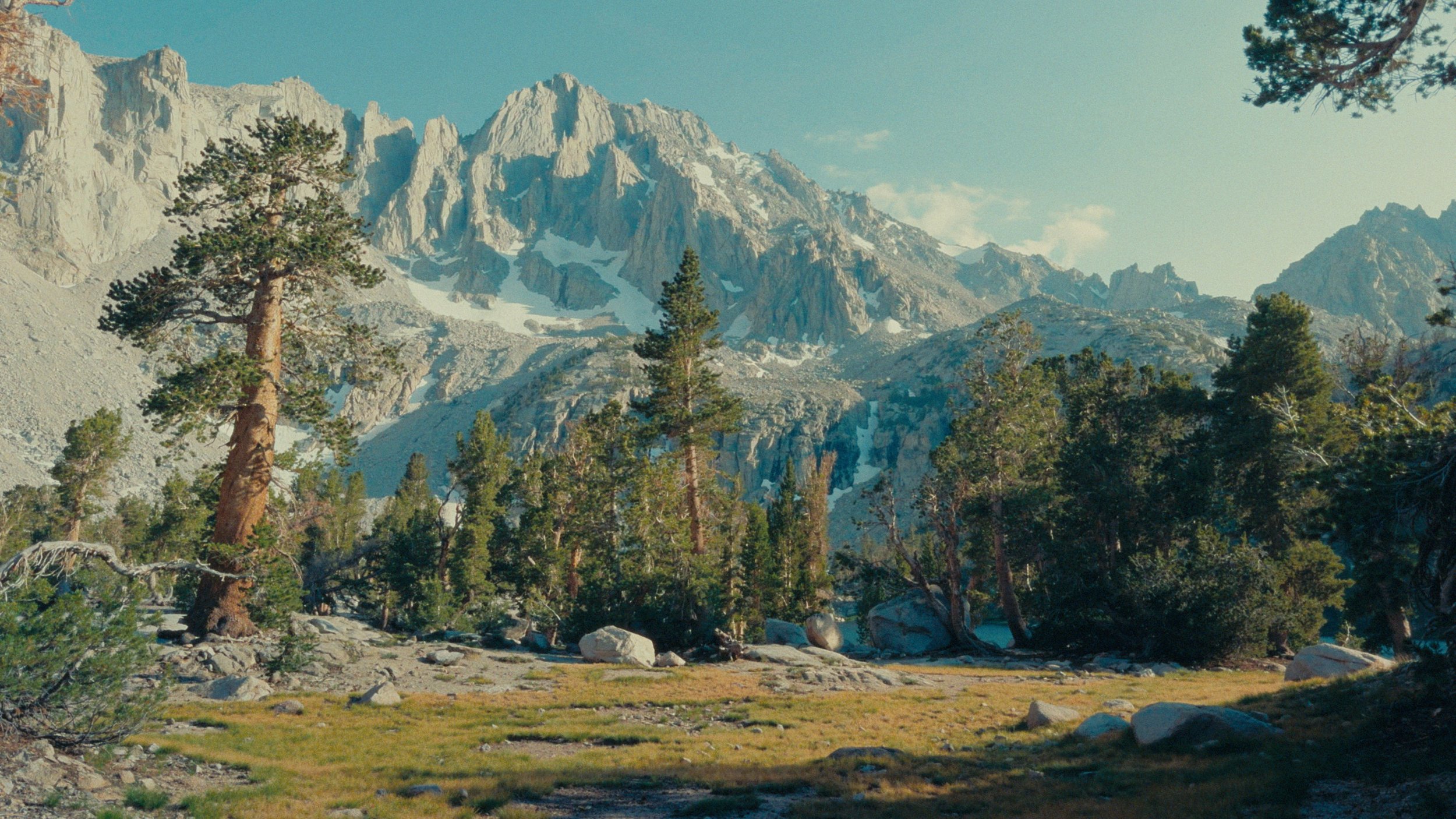
![Kings Canyon National Park view of Painted Lady Peak from Rae Lakes]()
iPhone Apple Log footage
-
![Young woman in yellow dress sitting in window]()
Sony S-Log3 footage
-
![Woman in fur coat in the mountains]()
Panasonic V-Log footage
-
![Woman in mime clothing in front of red curtain]()
Blackmagic Raw Gen 5 footage
-
![Cashier clerk in blue shirt]()
Arri Alexa LogC3 footage
-
![Two women standing next to vines and flowers]()
Sony S-Log3 footage
-
![Valencia Opera House]()
iPhone Apple Log footage
-
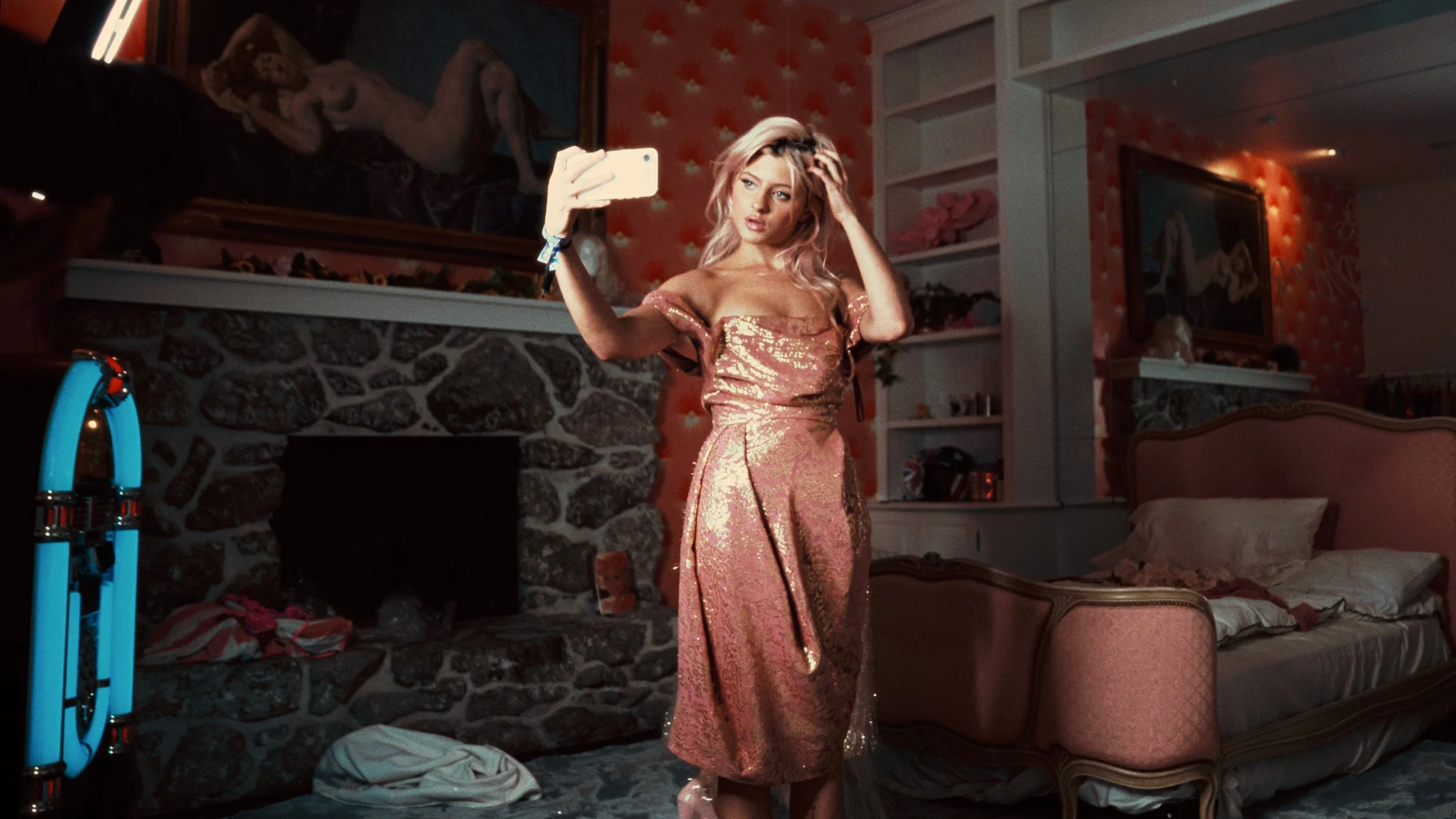
![Girl taking a selfie in pink bedroom]()
(Ektachrome ALT) — Sony S-Log3 footage
-
![Portrait of young woman colored with Kodak Ektachrome film emulation]()
Canon Log 2 footage courtesy of Gabe Sheets
-
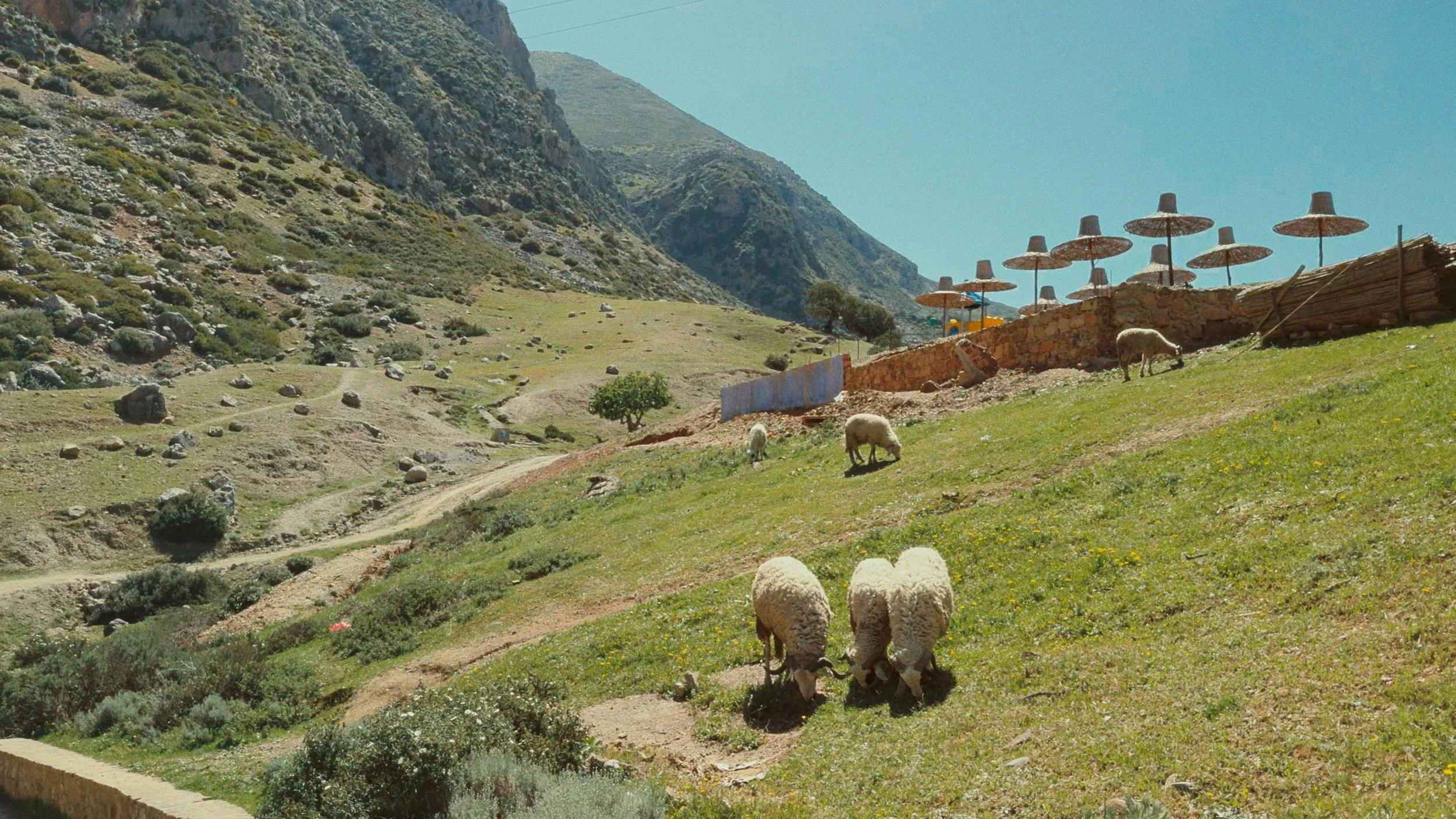
![Sheep in Morocco]()
iPhone Apple Log footage
-
![View of the Roman forum ruins]()
iPhone Apple Log footage
-
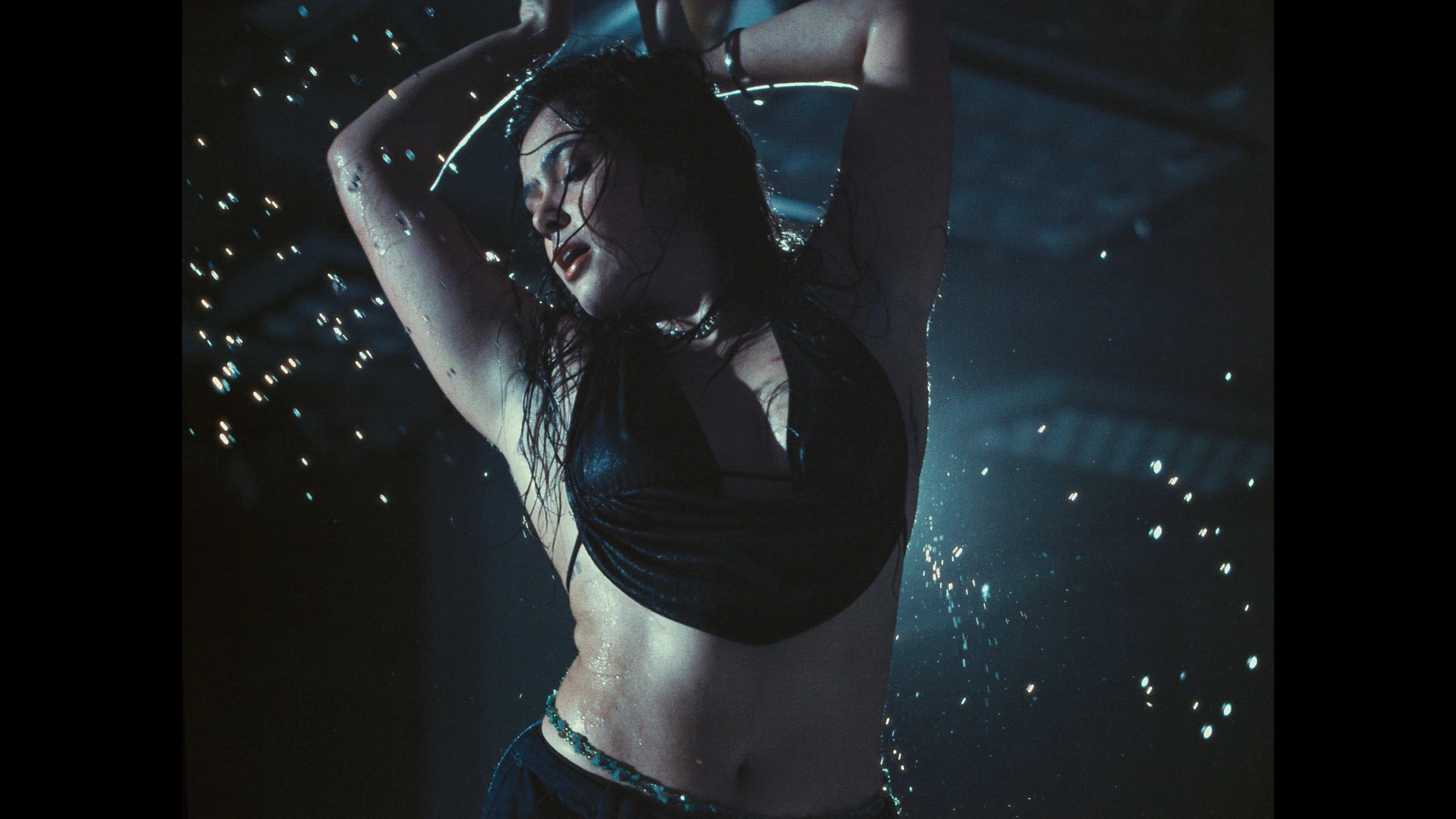
![Woman dancing filmed with Freefly high speed camera, colored with Davinci film emulation]()
Freefly Wave high-speed camera



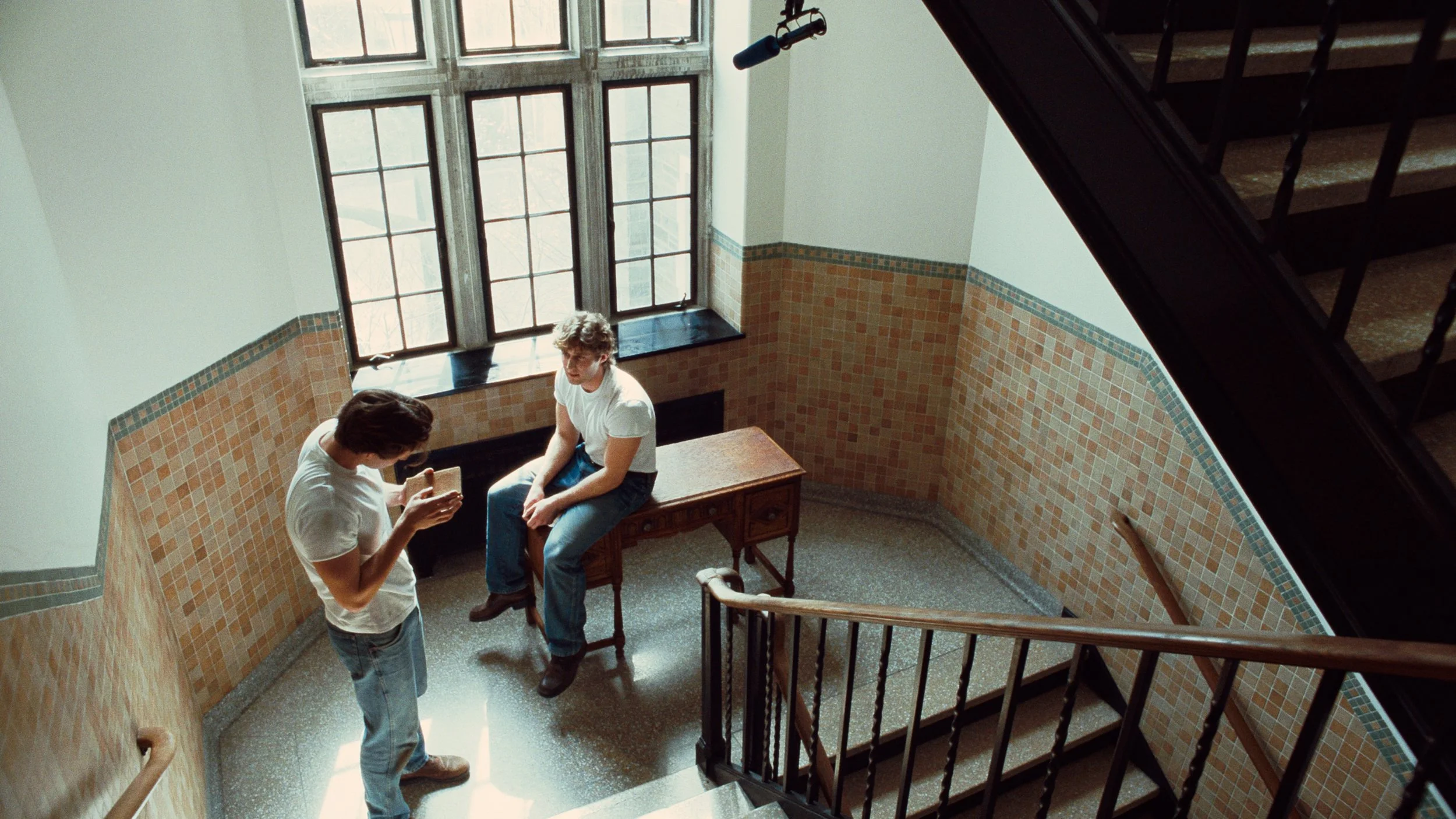

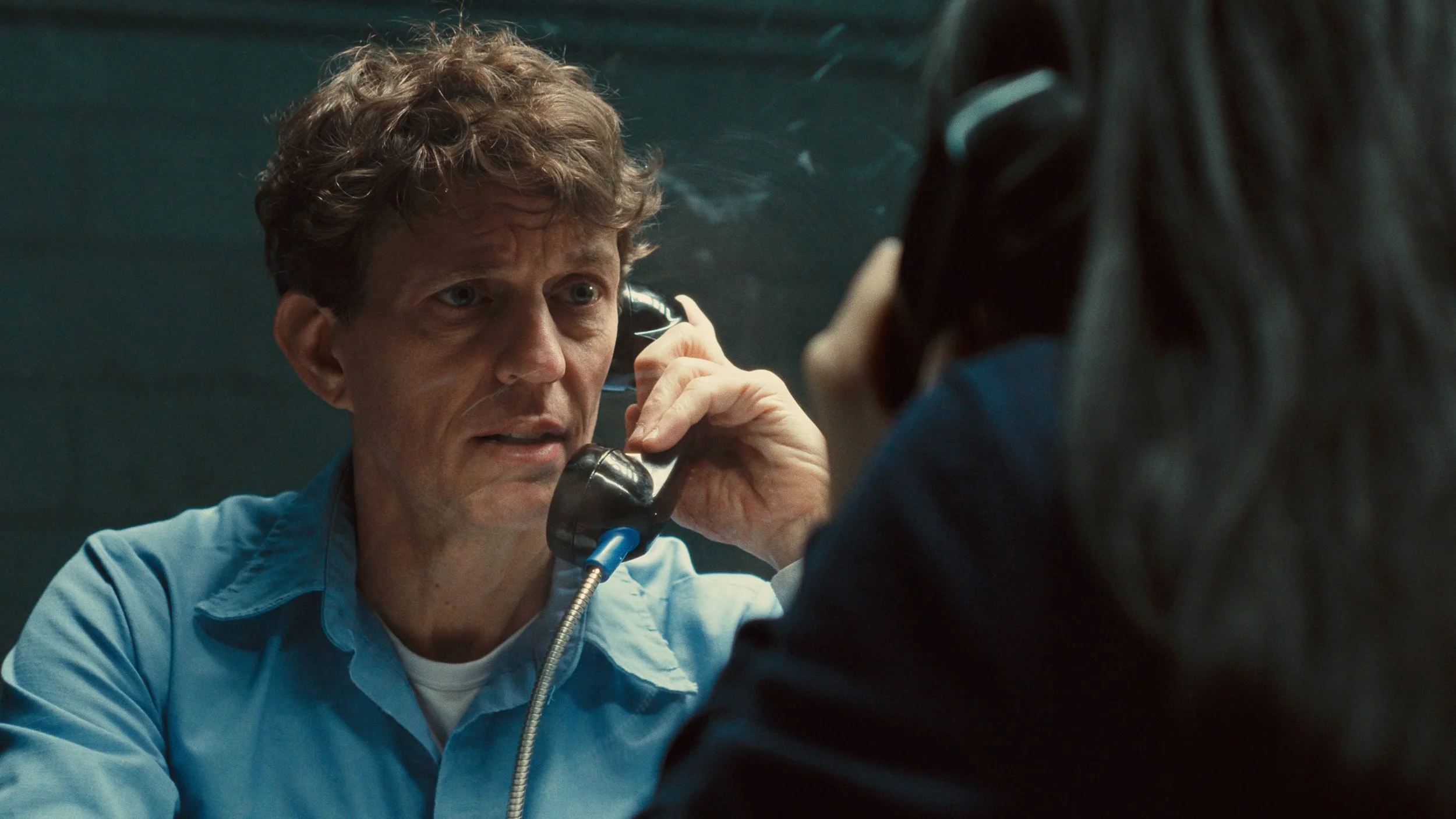


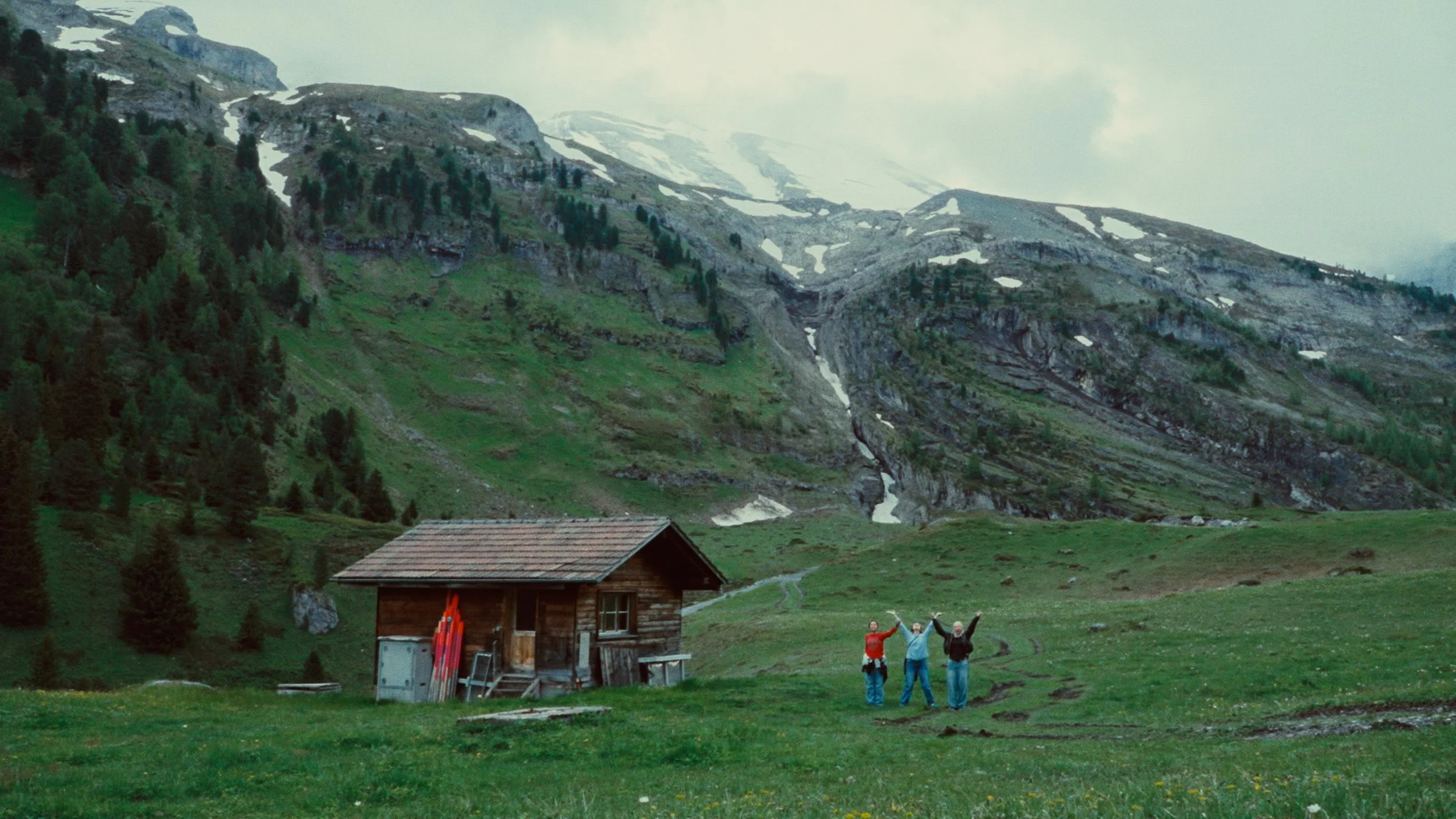
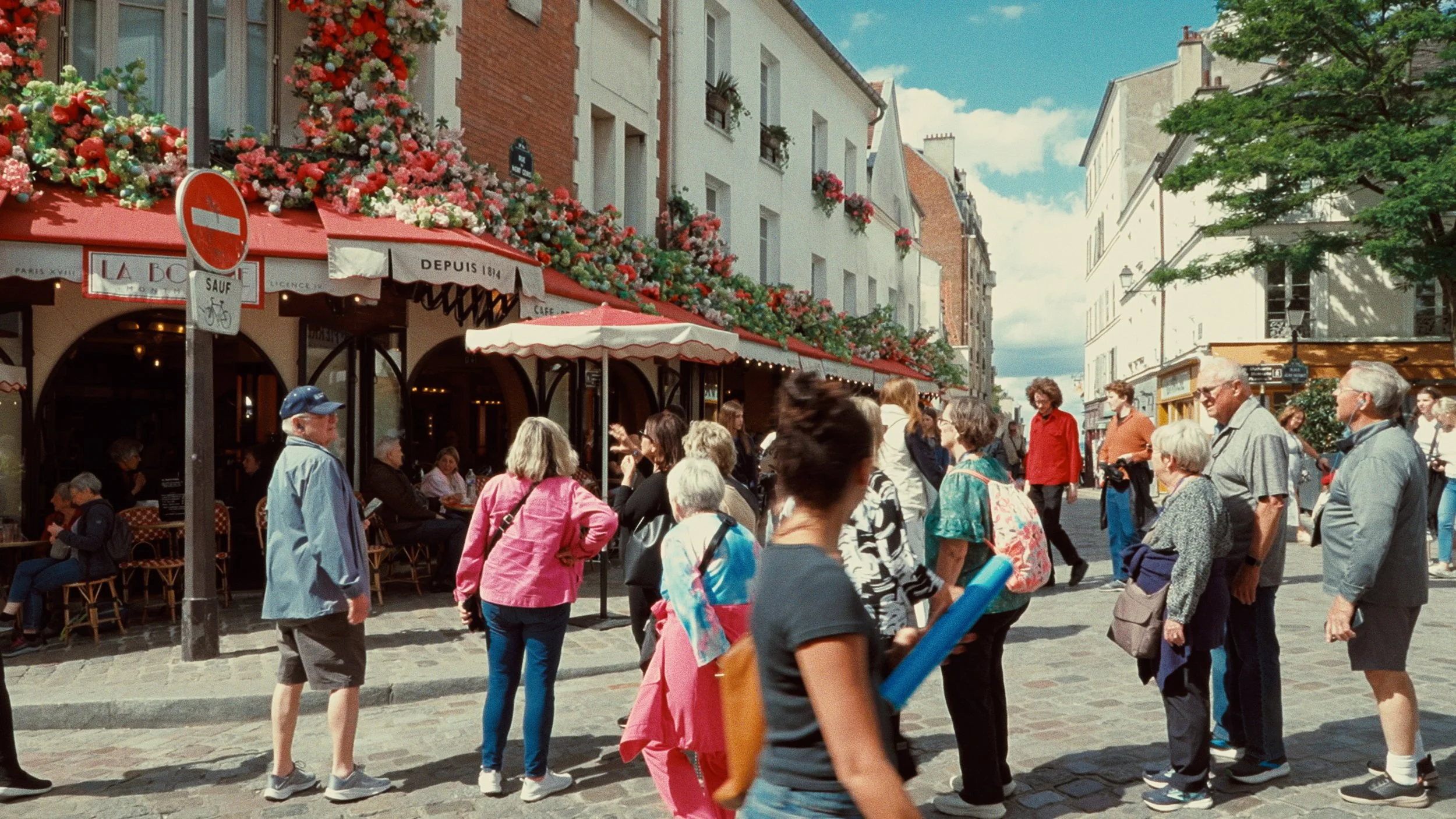
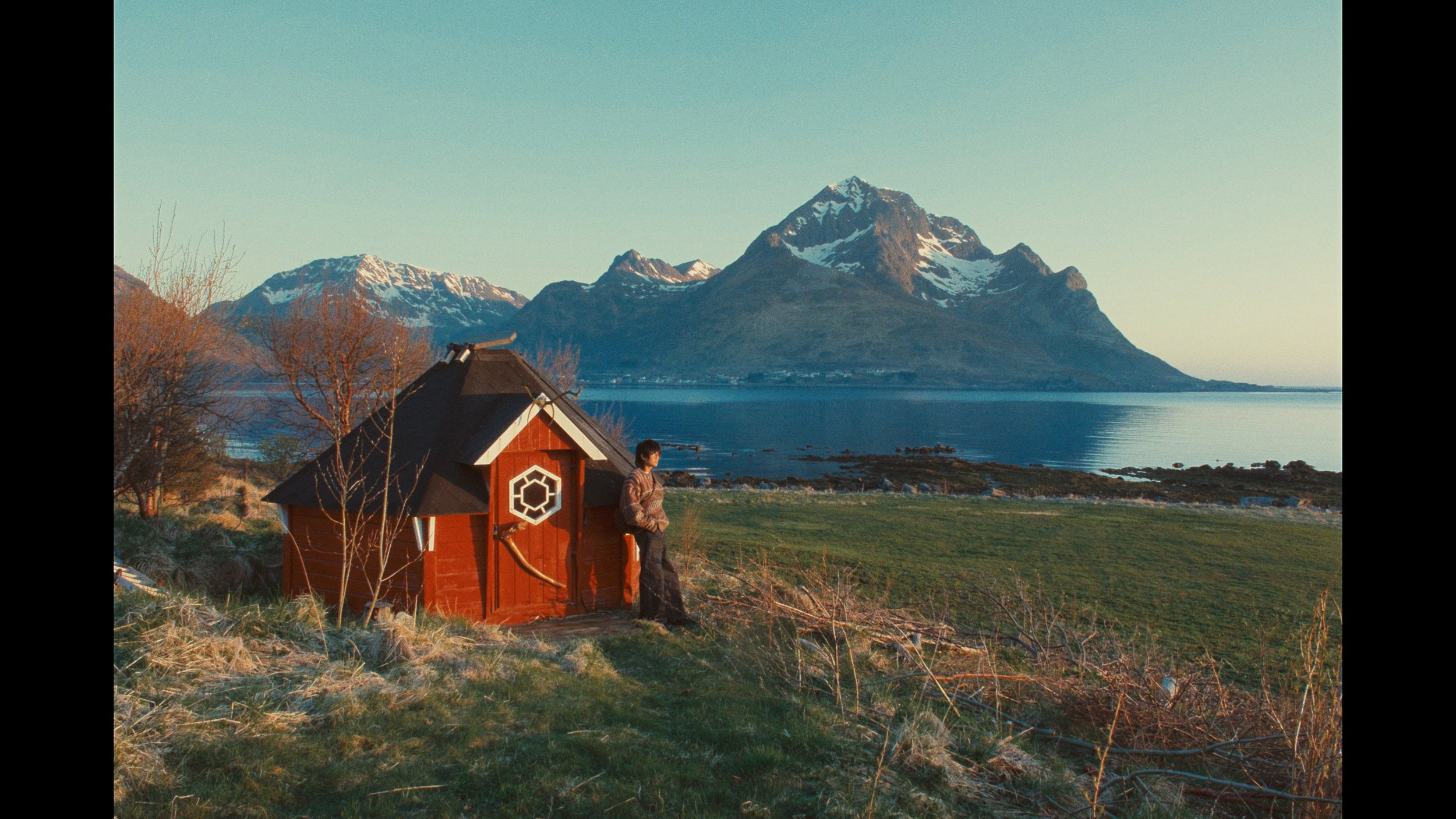


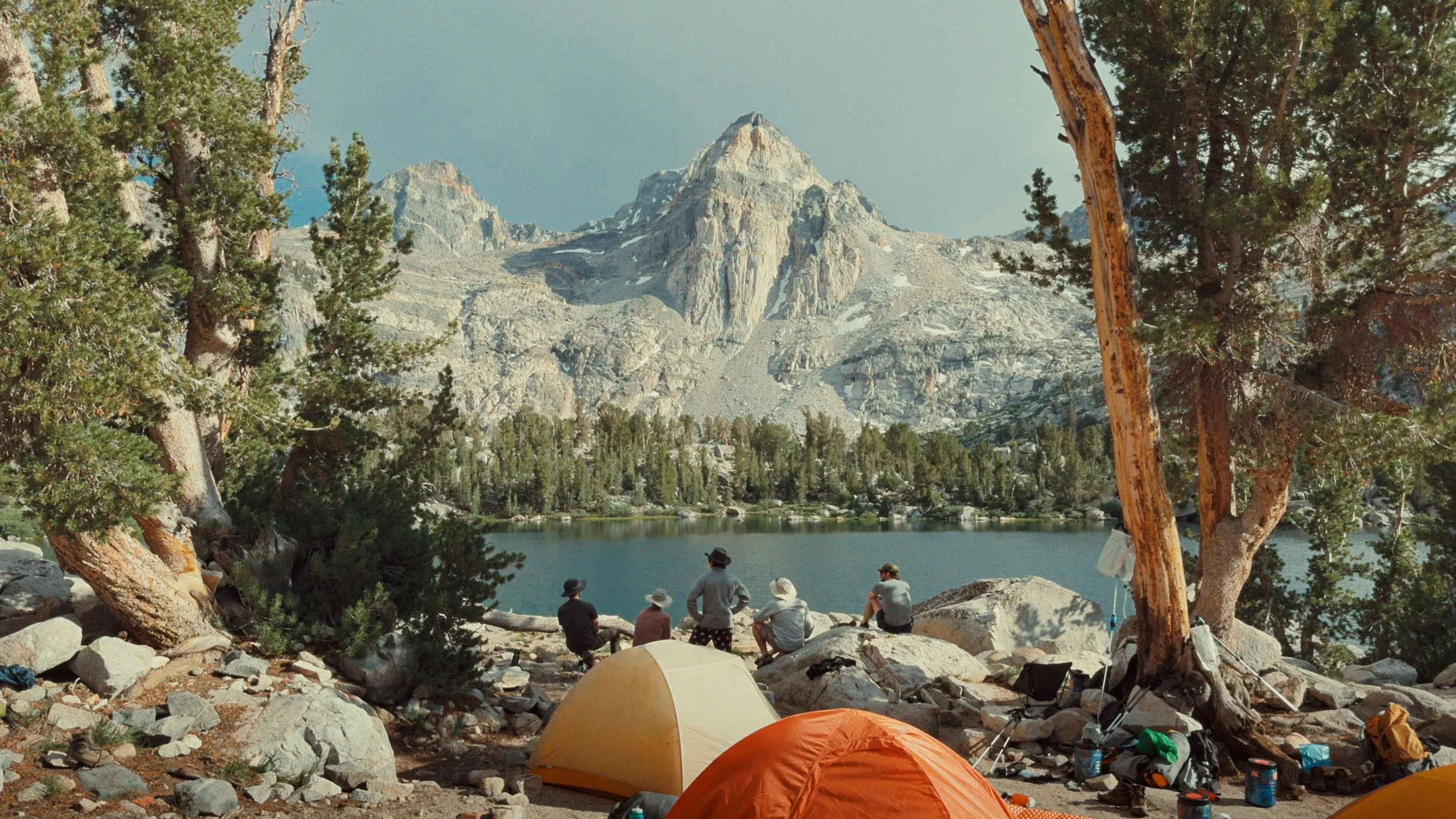

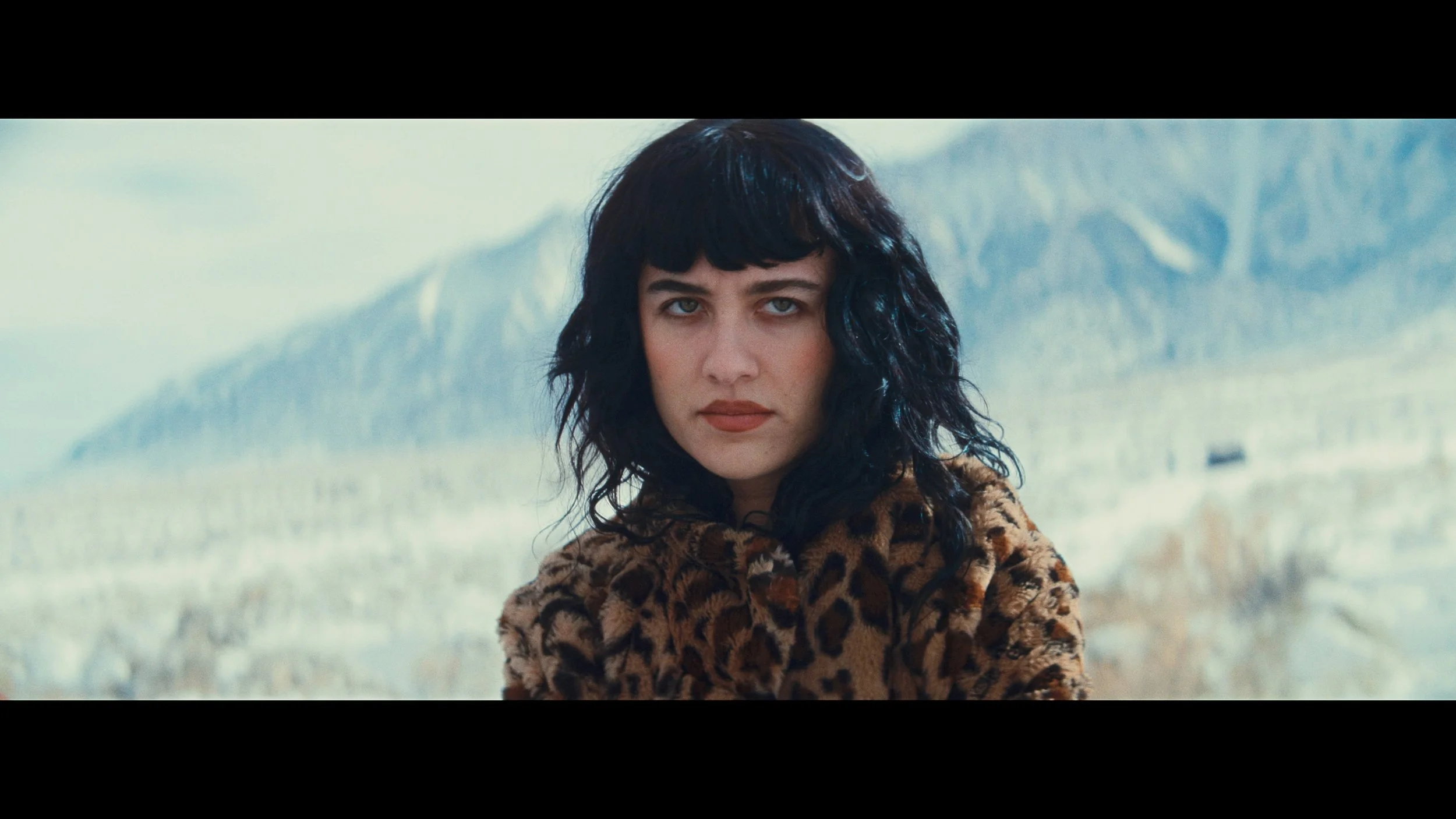

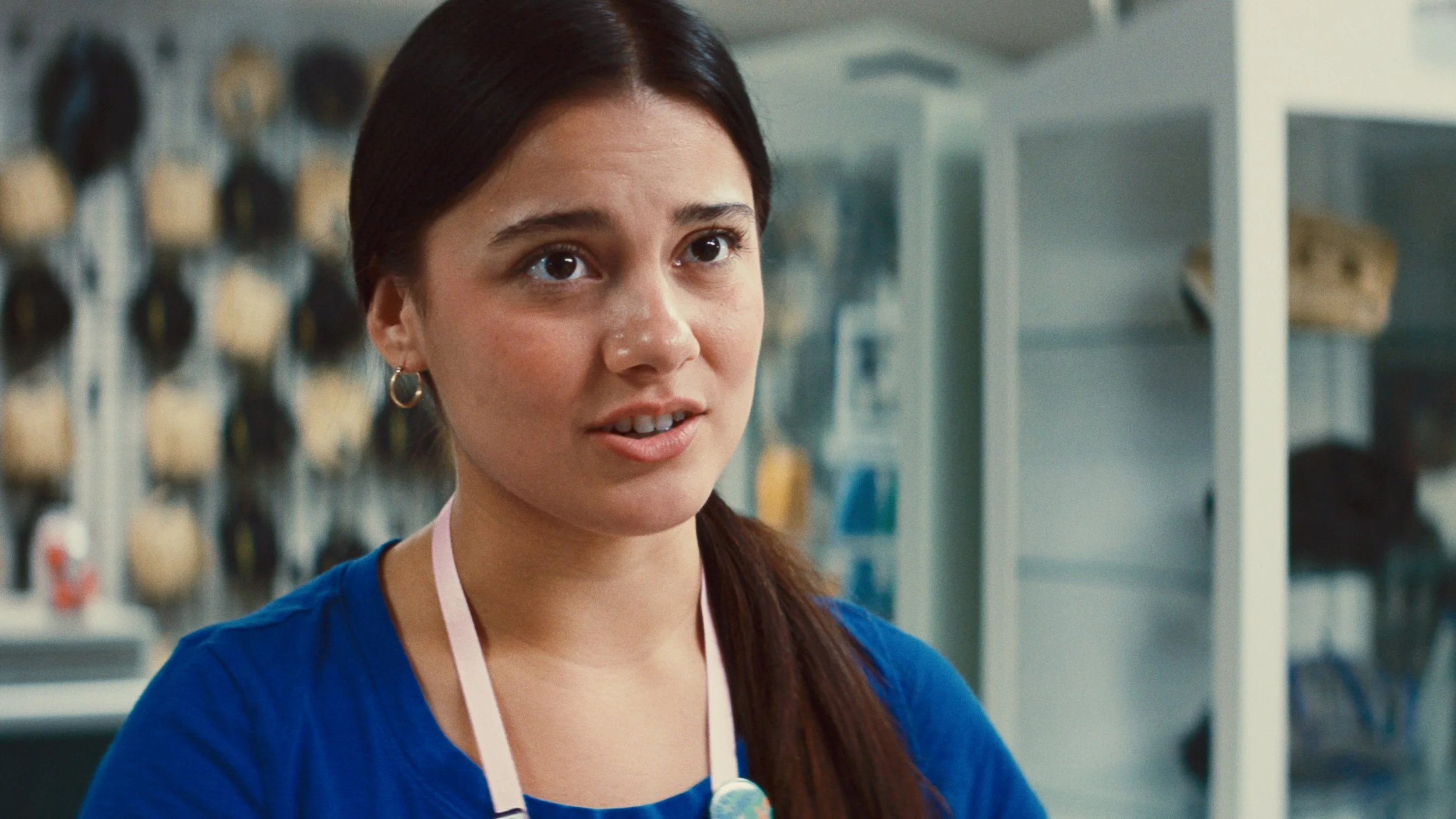
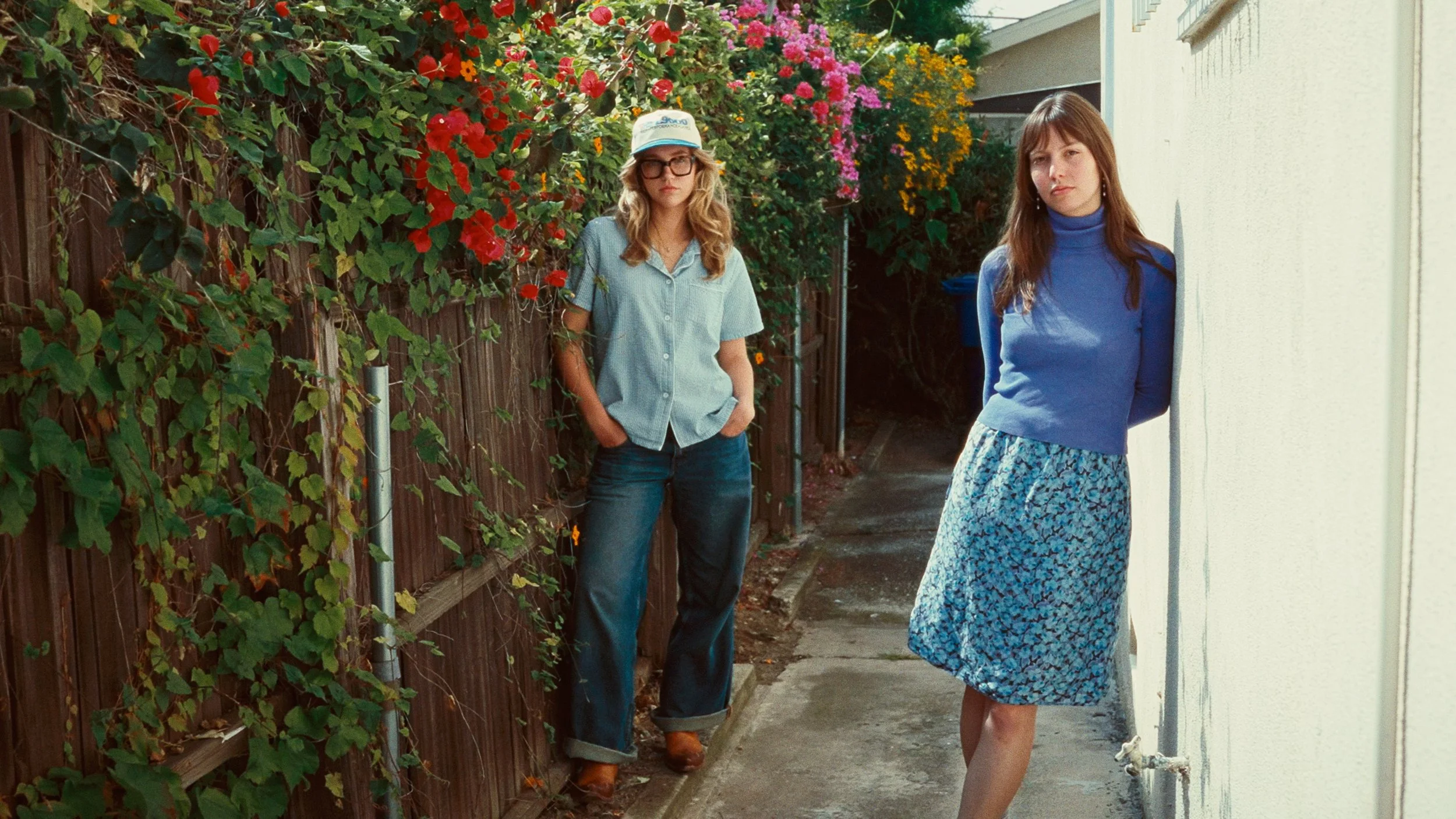



CinePrint Studio EXR
Photometrically profiled from Kodak EXR 500T 5298 film stock
This film stock from the 90’s is not made anymore. Discontinued over two decades ago, it is very hard to find well-preserved rolls. It was used as a high speed stock for low light shooting on movies like Independence Day, Braveheart, Heat, Mission Impossible, Eyes Wide Shut, Apollo 13, Lost Highway, Star Trek: First Contact, GoldenEye, The English Patient, Twister, Harry Potter & The Prisoner of Azkaban, The Talented Mr. Ripley, and more. Although the film stock is no longer produced, the emulation helps keep the photochemical color science of this stock alive & accessible to a new generation of filmmakers.
CinePrint Studio has 2 different EXR profiles, each providing unique renderings of contrast & saturation.
-
![A young man with glasses and curly red hair, wearing a dark jacket and white shirt, appears surprised or intrigued in a dark setting.]()
Arri Alexa LogC3 footage
-
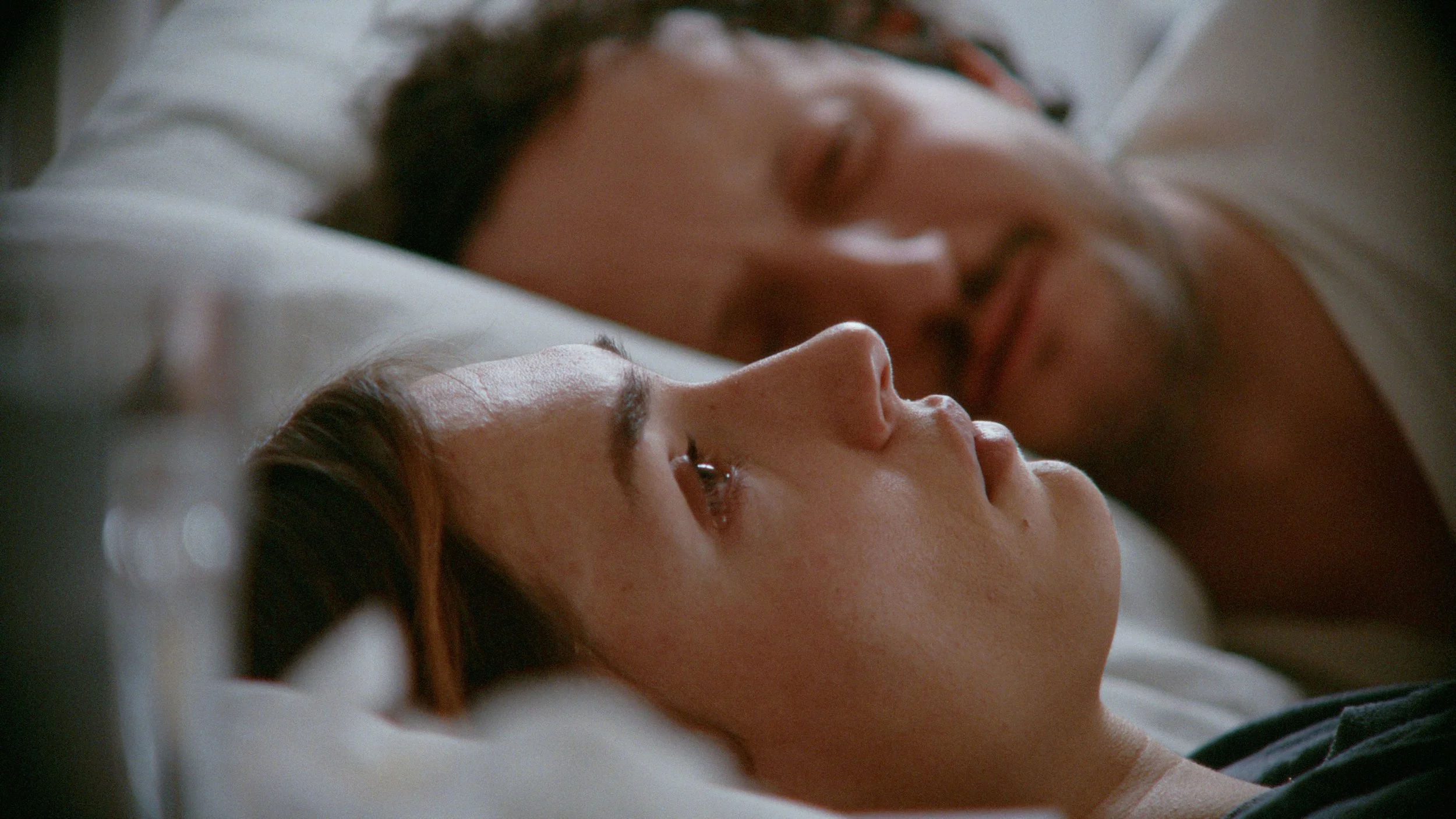
![Profile of woman lying in bed as a man lies next to her, vintage 90s 35mm film stock emulation colors]()
RED Log3G10 footage courtesy of Tate Stüssy
-
![Medieval knight near a river]()
Arri Alexa LogC3 footage
-
![View from a church tower showing the city of Paris with rooftops, buildings, and trees, and a partial view of the church’s ornate dome in the foreground.]()
Sony S-Log3 footage
-
![Man staring out at scenic mountain view]()
Fuji F-Log2C footage courtesy of Ethan Tran
-
![Modern living room in Hollywood Hills]()
Arri Alexa LogC3 footage
-
![Woman lying down wearing pink dress and black gloves]()
Blackmagic Raw Gen 5 footage
-
![Family watching sailboats by the water]()
iPhone Apple Log
-
![Santa Monica beach with vintage Kodak film emulation color grade LUT]()
RED Log3G10 footage courtesy of Jack Grove
-
![Man in crowd smiling and applauding]()
Arri Alexa LogC3 footage
-
![Portrait of woman with warm & cool cinematic lighting]()
Blackmagic Raw Gen 5 footage
-
![Woman and dog on balcony]()
Arri Alexa LogC3 footage
-
![Cinematic scene of man and woman dueling with katana swords, colored with grainy film look]()
Blackmagic Raw Gen 5 footage
-
![A young woman with brown hair and blue eyes standing on a balcony of a tall building in Paris with the Eiffel Tower visible in the background, kodak film emulation color grade]()
Sony S-Log3 footage
-
![A crowd of tourists around a medieval castle at the beach, vintage film stock color grading]()
iPhone Apple Log footage
-
![Actress in dressing room with vanity mirror with cold steely cinematic color grade]()
Arri Alexa 35 LogC4 footage

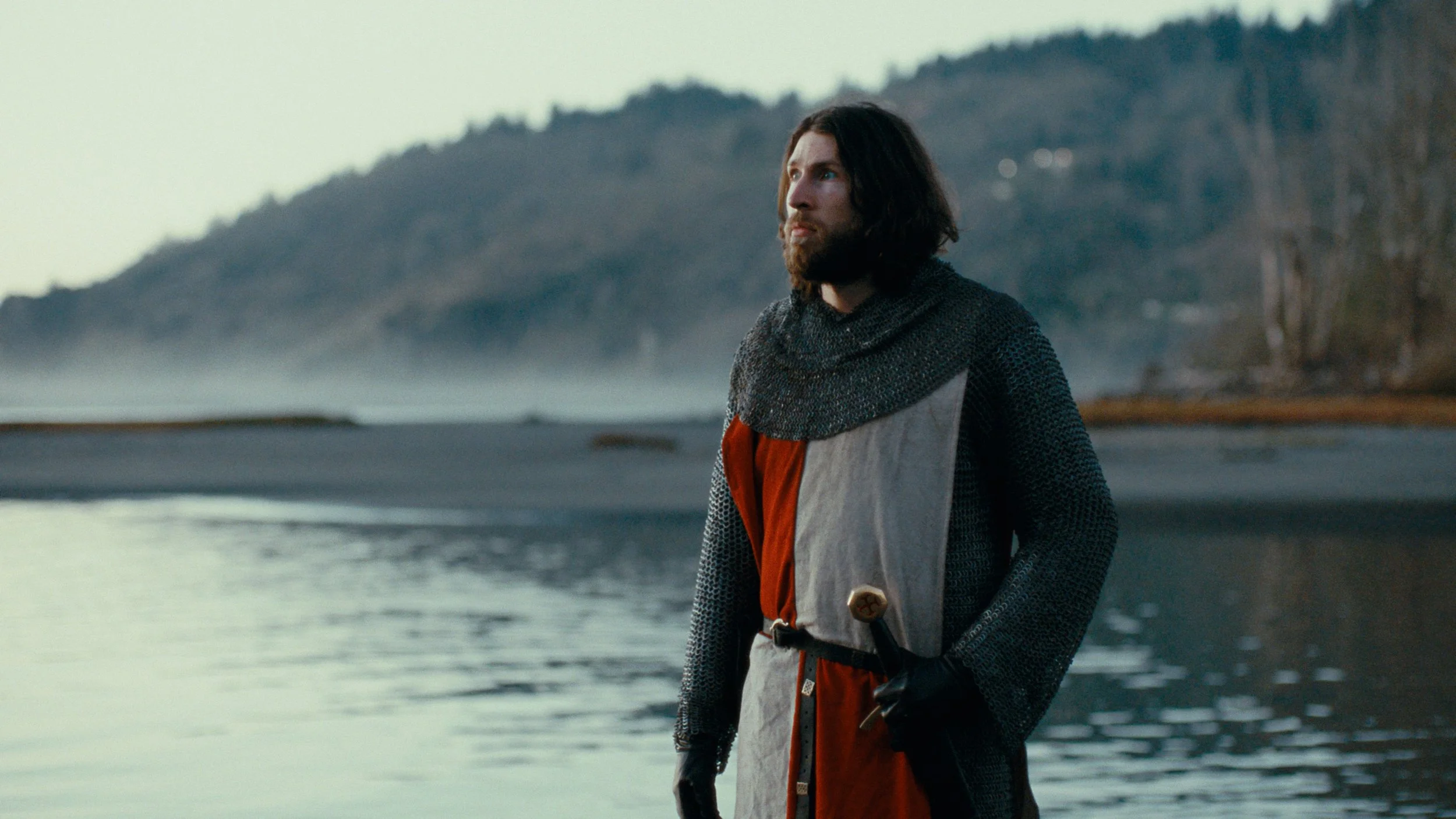

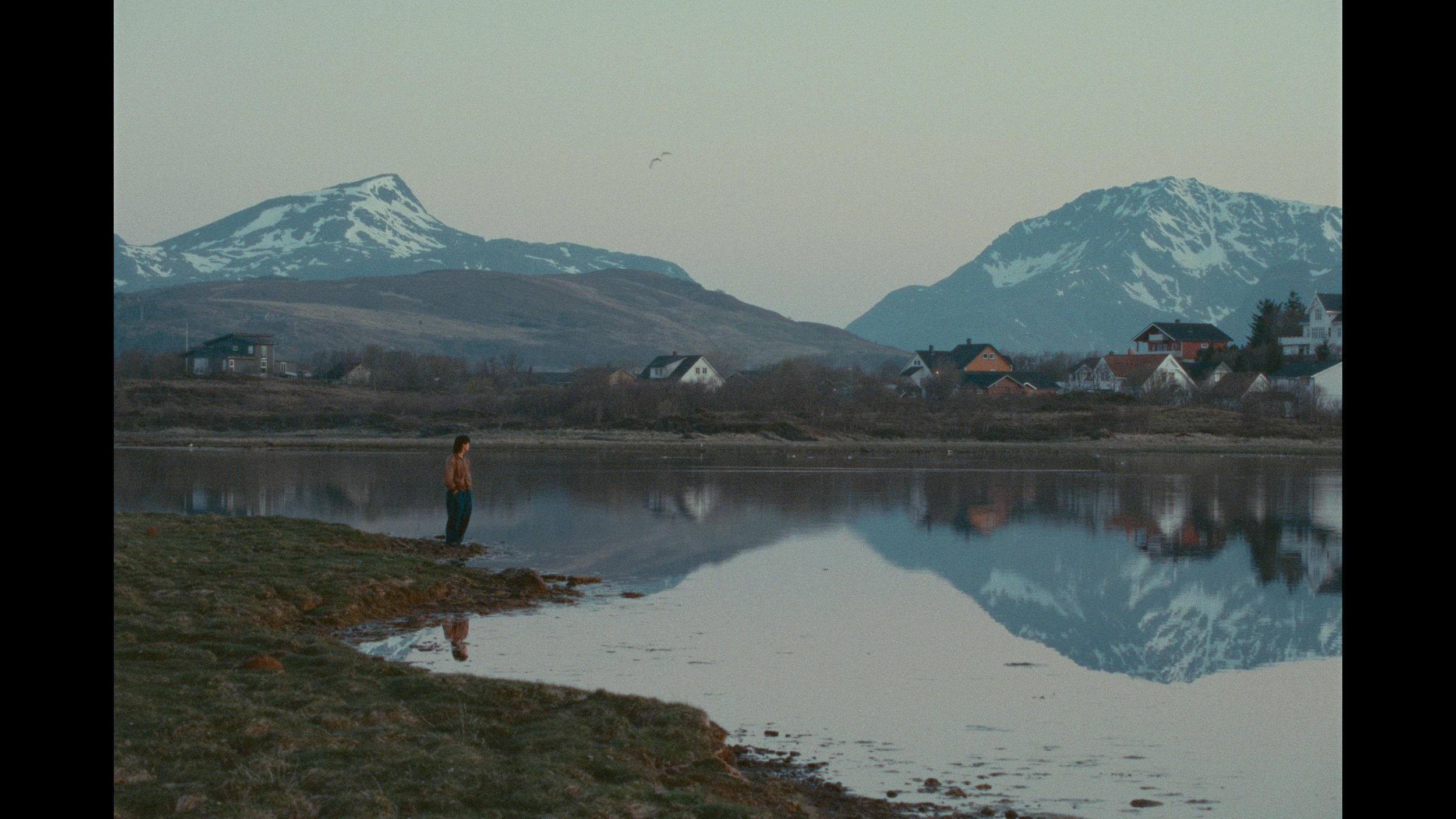
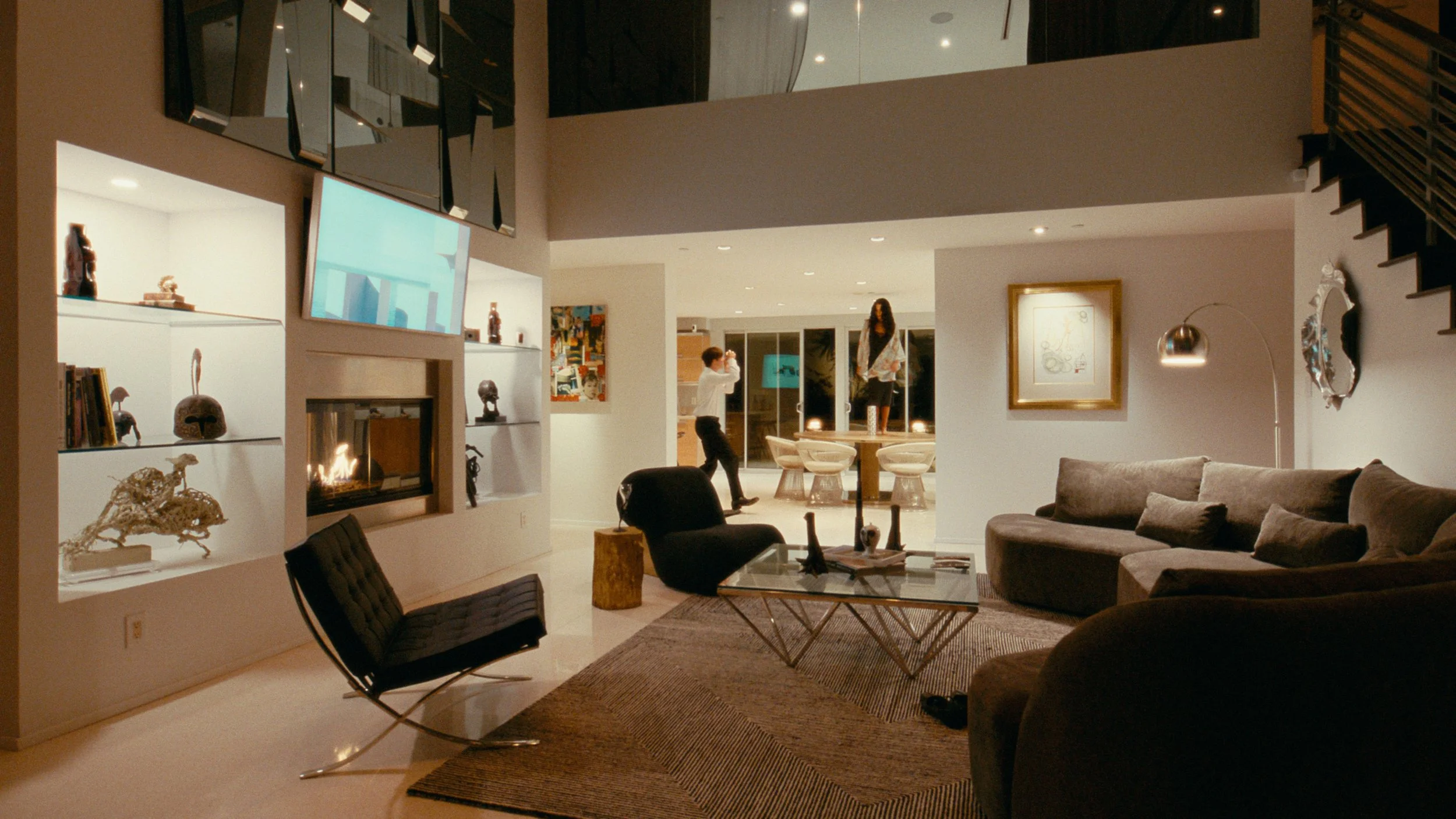


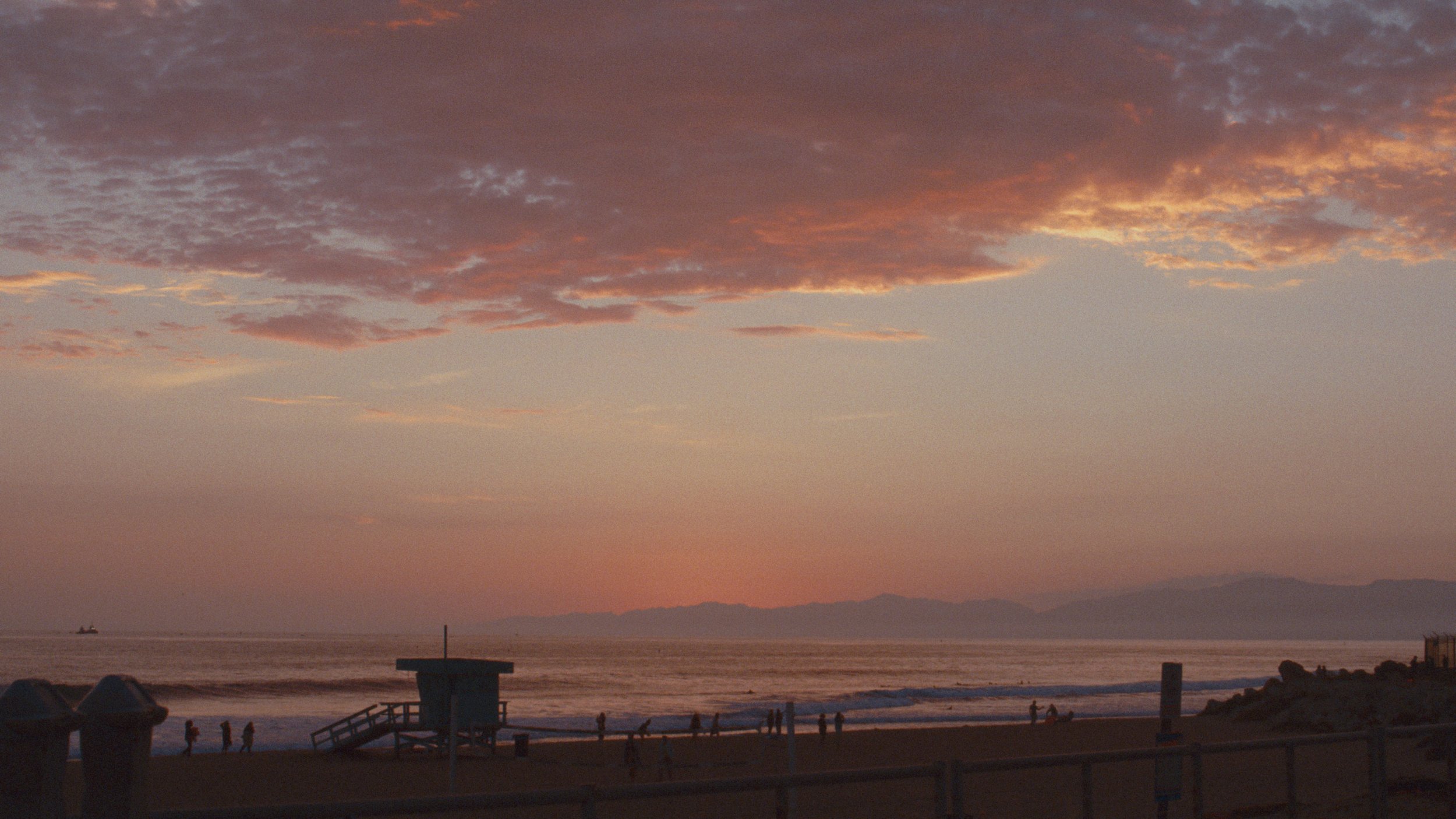

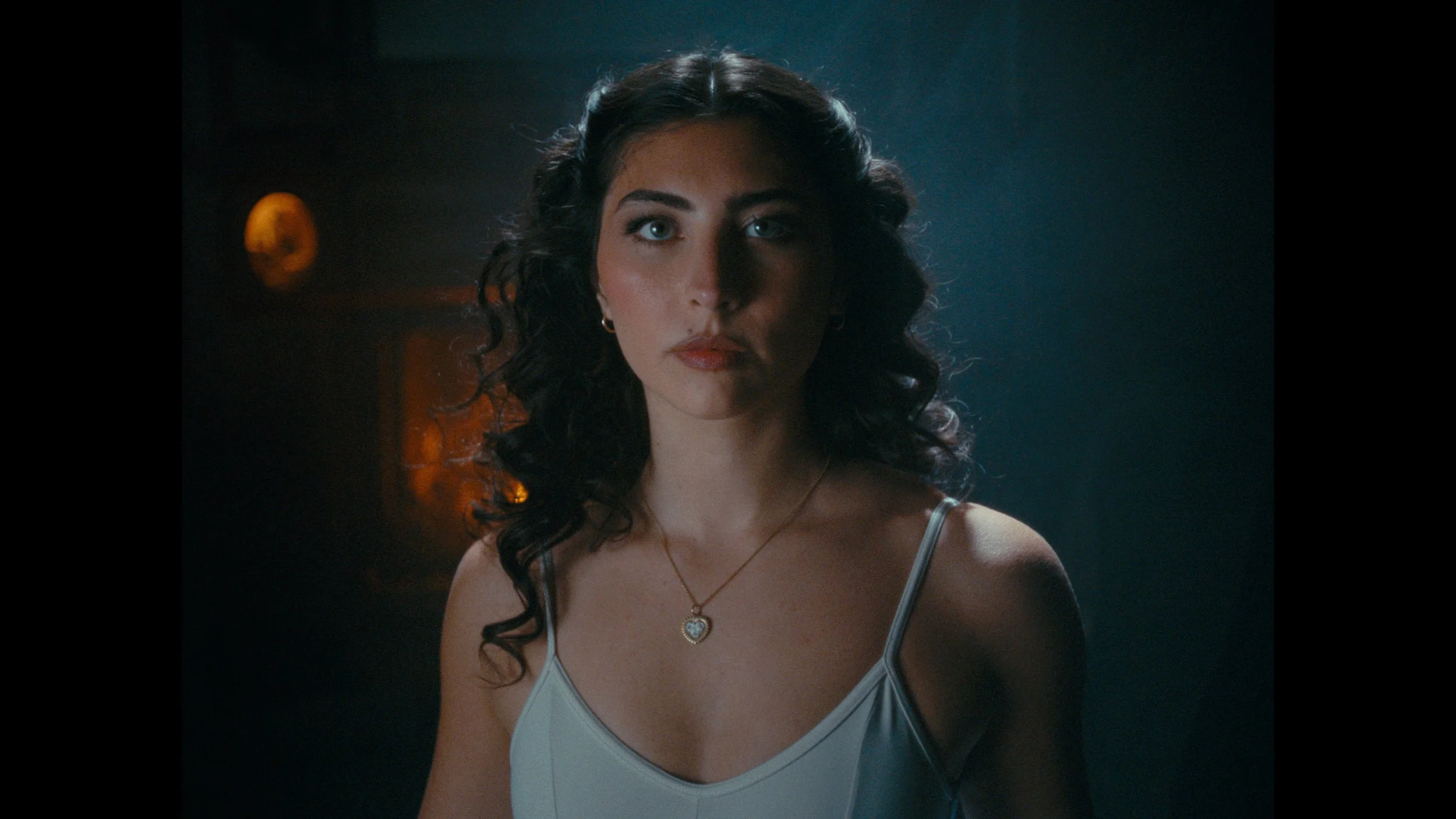
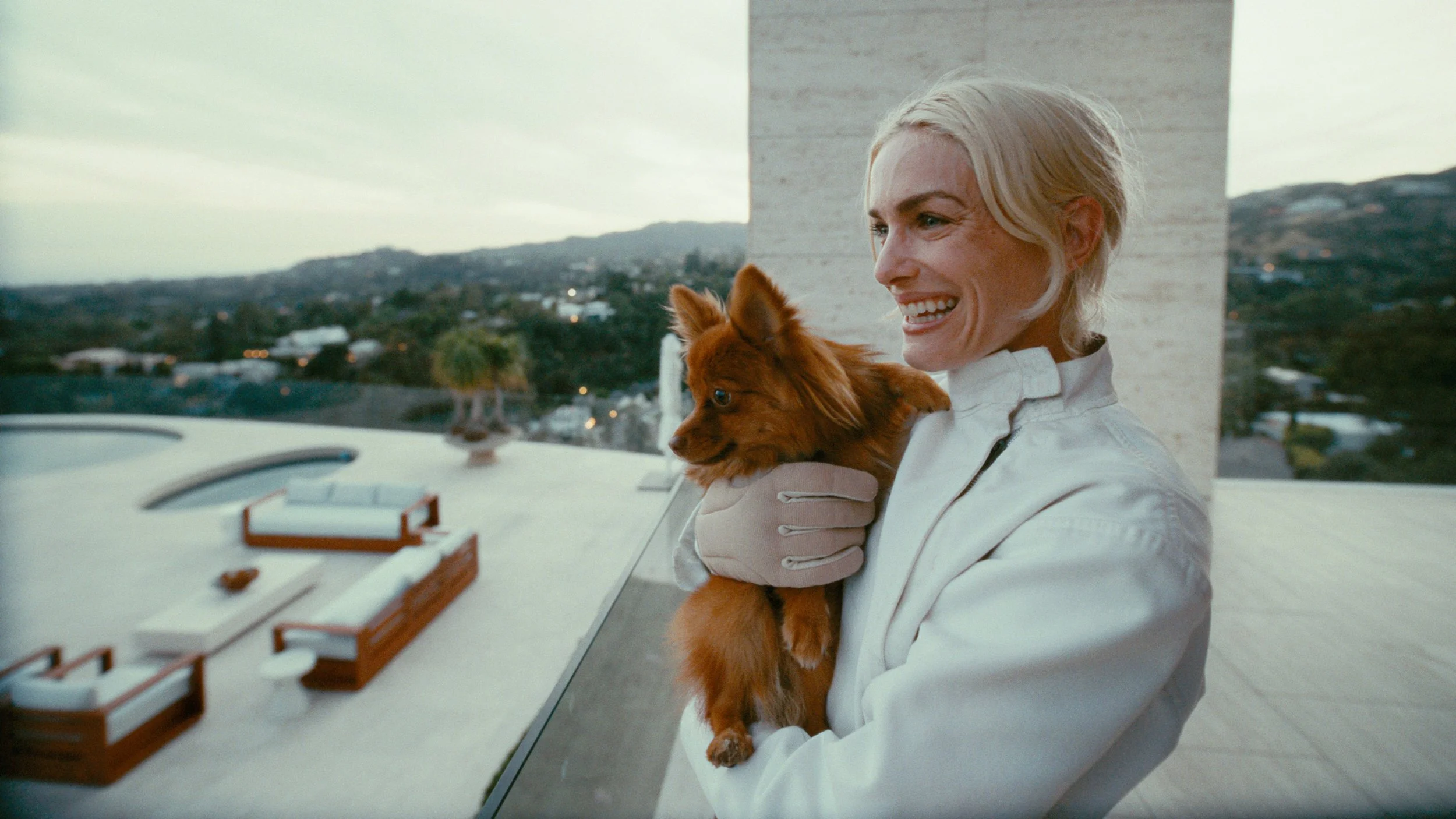
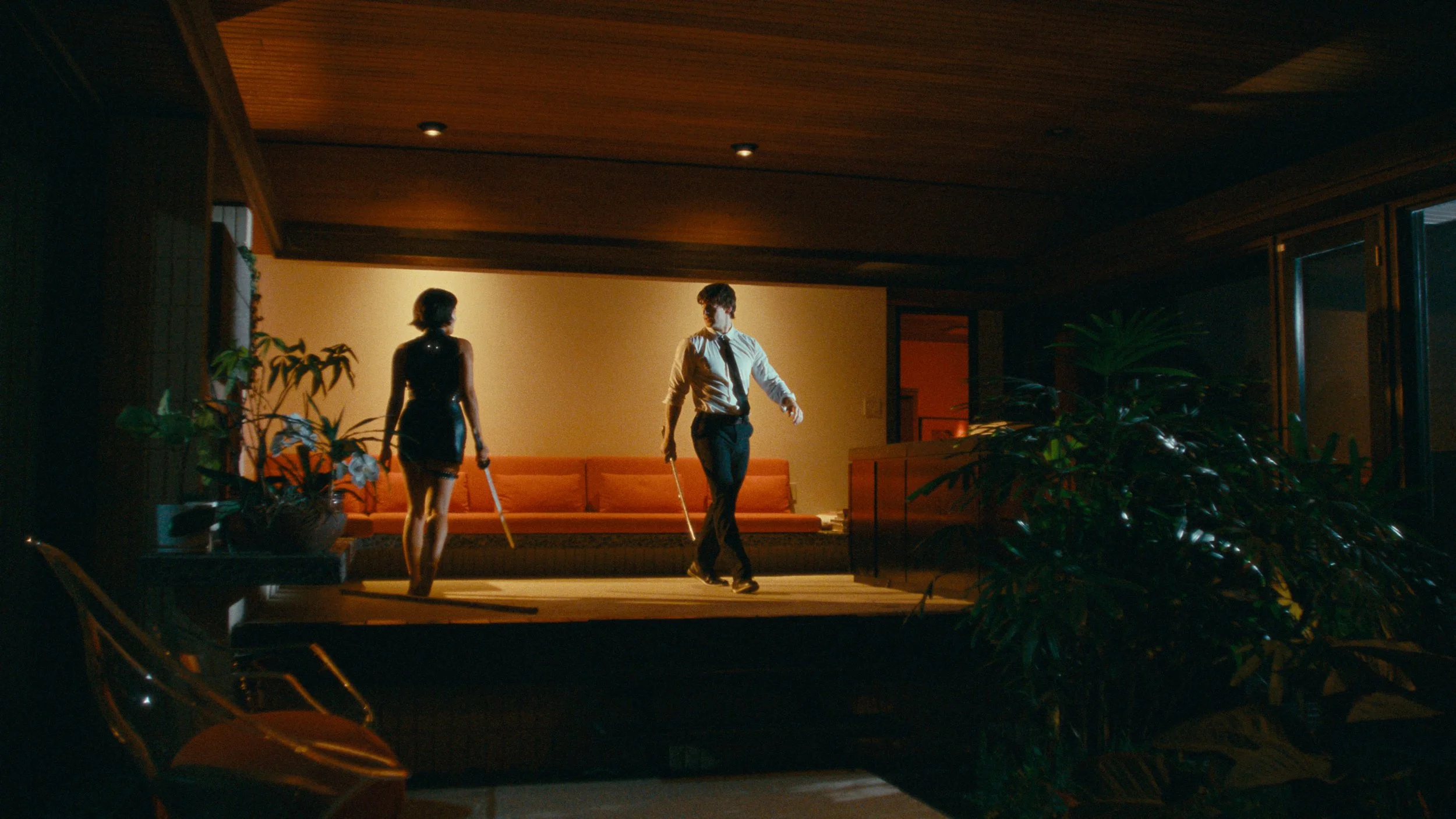
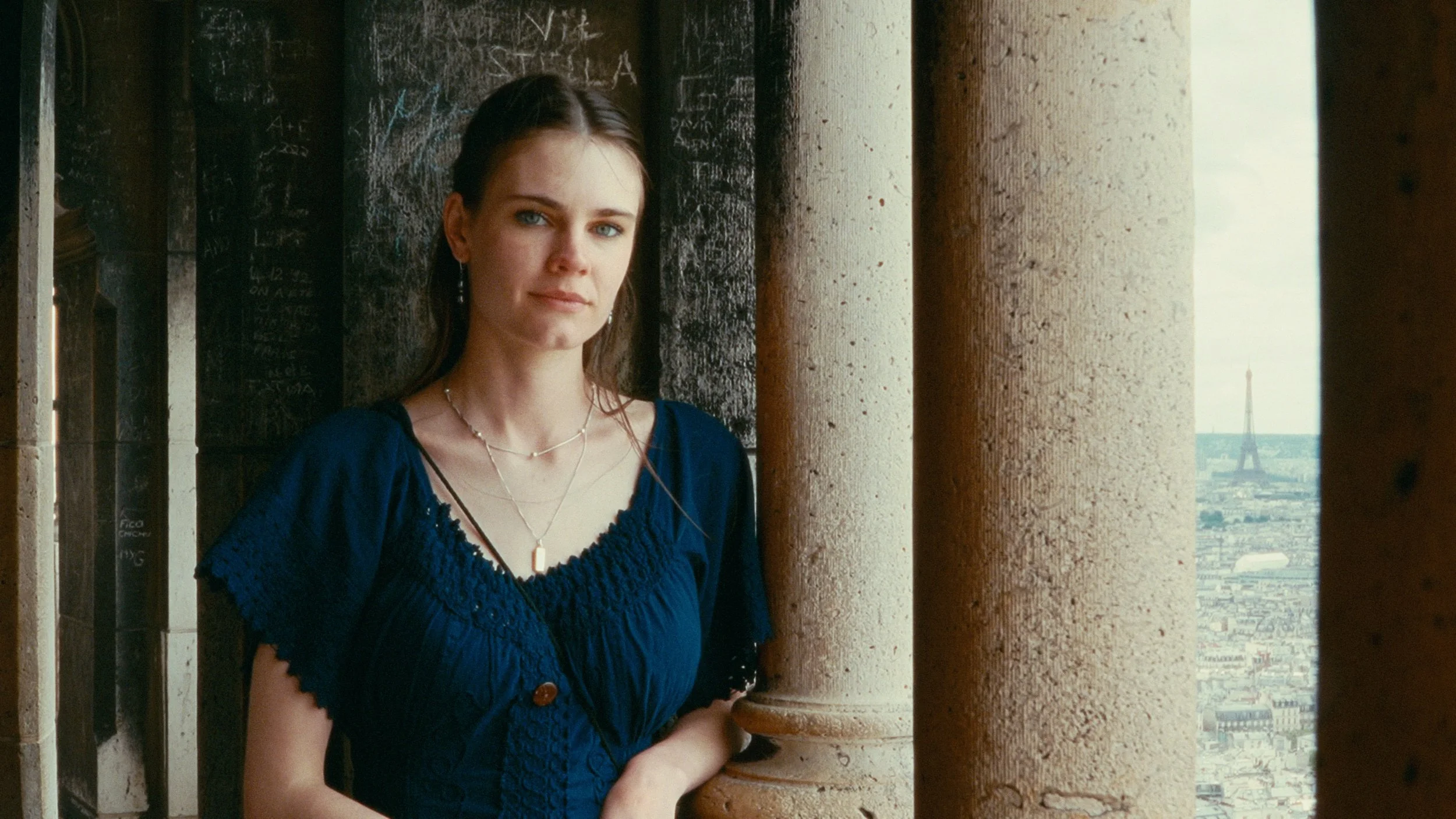
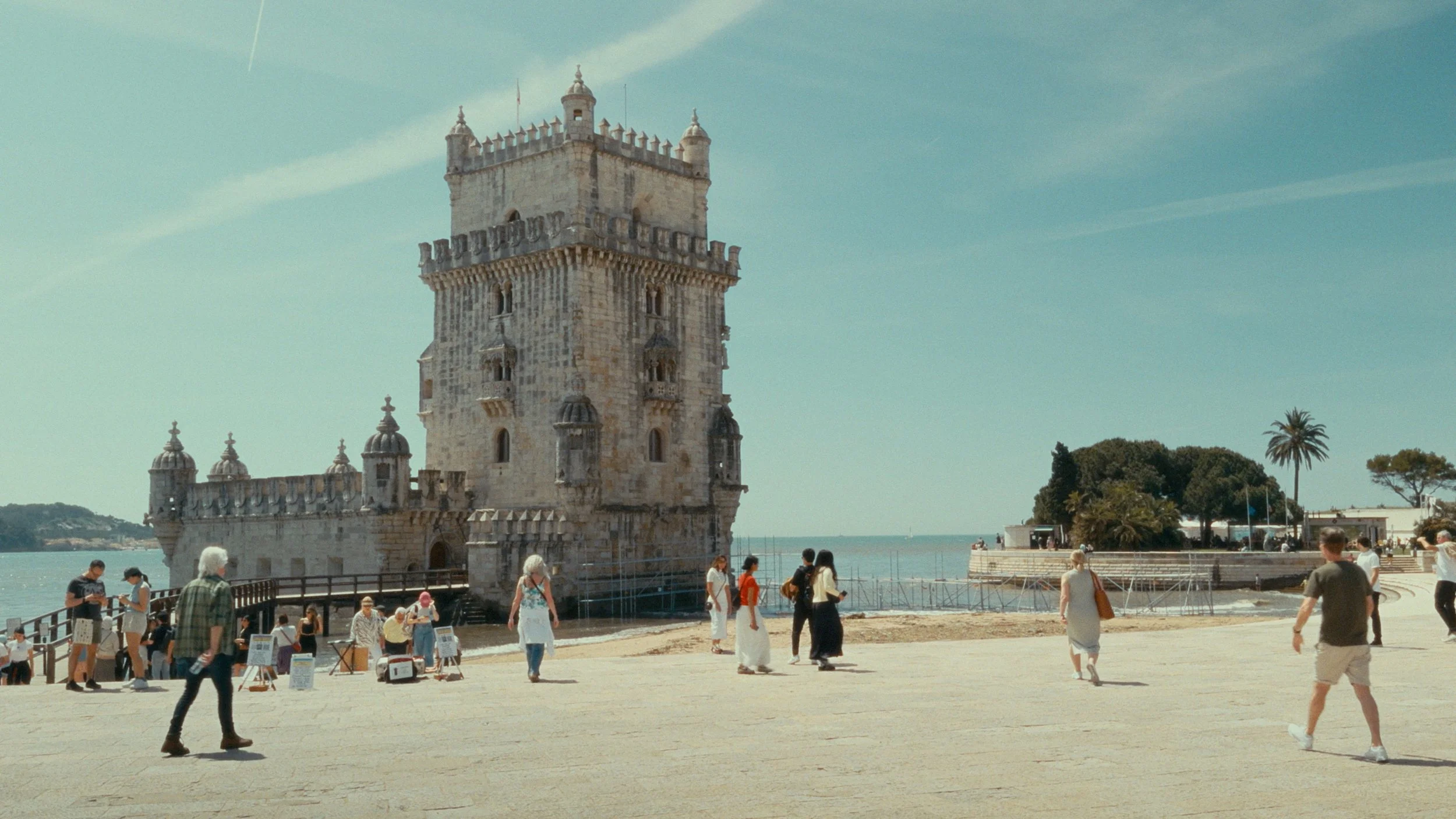
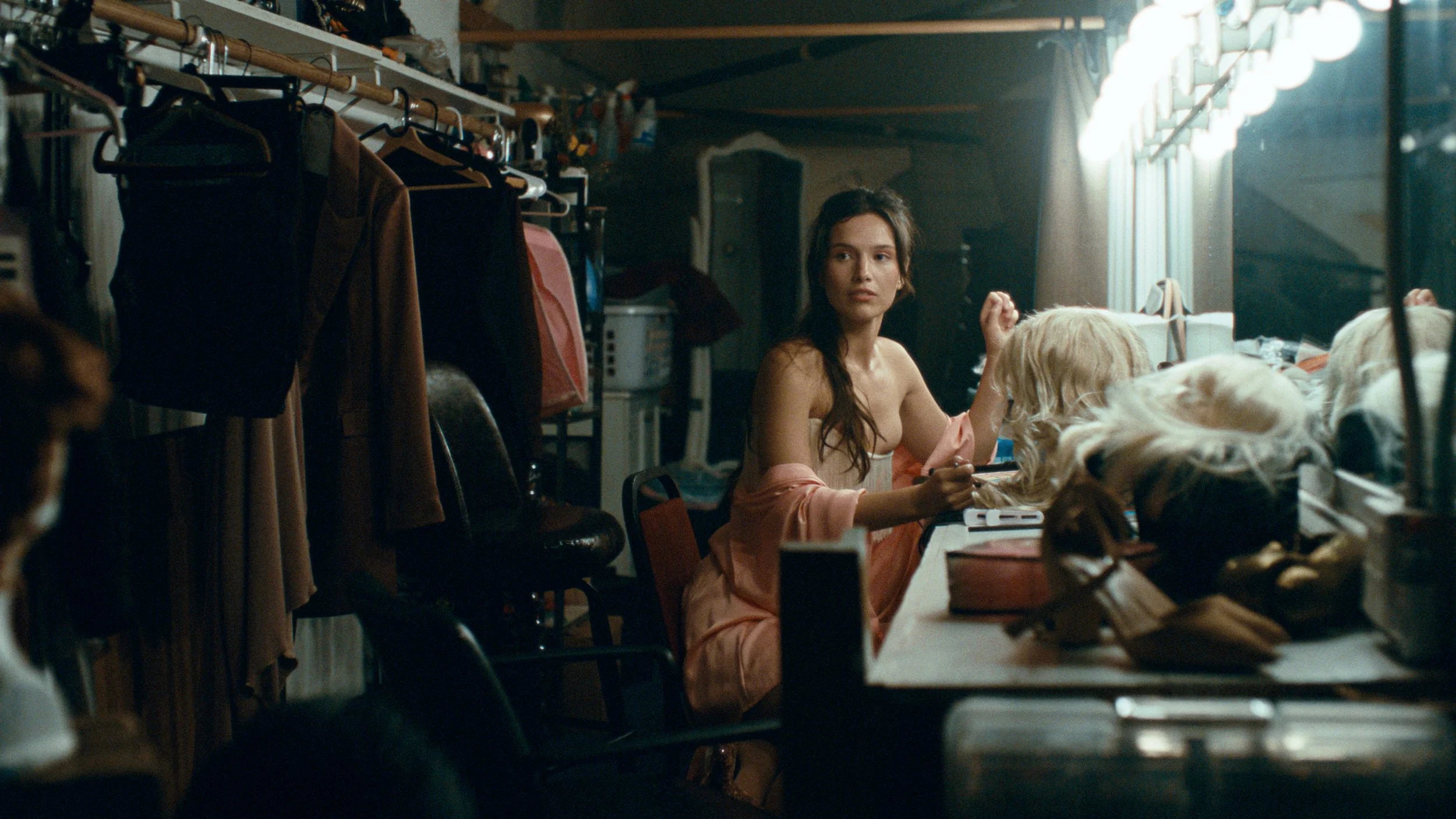
CinePrint Studio 500T
Photometrically profiled from Kodak Vision3 500T 5219 film stock
This stock is perhaps the most widely used & flexible film stock currently made by Kodak today. It has extremely high dynamic range and is the go-to choice for low light filming, grain texture, and mixed lighting scenarios. Compared to the previous CinePrint35 emulation, CinePrint Studio 500T has significant improvements in quality & accuracy, especially in skin tones & highly saturated colors.
-
![Woman in white dress in dark forest with cinematic lighting]()
Arri Alexa Log C3 footage
-
![Ballerina dancing in smoky living room]()
Blackmagic Raw Gen 5 footage
-
![Kings Canyon National park view of mountain]()
iPhone Apple Log footage
-
![Portrait of young woman at night with glowing lights in the background, colored with 16mm kodak 500T film emulation]()
RED Log3G10 footage courtesy of Tate Stüssy
-
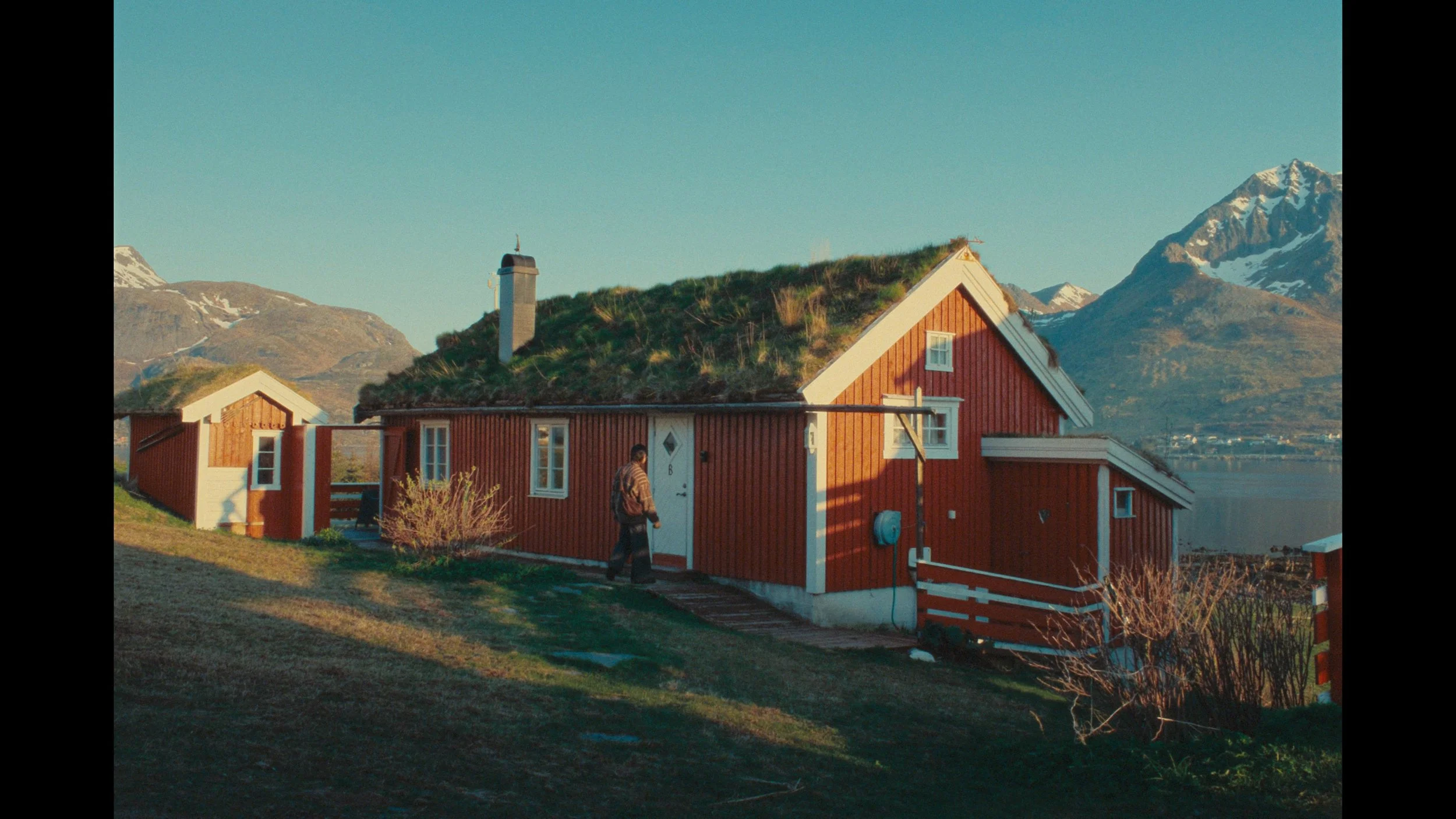
![Man walking up to red house in the mountains]()
Fuji F-Log2C footage courtesy of Ethan Tran
-
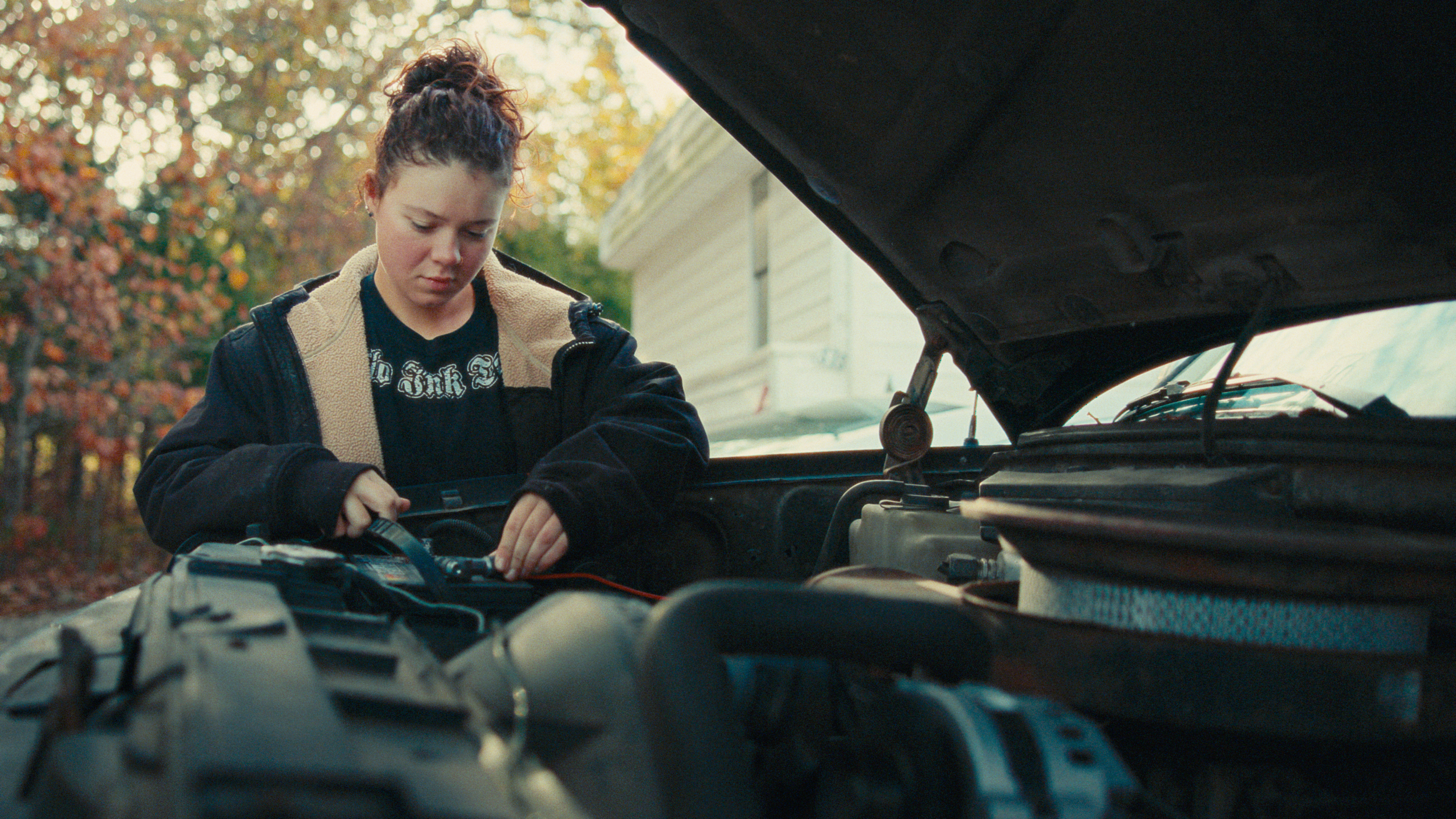
![Woman fixing car color graded with Kodak professional 35mm film emulation]()
Canon Log 2 footage courtesy of Gabe Sheets
-
![Boy sitting at the edge of a blue mountain lake in Germany, color graded with kodak print film emulation]()
Canon Log footage courtesy of Elise Schatz
-
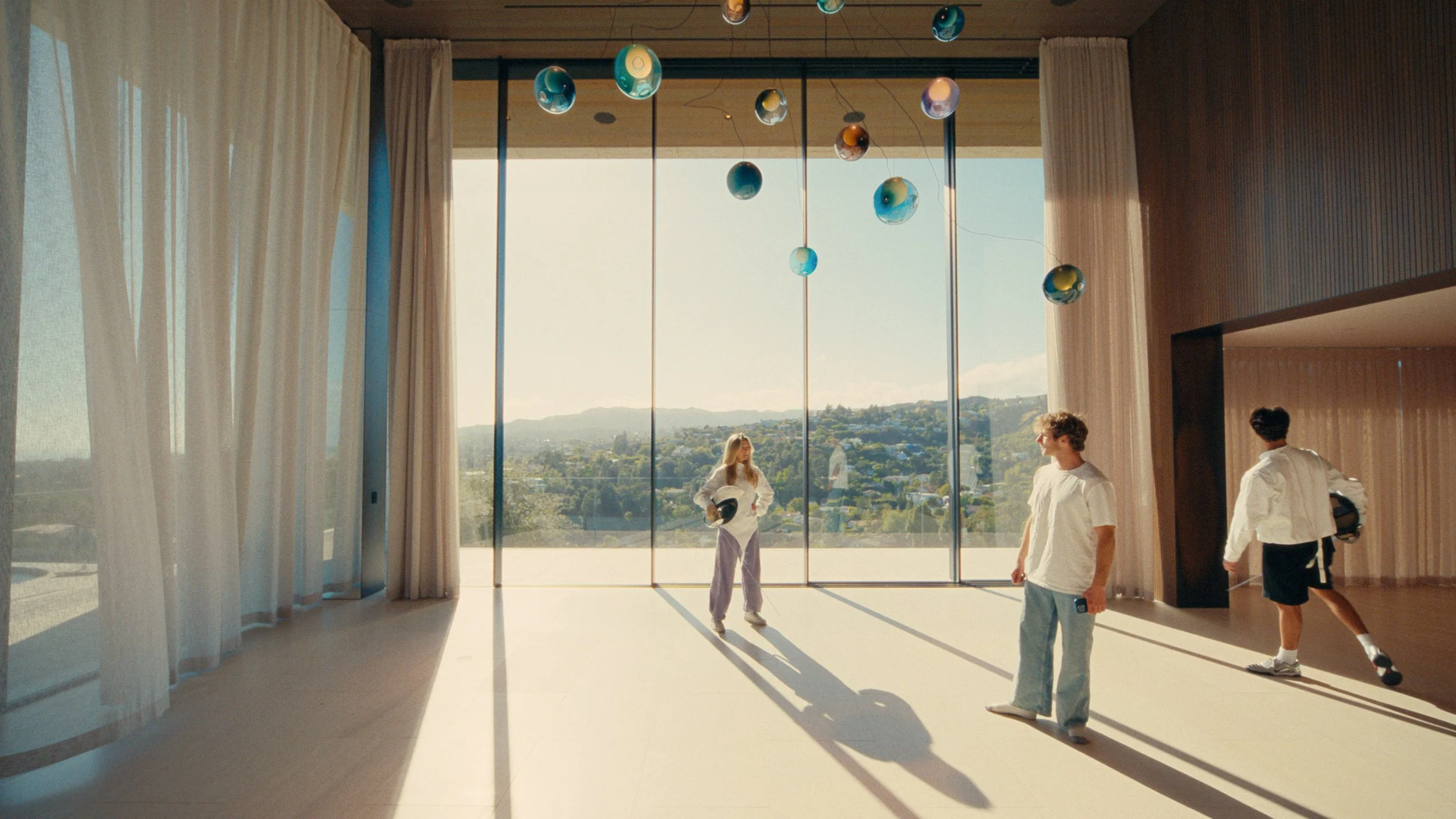
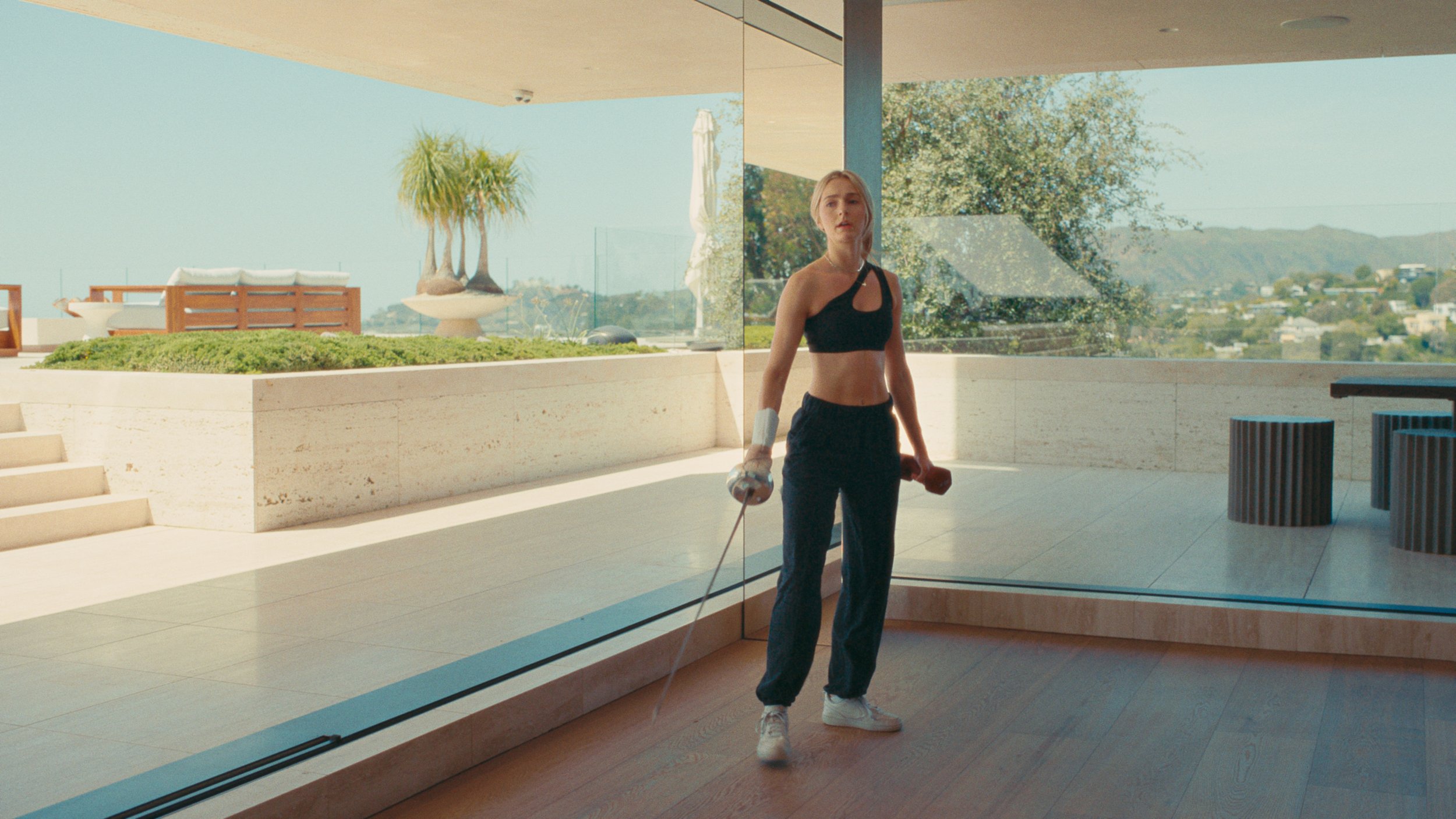
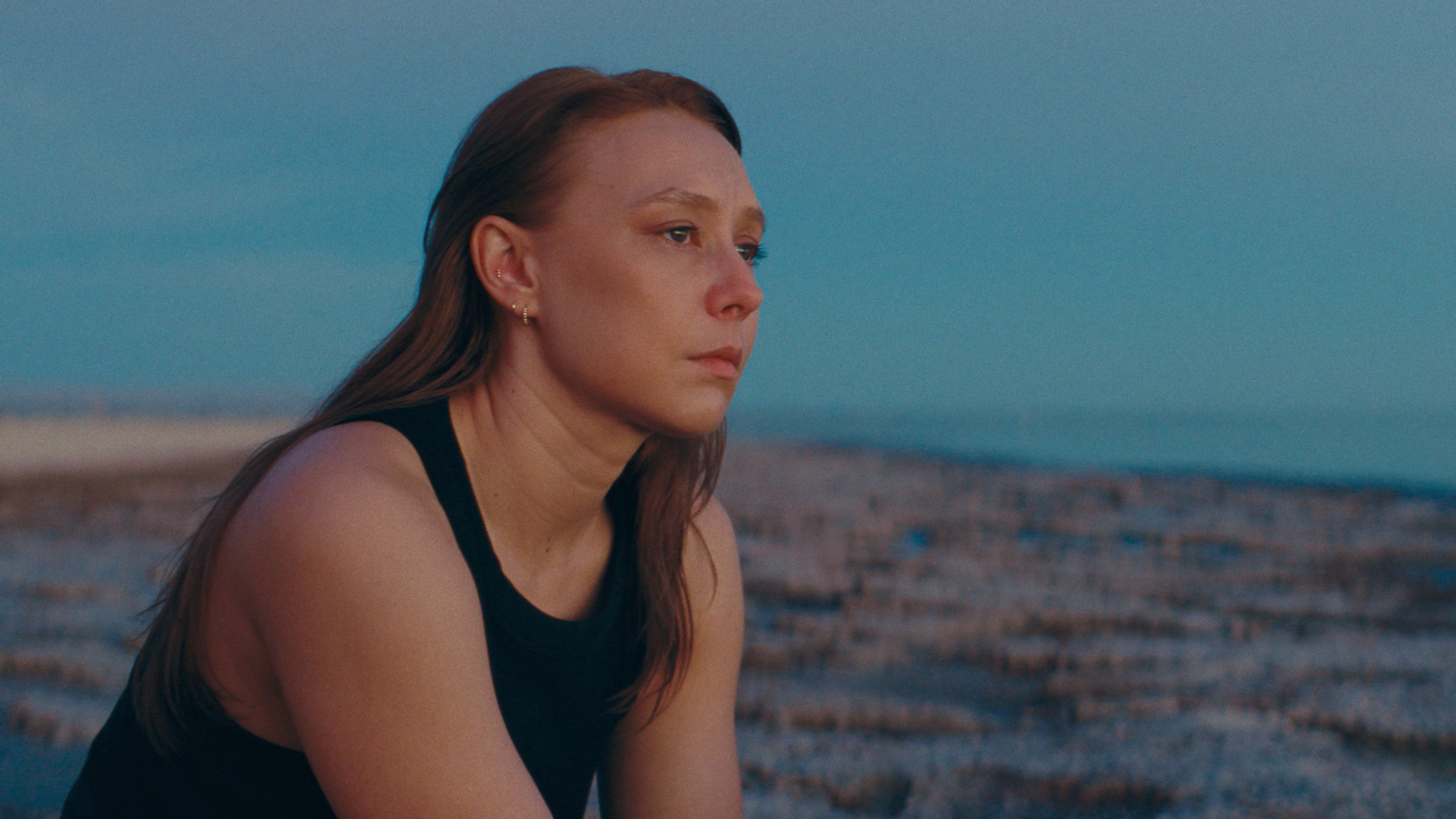
![Fencing practice in a room with giant windows]()
Arri Alexa LogC3 footage
-
![Woman standing in the shade]()
Panasonic V-Log footage
-
![Lisbon archway and square]()
iPhone Apple Log footage
-
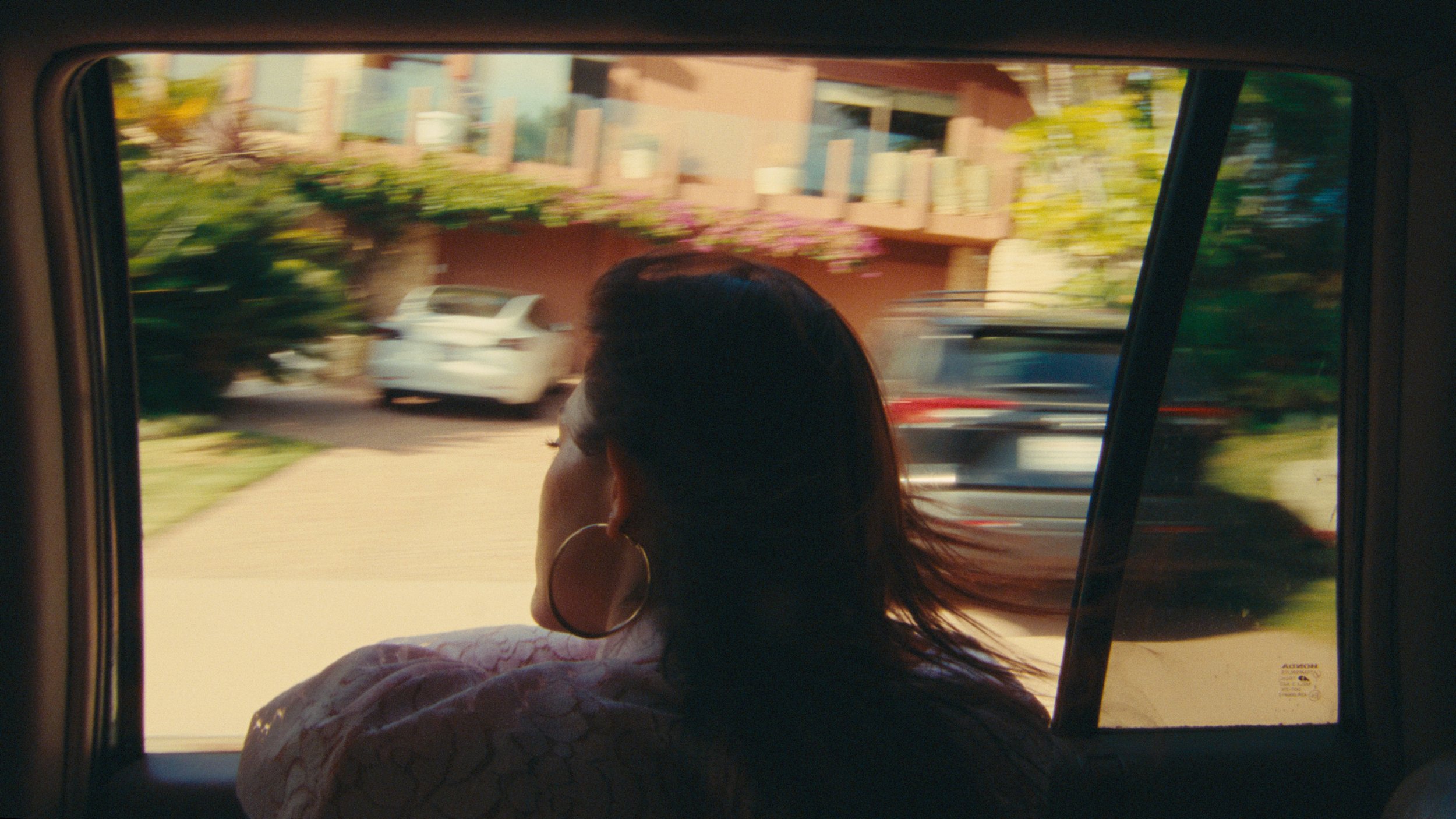
![Woman in car with hair blowing in the wind color graded with 35mm film look]()
RED Log3G10 footage courtesy of Will Bonnell
-
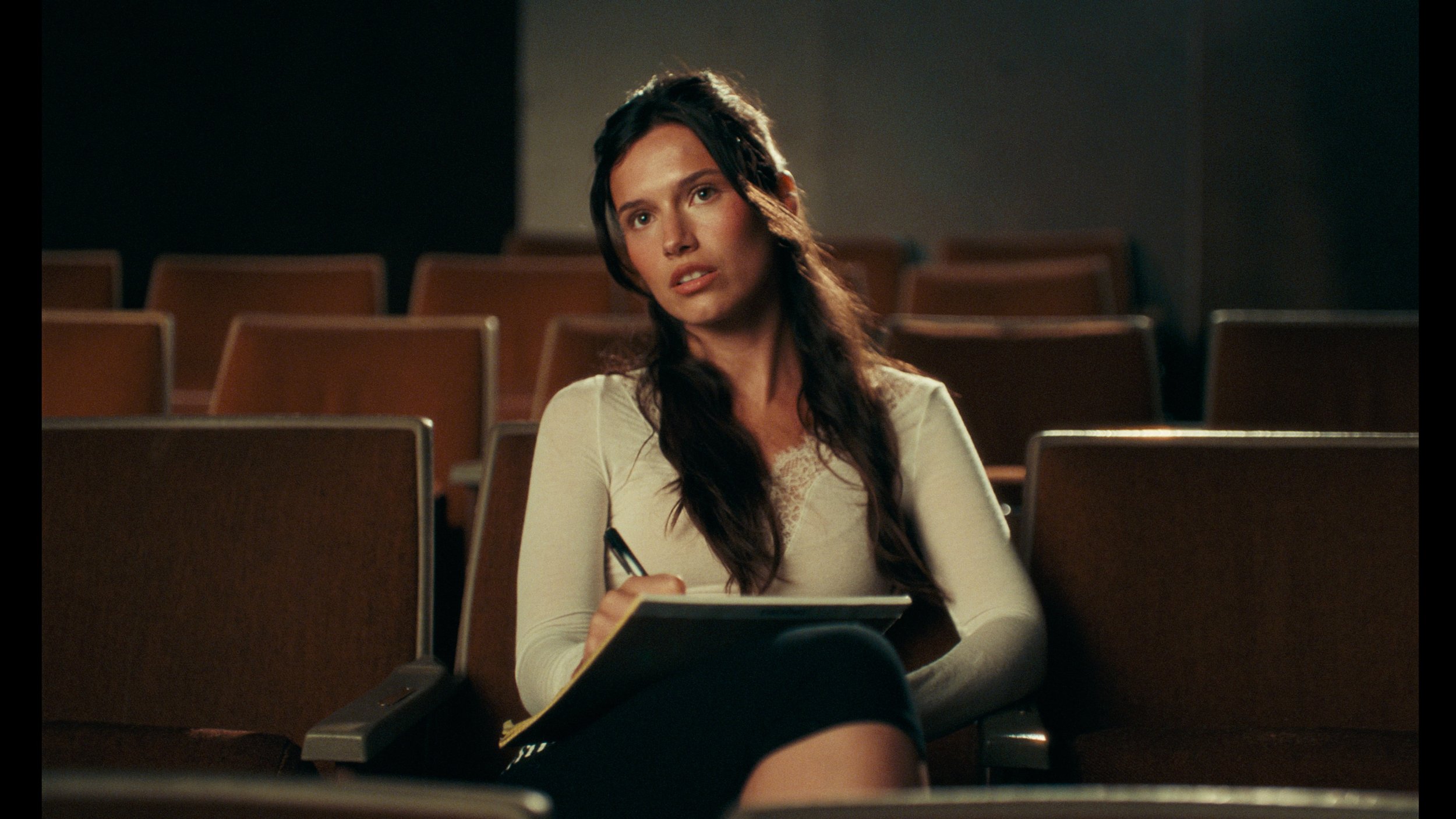
![Woman sitting in an empty theater with warm lighting and vintage film emulation color grade]()
Arri Alexa 35 LogC4 footage
-
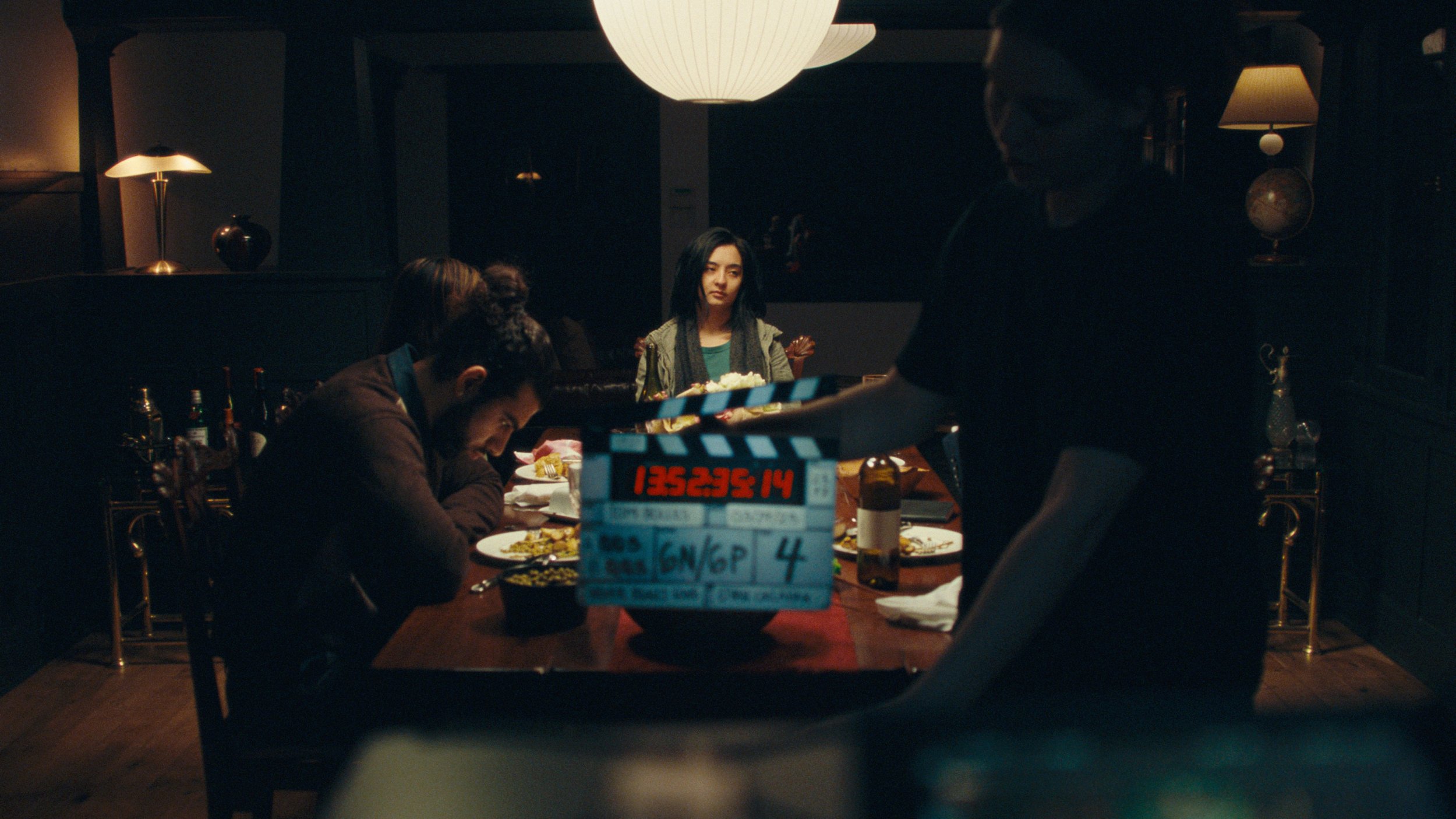
![Movie set moody dinner table scene]()
Arri Alexa LogC3 footage
-
![Man in blue shirt sitting in chair, warm cinematic film color grade]()
Arri Alexa 35 LogC4 footage
-
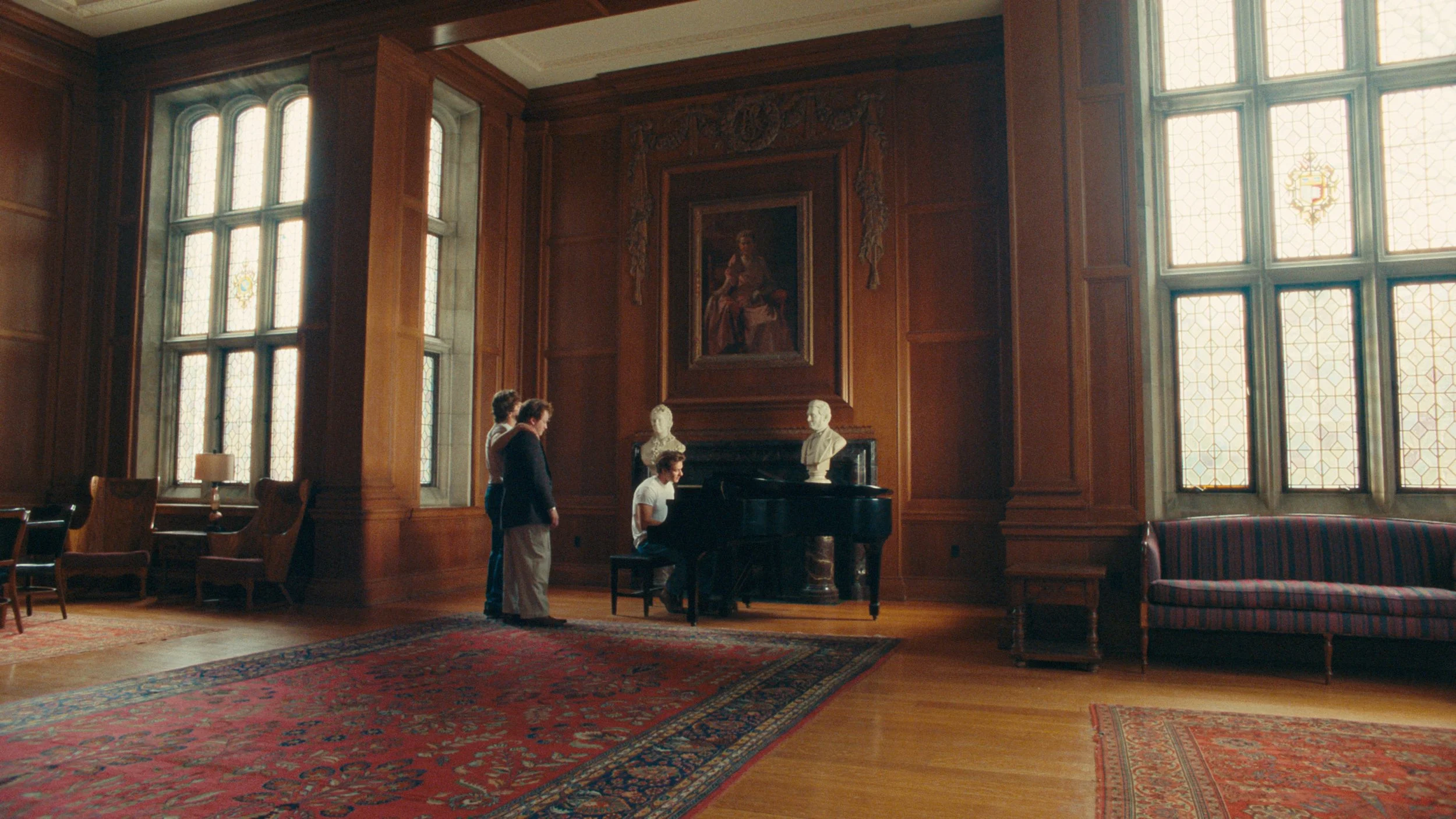
![Large ballroom with piano]()
Arri Alexa LogC3 footage
-
![Man, woman, and son watch a ship at the harbor, colored like 35mm Kodak film]()
iPhone Apple Log footage
-
![Blonde woman in swimsuit on the beach]()
Blackmagic Raw Gen 5 footage
-
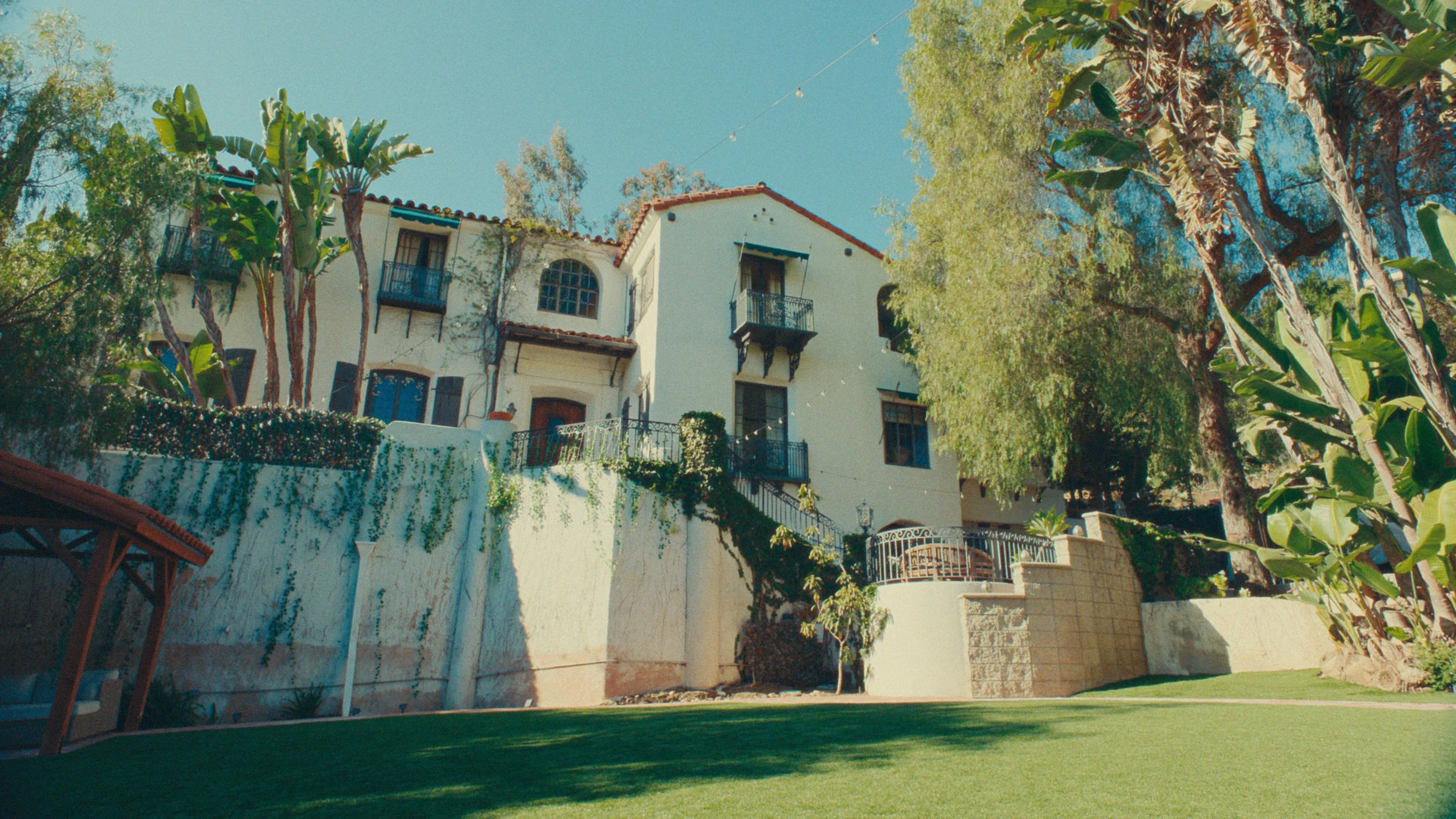
![Spanish style house in the hollywood hills, vibrant film colors]()
Arri Alexa 35 LogC4 footage
-
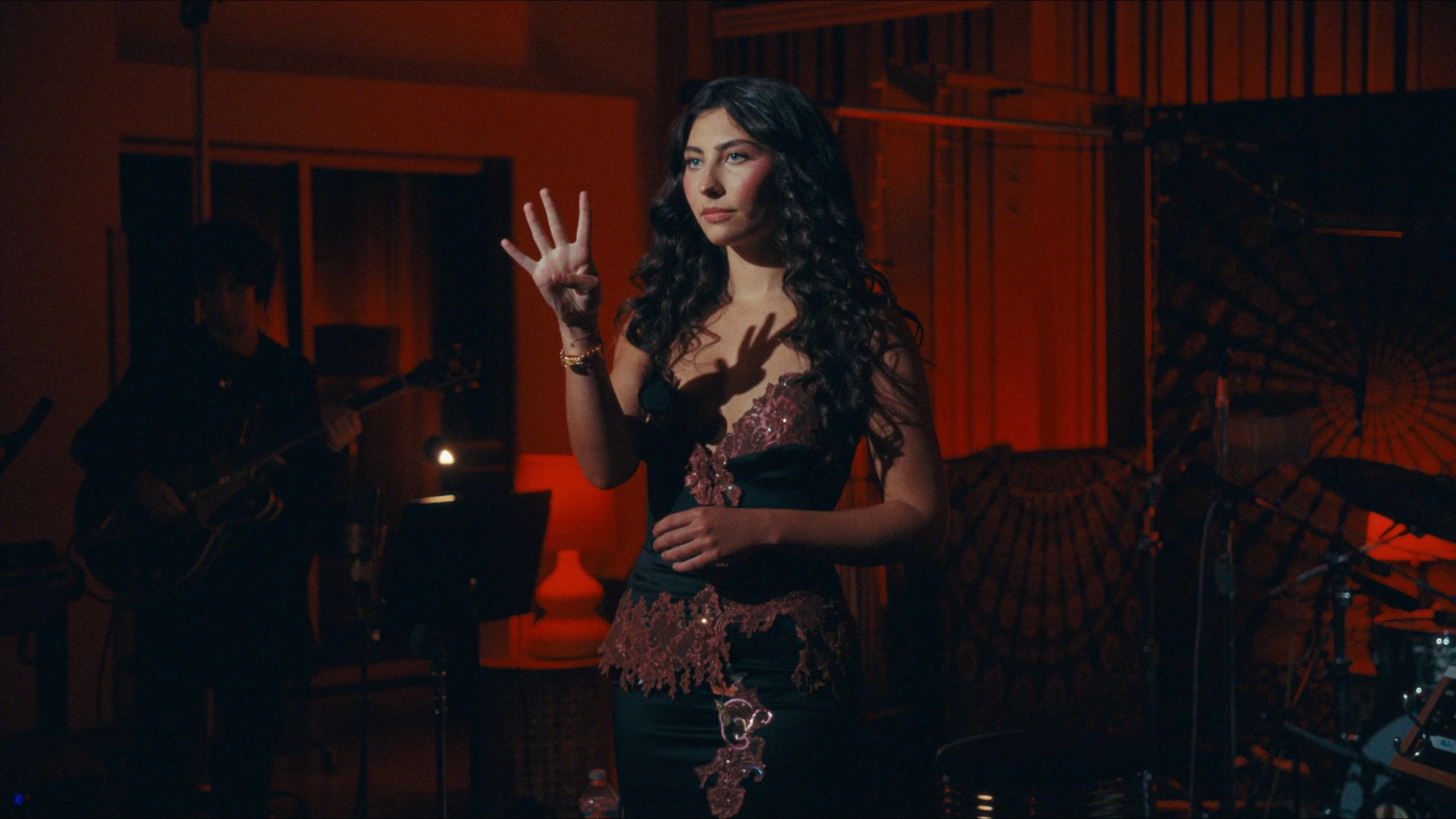
![Woman in music recording studio with red light]()
Arri Alexa LogC3 footage
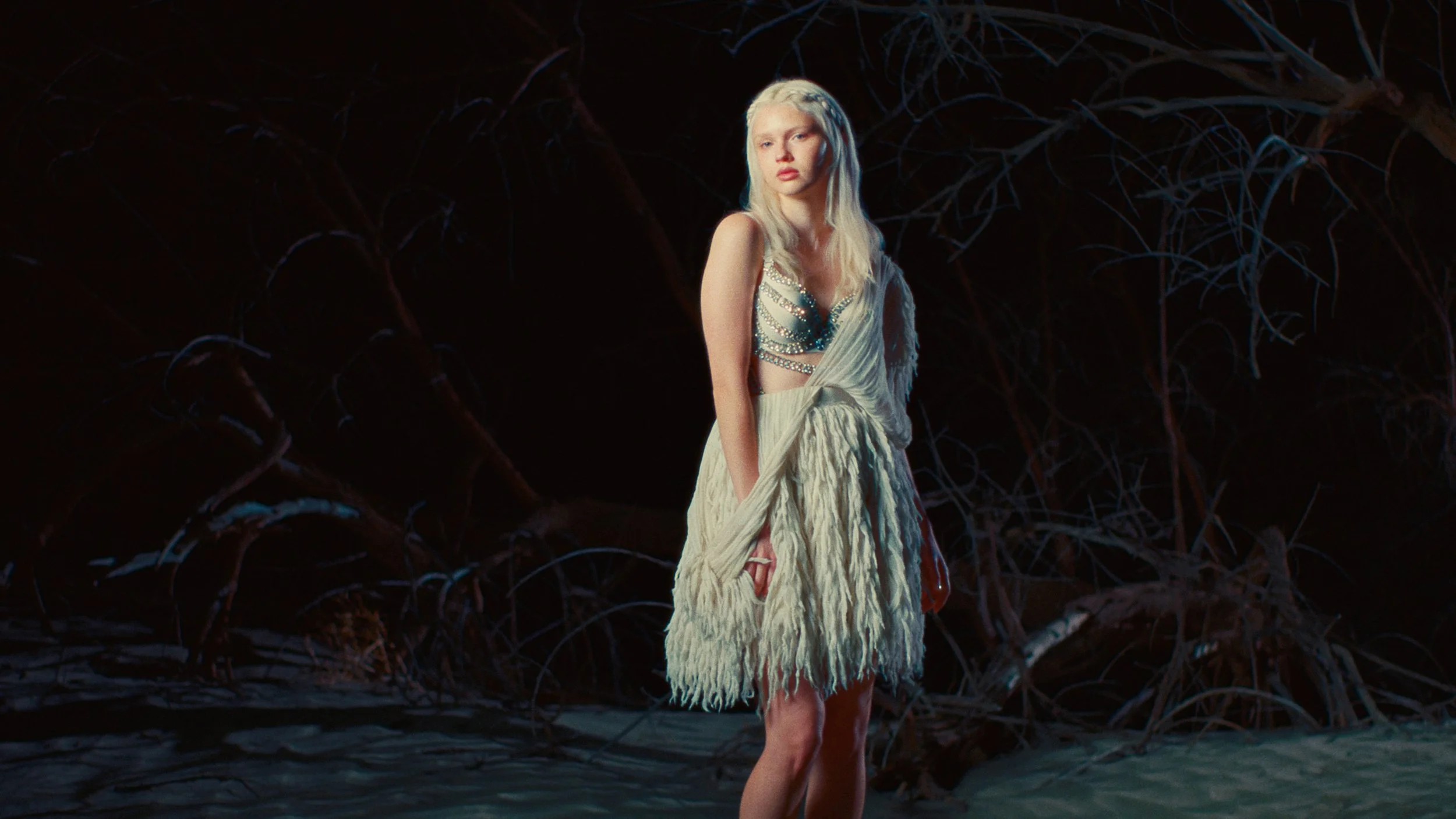
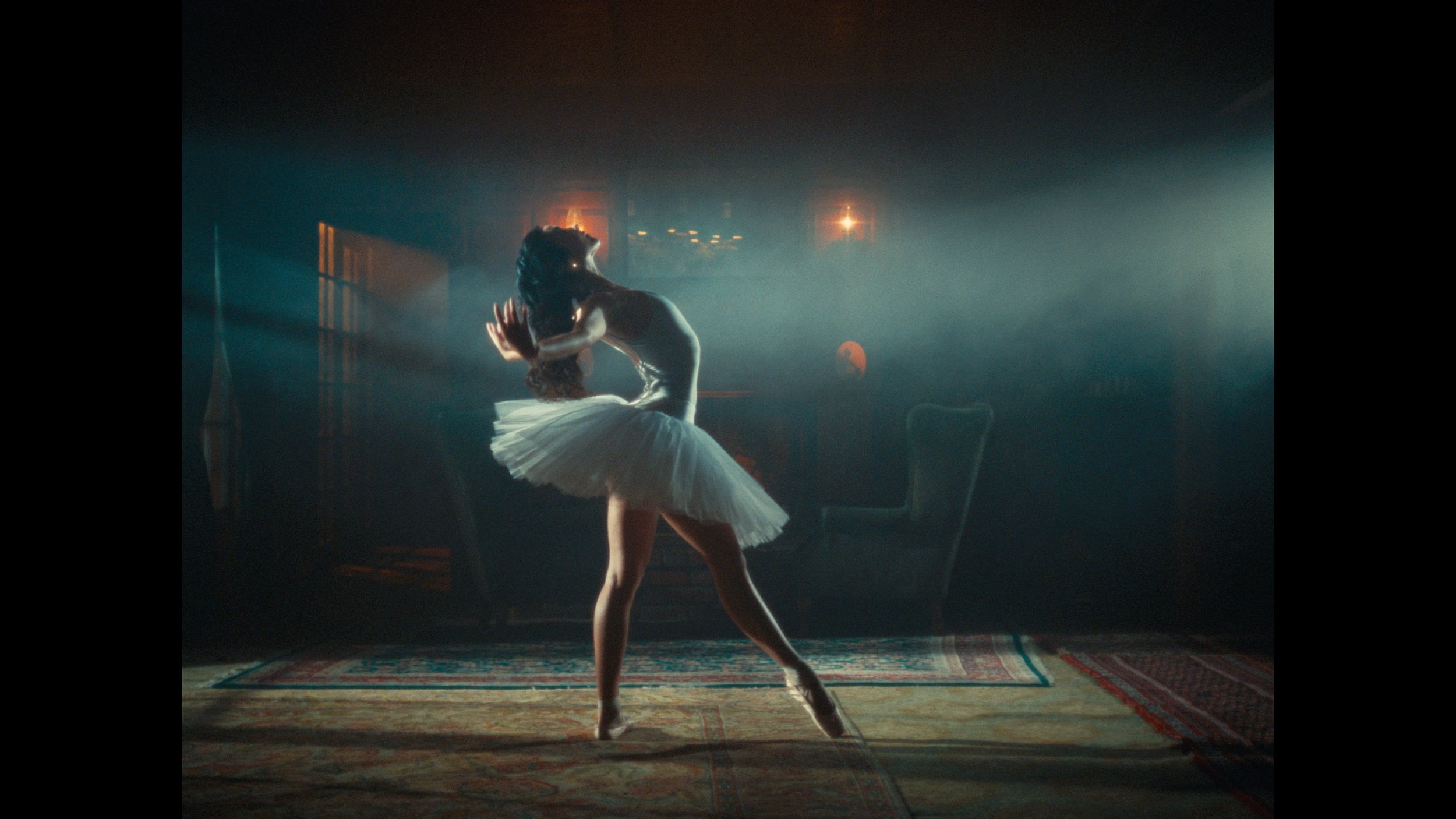







CinePrint Studio 250D
Photometrically profiled from Kodak Vision3 250D 5207 film stock
This stock strikes the balance of light sensitivity vs grain texture for shooting daylight scenes. Compensating for the white balance difference, it is a very high dynamic range stock that matches closely with 500T, but with slight differences in its tone curves. CinePrint Studio 250D has significant improvements in quality and accuracy of skin tones & high saturation colors compared to CinePrint35.
-
![Tourists at the Coliseum in Rome]()
iPhone Apple Log footage
-
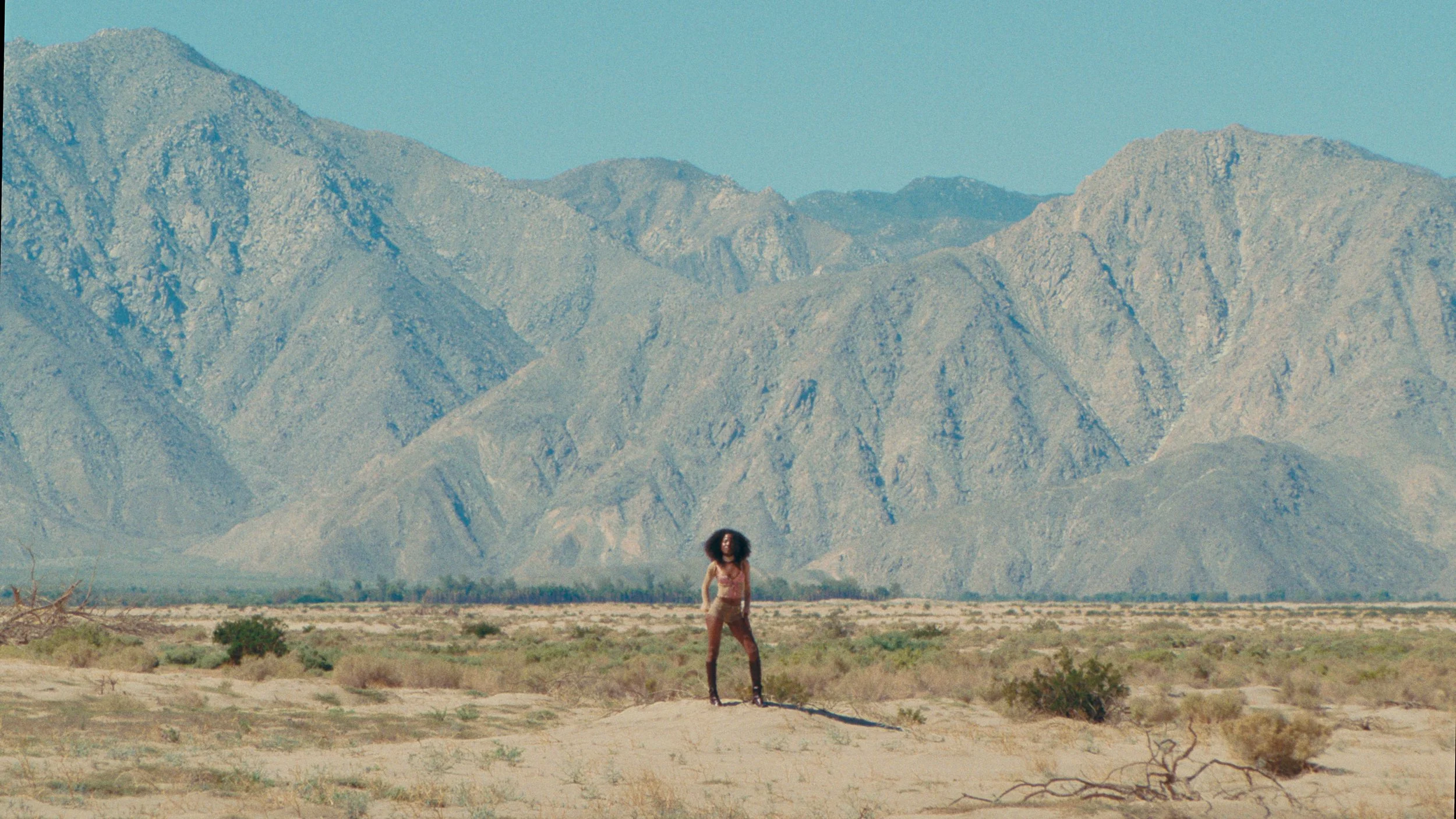
![Fashion model posing in front of mountains]()
Arri Alexa LogC3 footage
-
![Woman in white dress sitting by window with soft cinematic light color graded with kodak print film 2383 LUT]()
Blackmagic Raw Gen 5 footage
-
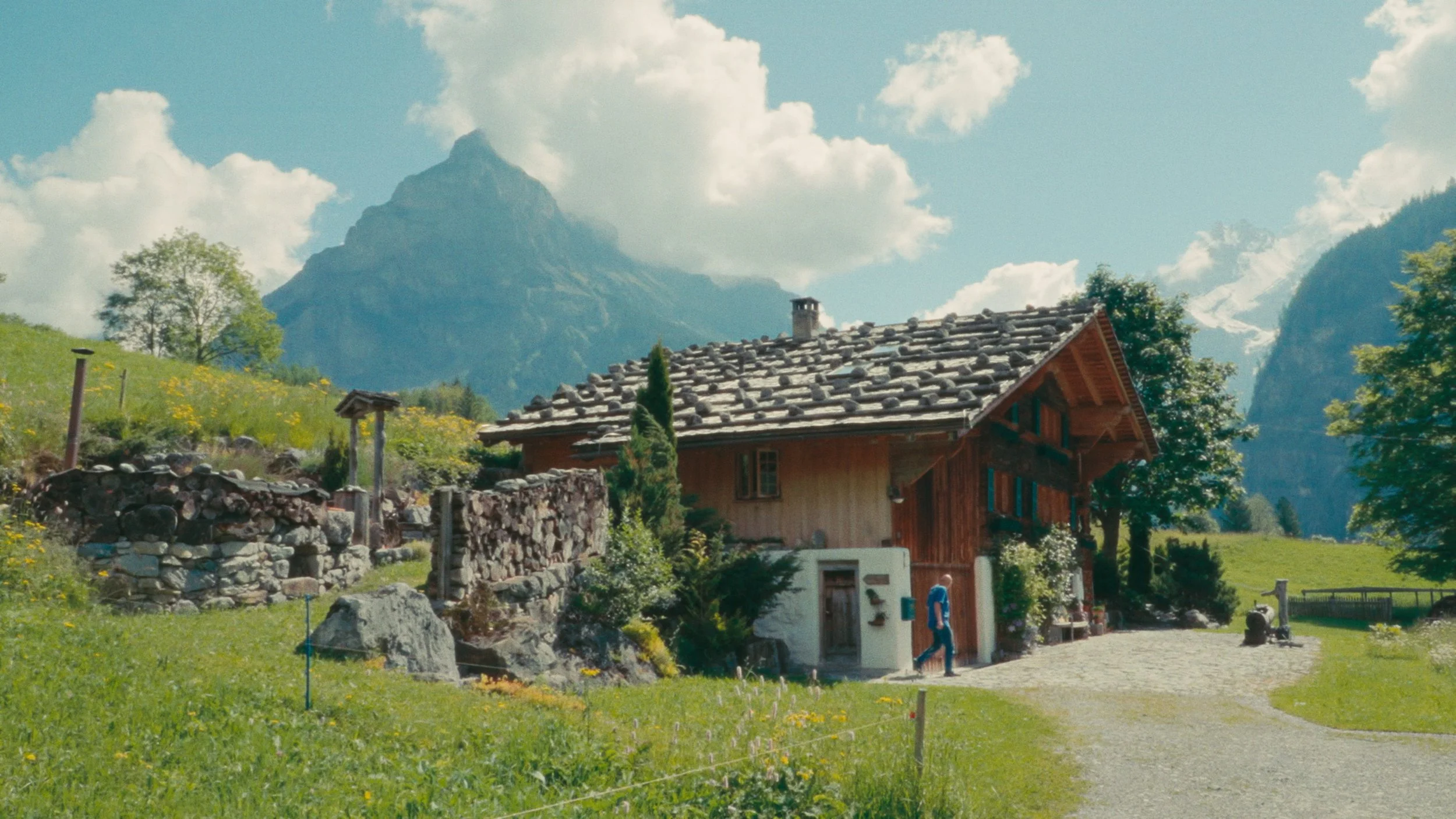
![Swiss alps family bed and breakfast inn]()
Sony S-Log3 footage
-
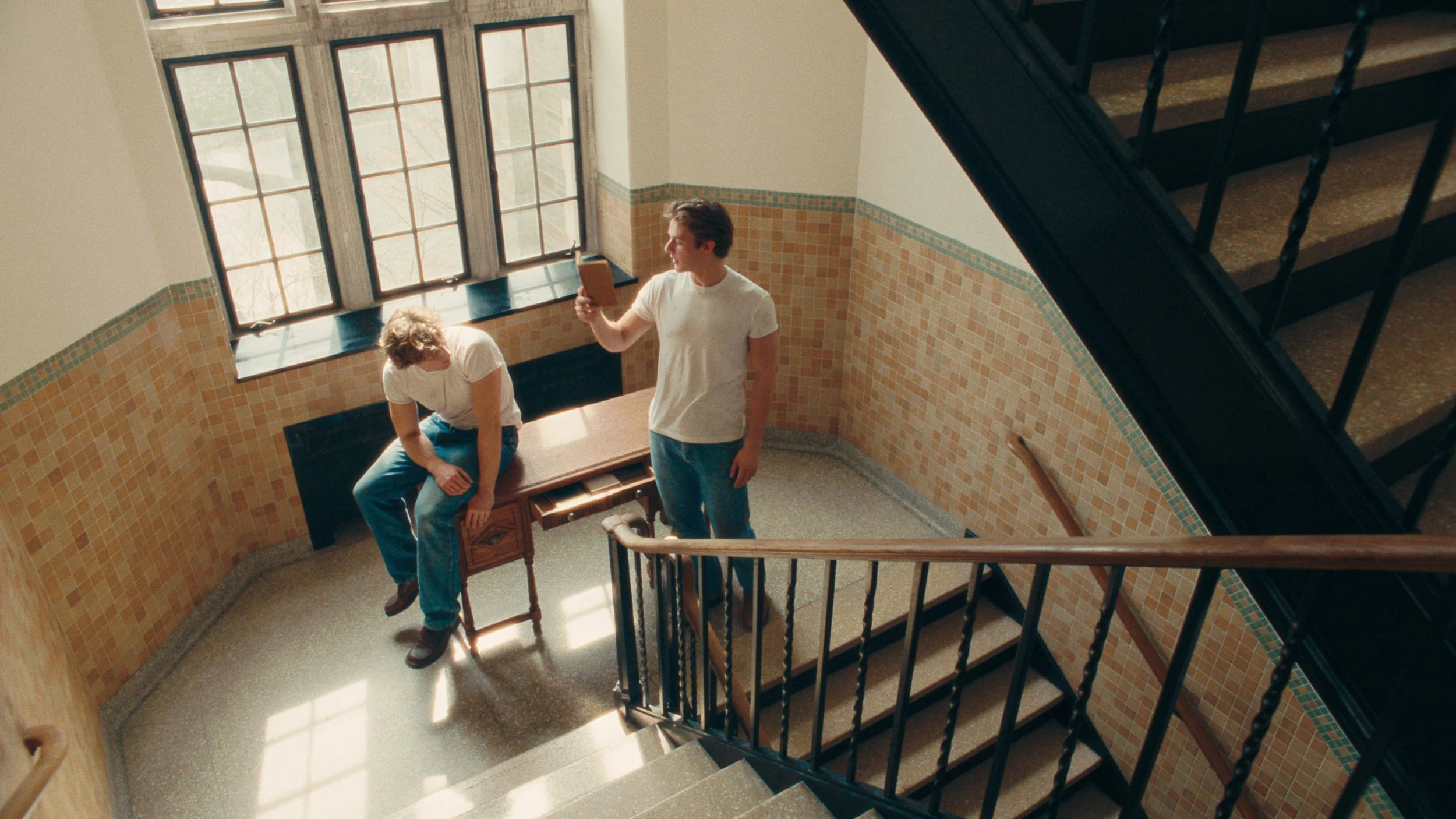
![Vintage old 70s school stairwell]()
Arri Alexa LogC3 footage
-
![Man smiling in front of window]()
Sony S-Log3 footage
-
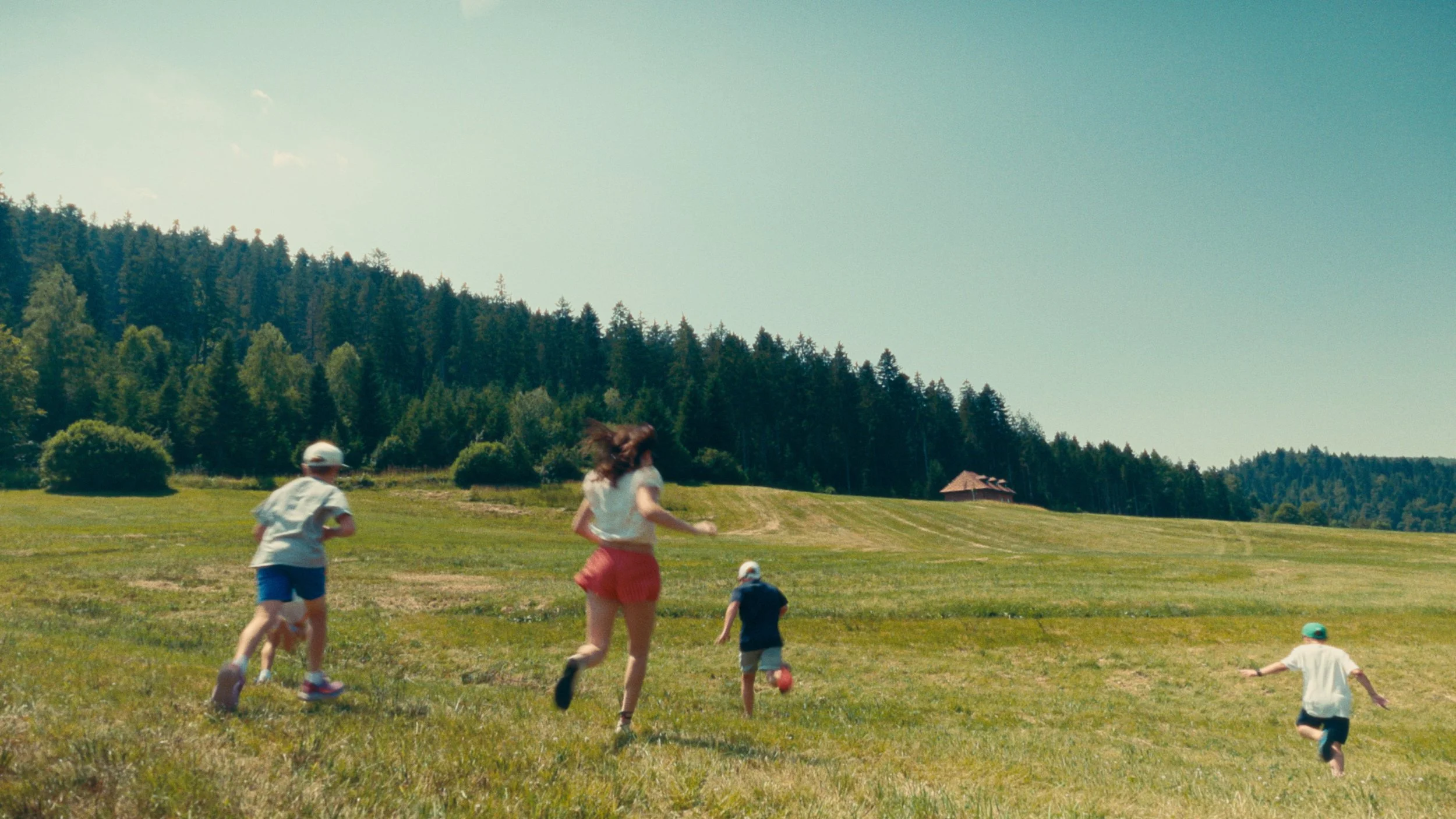
![Children running in green meadows under a clear blue sky, professional 35mm film stock color grade]()
Canon Log footage courtesy of Elise Schatz
-
![Woman running towards ocean at tropical beach]()
Blackmagic Raw Gen 5 footage
-
![Princess with cinematic spotlight in front of floral background]()
Blackmagic Raw Gen 5 footage
-
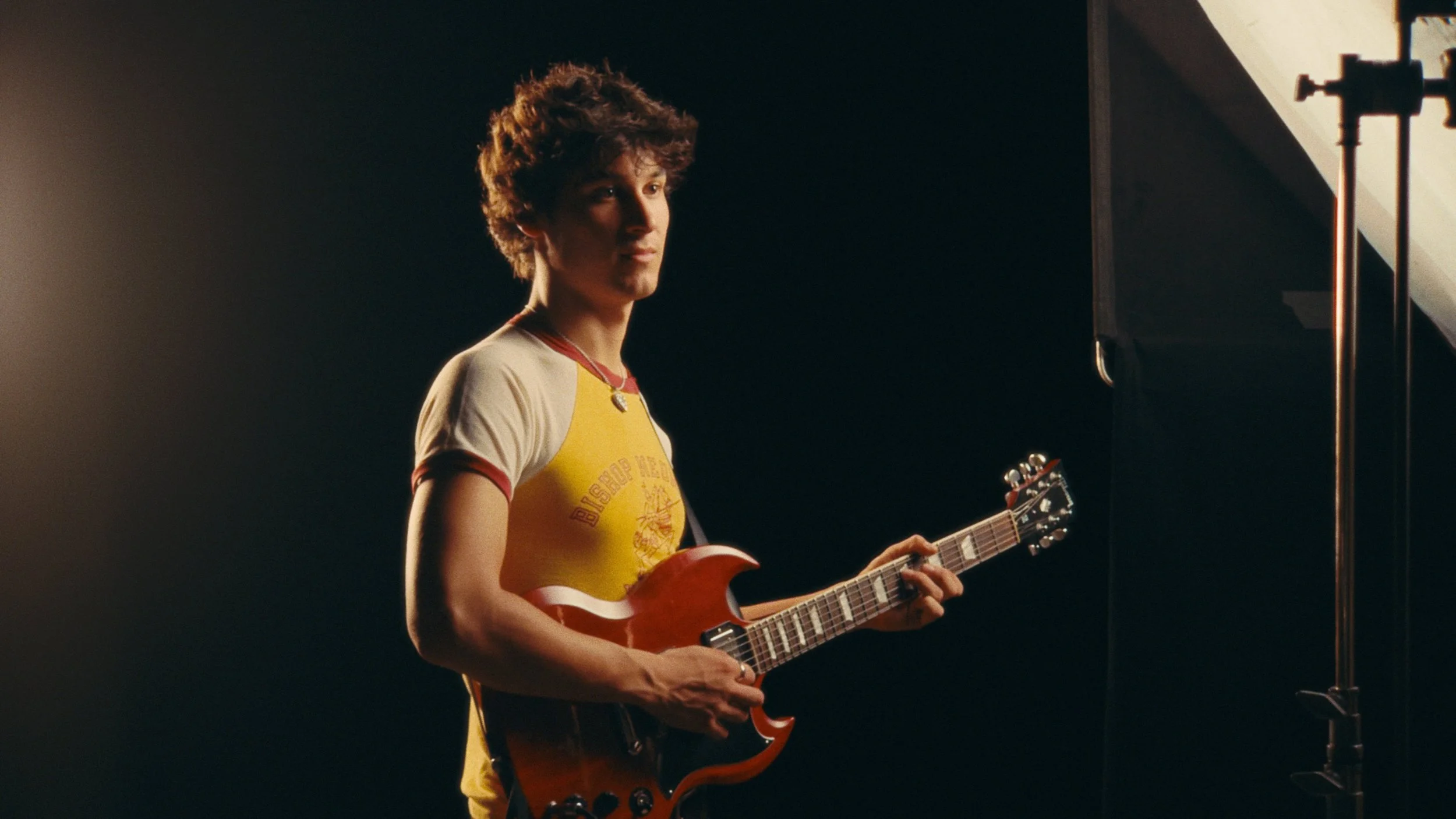
![Man playing red guitar in cinematic lighting]()
Blackmagic Raw Gen 5 footage
-
![Woman in the gym training]()
Arri Alexa LogC3 footage
-
![Man and women smiling and having fun in sunny desert colored with warm kodak film look]()
RED Log3G10 footage courtesy of Will Bonnell
-
![Woman standing in front of mountain]()
Arri Alexa LogC3 footage
-
![Woman watching sunset at the beach]()
Arri Alexa LogC3 footage







The Node Tree
Compared to the node tree of CinePrint35, the node tree in CinePrint Studio has been consolidated & streamlined into compound nodes for cleaner organization and simplicity.
There is still a lot going on under the hood, so users wanting to go in-depth can still decompose the compound nodes and customize the individual parameters of the node tree to suit their workflow
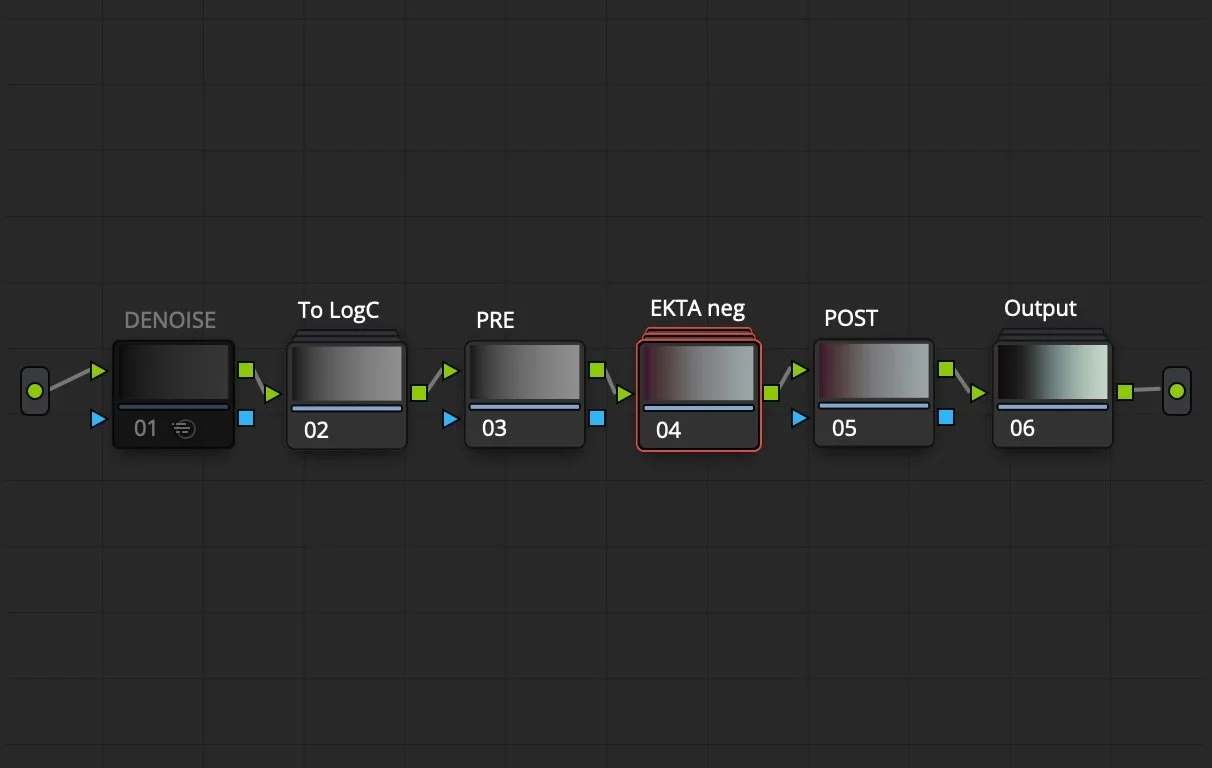
Image Pipeline breakdown:
TO LOGC: All cameras are matched to the color response of an Arri Alexa
PRE: Initial color corrections in camera / scene space can be made prior to the film negative being applied
The film emulation is applied. Each emulation consists of parameters designed to match the original 35mm film scan.
Adjustments include: RGB matrices for matching primaries, overall Luma curve match, per channel RGB tone curve mapping, edge saturation mapping, and hue angle & density mapping
POST: Now that the film stock is fully applied, color grading done here is similar to working with an actual film scan.
OUTPUT: The image is output for display either as a positive print film look, or as gamma corrected telecine.
Better color science, Better film Emulation
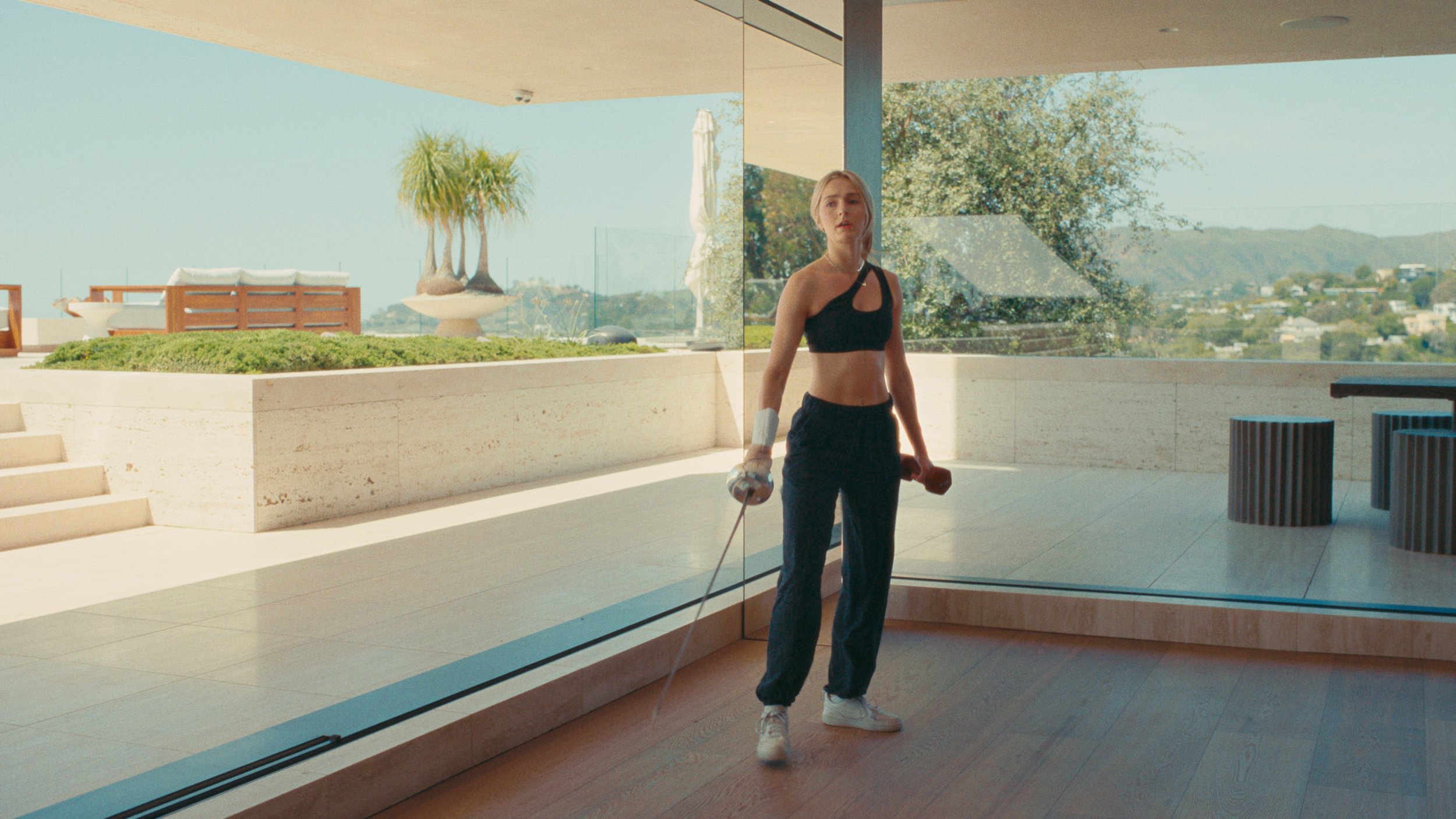
It is common for colorists to use Davinci Resolve’s built-in 2383 print film emulation LUT on log footage from digital cameras in order to incorporate the filmic color response of Kodak’s 2383 print film. However, the 2383 PFE LUT expects a film scan input, so unless the digital footage is graded to precisely match the color response of a real film scan, the 2383 print LUT will produce less desirable results, falling short of a true film look.
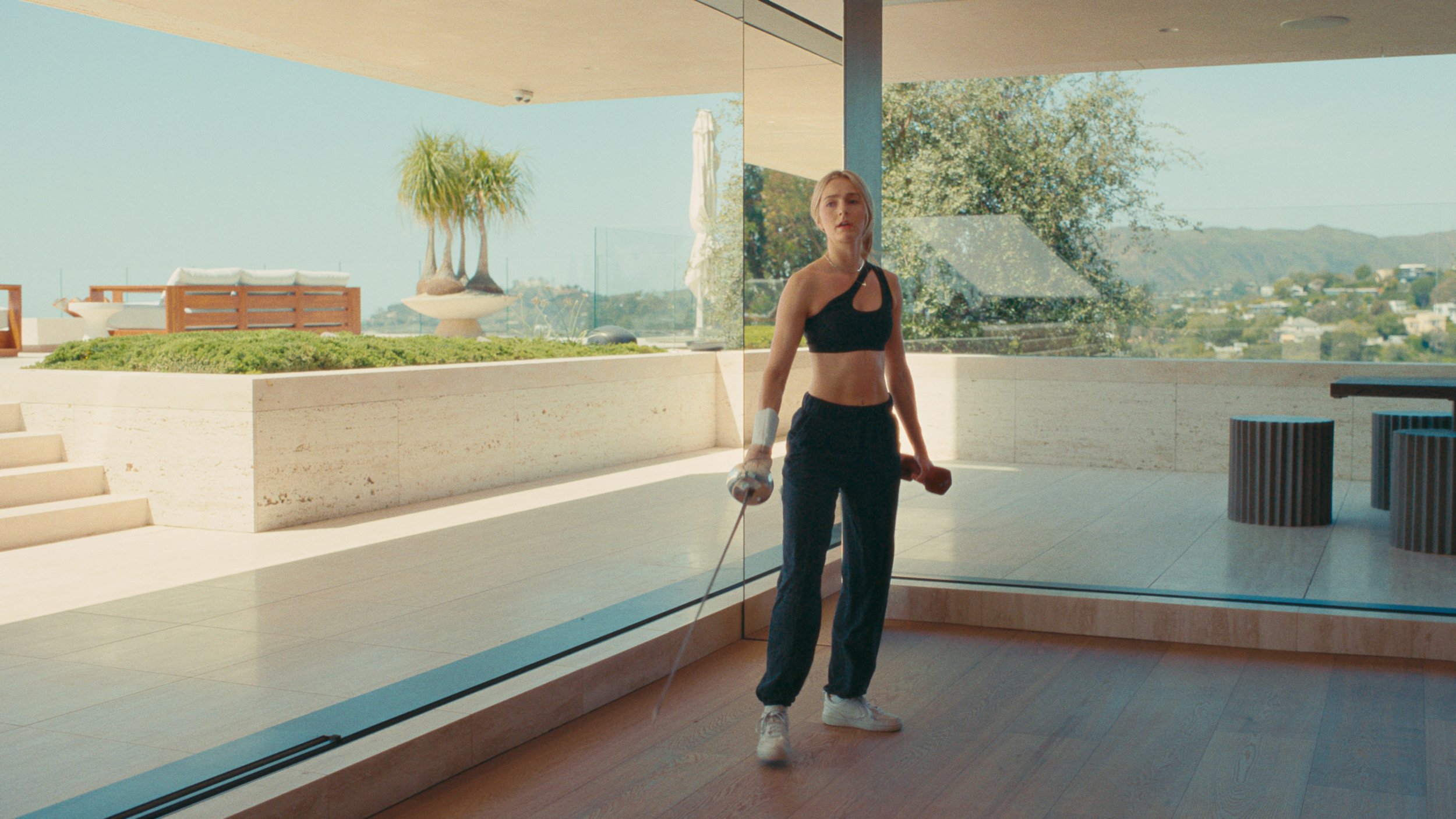
Arri Alexa LogC3 footage → CinePrint Studio 250D film emulation

Arri Alexa LogC3 footage → Kodak 2383 print film emulation LUT
Notice how in the first image the greens are less lively, the skin tones feel plastic, and the highlight roll-off is not as smooth. Meanwhile, the second image yields a more accurate and pleasing result because the footage is prepared to look like a real film scan before being output to the 2383 print LUT.
CinePrint Studio elevates digital footage to a highly accurate film look by recreating the density, saturation, and color response of real cineon log film scans before outputting to a print LUT.

Arri Alexa LogC3 footage → Davinci Resolve Film Look Creator (35mm “Cinematic” film stock)
Arri Alexa LogC3 footage → CinePrint Studio 250D film emulation
Davinci added their own Film Look Creator OFX in a recent update. There are certainly some nice textural & geometric features within, but unfortunately the actual color science is not accurate to any real world film stocks. Film Look Creator does not emulate a real film negative the way CinePrint Studio does. The five built-in “film stocks” in Film Look Creator suffer from a similar issue as using the Kodak 2383 LUT by itself—while they may replicate singular aspects of a film system, they are not accounting for the complex interplay & synergy between components like the negative and the print.
Notice how the skin tones from Film Look Creator do not feel as full, whereas the skin tones from CinePrint Studio are more naturalistic with more life to them.

Arri Alexa LogC3 footage → Davinci Resolve Film Look Creator (35mm “Cinematic” film stock)

Arri Alexa LogC3 footage → CinePrint Studio 250D film emulation
Let’s take a closer look, now with a different camera:
Panasonic GH5 V-Log footage → Rec.709
Panasonic GH5 V-Log footage → Kodak 2383 print film emulation LUT
Panasonic GH5 V-Log footage → CinePrint Studio 250D film emulation
Accurately emulating the film negative is what really brings the print alive. There is far more vitality and richness to the skin tones, no more clinical digital feel.
Outside of print looks, there are other ways to process a film negative. CinePrint Studio comes with simple curve output options that give you a look similar to a telecine, or a manually graded negative scan:
Panasonic GH5 V-Log footage → CinePrint Studio EXR M (gamma corrected negative) film emulation

Arri Alexa LogC3 footage → CinePrint Studio EXR M (gamma corrected negative) film emulation
What about Davinci’s built in Film Look Creator?
Frequently Asked Questions
-
The PowerGrades are native to Davinci Resolve. They are .drx files that will load a pre-saved node tree into your Davinci project.
If you are using software other than Davinci Resolve, you should get the LUT version of CinePrint Studio
-
The film emulation LUTs are compatible with all filmmaking software that supports the standard .cube LUT format like Adobe Premiere, Final Cut Pro X, Adobe After Effects, Avid Media Composer, Davinci Resolve, Sony Vegas, Blender, Cinema 4D, The Foundry Nuke, Autodesk Flame, and more.
-
Yes, you can use the PowerGrades in the free version of Davinci Resolve.
However, the Grain effect is limited to the Studio version, so you will need to disable the Grain node and use another solution for grain like overlays.
-
If you use software other than Davinci Resolve, you should get the LUTs
If you use Davinci Resolve and need HDR deliverables or color managed workflows, get the Color Managed PowerGrades
If you use Davinci Resolve and only need standard Rec.709 delivery, get the YRGB PowerGrades
If you use multiple softwares and want maximum flexibility and compatibility, get CinePrint Studio Complete (All PowerGrades + LUTs)
-
The YRGB PowerGrades are designed specifically for the Rec.709 Gamma 2.4 standard. If you do not need HDR, the YRGB PowerGrades are recommended. They are best suitable for typical deliverables & platforms like YouTube, Vimeo, Social Media, Broadcast, and the vast majority of viewing applications.
The Color Managed PowerGrades support HDR formats, and working in a color managed project, meaning Input Device Transforms and Display Rendering Transforms are applied internally by Davinci instead of manually implemented by the user.
-
The PowerGrades and the LUTs have been designed and custom tuned to support the following cameras:
ARRI LogC3 cameras
ARRI LogC4 cameras
iPhone Apple Log
iPhone Apple Log 2
Sony S-Log3 cameras
Blackmagic Design Film Gen5 cameras
RED IPP2 Log3G10 cameras
Fuji F-Log cameras
Fuji F-Log2 cameras
Fuji F-Log2C cameras
Nikon N-Log cameras
Canon C-Log cameras
Canon C-Log 2 cameras
Canon C-Log 3 cameras
Panasonic V-Log cameras
DJI D-Log cameras
Rec.709, non-log footage
Cameras not listed above are supported in the PowerGrade versions by the ‘OTHER CAMERA’ preset using Resolve’s Color Space Transform OFX.
Examples include: Sony S-Log2 with Sony S-Gamut and legacy Blackmagic color science
-
CinePrint Studio comes with 12 main looks that were made from scans of 4 unique film stocks
The film stocks profiled were:
Kodak Ektachrome 100D 5294 35mm
Kodak EXR 500T 5298 35mm
Kodak Vision3 500T 5219 35mm
Kodak Vision3 250D 5207 35mm
The 12 main looks are:
Print Looks
CinePrint Studio 250D Print
CinePrint Studio 500T Print
CinePrint Studio EXR Print
CinePrint Studio EXR Alt Print
CinePrint Studio EKTA Print
CinePrint Studio EKTA Alt Print
Manually corrected negative looks
CinePrint Studio 250D M
CinePrint Studio 500T M
CinePrint Studio EXR M
CinePrint Studio EXR Alt M
CinePrint Studio EKTA M
CinePrint Studio EKTA Alt M
-
CinePrint Studio is a newer film emulation solution with improved color science, plus the addition of two new film stocks that were not available in CinePrint35 (Ektachrome and EXR film stocks).
CinePrint Studio is designed for Davinci Wide Gamut / Intermediate, and has support for HDR workflows, whereas CinePrint35 is designed for Rec.709 display-referred grading only.
True Photochemical Film Emulation
UnlOCK GREATER DEPTH AND COLOR
CREATE TIMELESS VISUALS
AND TELL YOUR STORY
With CinePrint Studio
Need more film stocks?
Check out the Fuji Eterna Vivid 160T 35mm film emulation included in CinePrint35:

CinePrint35 is a collection of film emulation PowerGrades for Davinci Resolve.
Achieve realistic 16mm and 35mm film looks using the fully customizable node trees.
The digital download comes with 500T, 250D, and 160T film emulations for 14+ supported cameras & log profiles, plus On Set Monitoring LUTs, and an in-depth User Guide pdf.
Supported cameras/log profiles include:
ARRI LogC3 cameras
Apple Log (iPhone)
Sony S-Log3 cameras
Blackmagic Design Film Gen5 cameras
RED IPP2 Log3G10 cameras
RED IPP2 Log3G10 (Komodo tuned)
Fuji F-Log cameras
Fuji F-Log2 cameras
Canon C-Log, C-Log 2, and C-Log 3 cameras
Panasonic V-Log cameras
DJI D-Log cameras
Rec.709 non-log footage
All other cameras supported with a Color Space Transform OFX
CinePrint Studio Film Emulation
Filters
No results found
No results match your search. Try removing a few filters.